Apps issues: 502 Bad Gateway Erro #
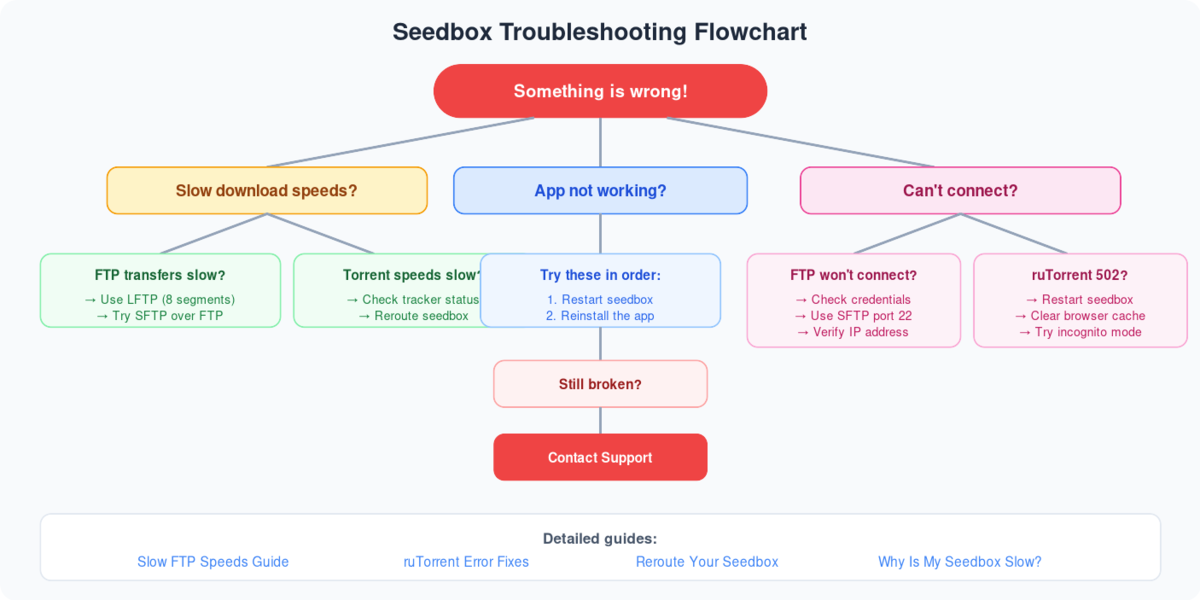
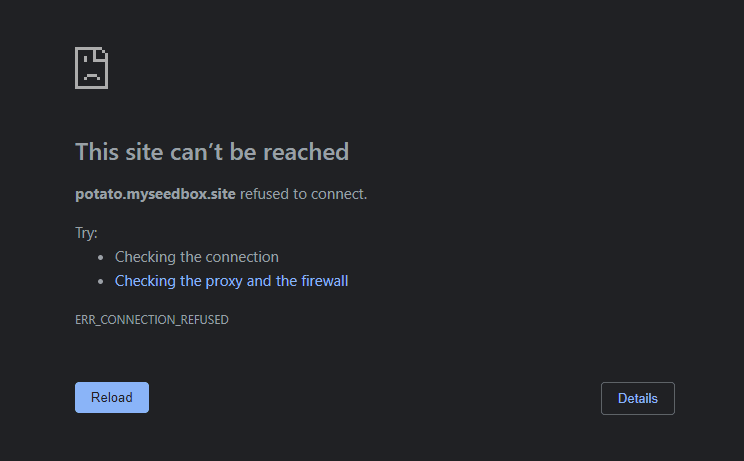
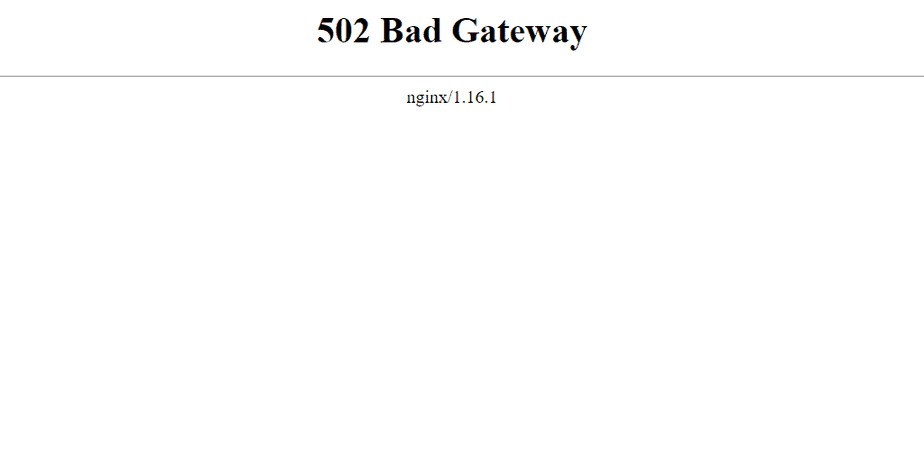
If any of o aplicativos don’t open with “502 Bad Gateway Erro” or “site cannot be reached error” como mostrado in the below screenshots.
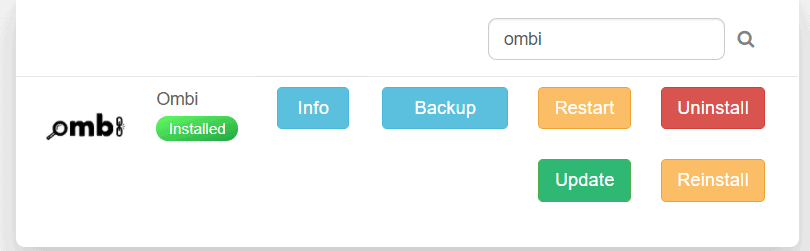
Try reinstalaring o aplicativo with the existing config for a couple of times as depicted in the below picture.
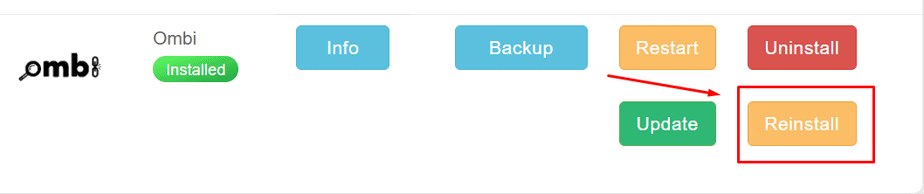
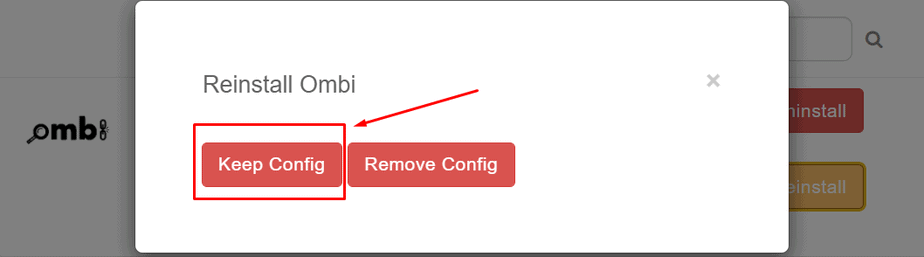
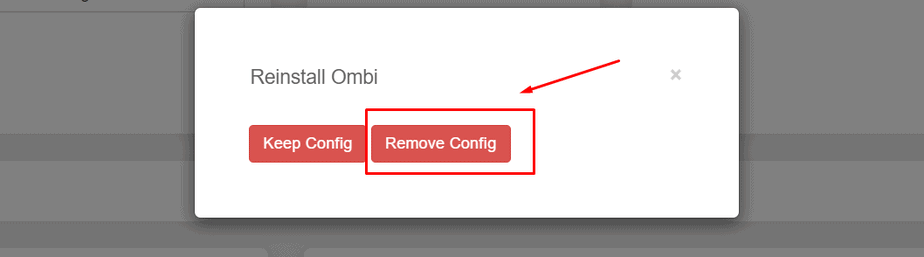
If the issue still persists reinstalar o aplicativo by removing the existing config and install o aplicativo with a new config.
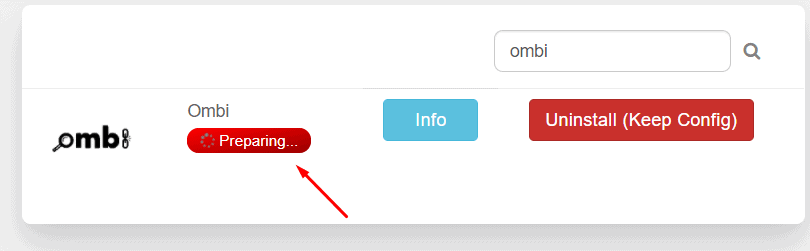
After pressing the keep config / remove config botão você vai see ‘preparing’ status which is where the background process is being done for o aplicativos reinstalar. During this stage do not interrupt or make any changes as it may result in data loss. This stage may sometimes take a longer duration of time to complete, but be patient. Successful completion of this step will resolve almost all o aplicativo issues.
A successful app reinstalaration would look like this.