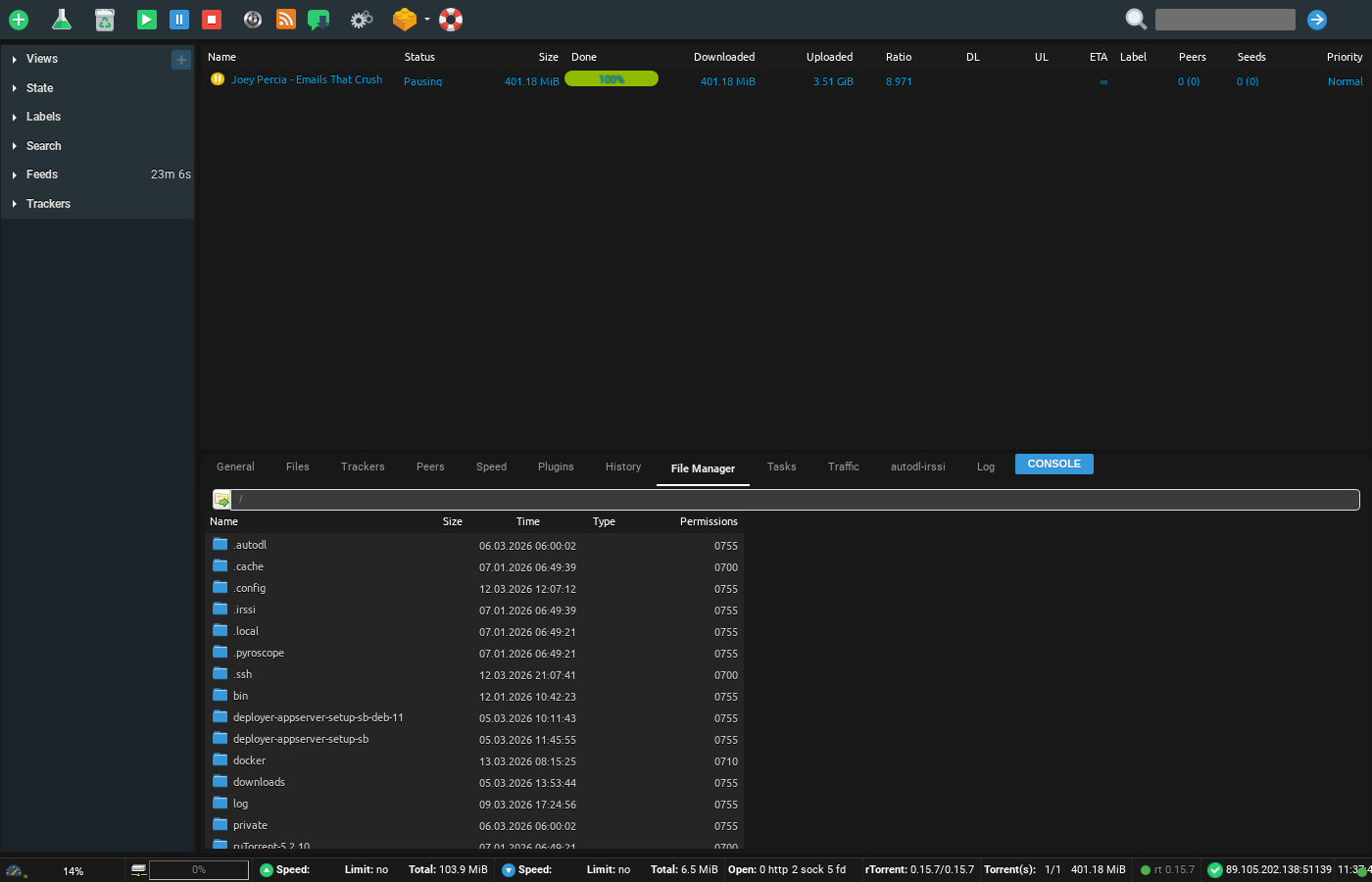
Watch folder is a useful folder in uw seedbox, u kunt drop any torrent file in this folder and het zal load in rutorrent. It is very helpful in situations where tracker file size is more than 2 mb
To access it Open up your FTP tool and login with your inloggegevens , in this example we will use filezilla
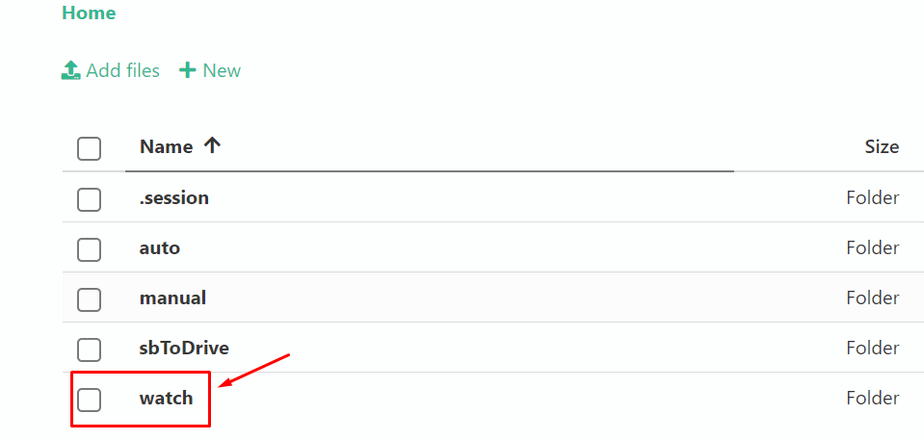
Browse to the watch folder in it as shown in the image below:
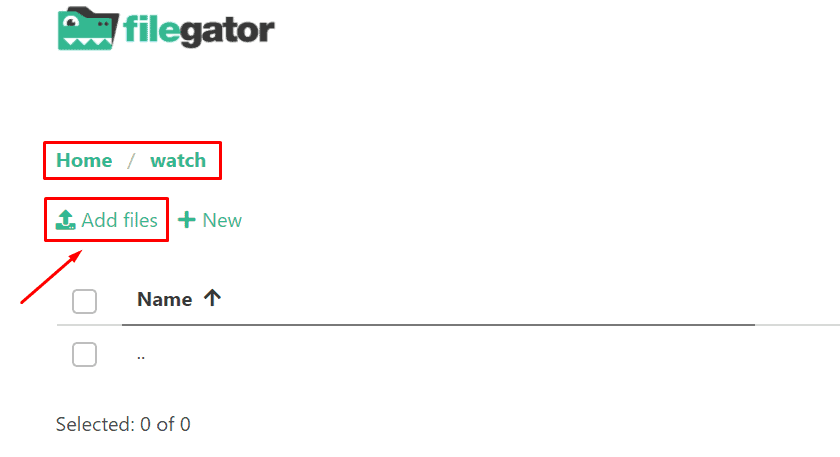
Uploaden your torrent file in the watch directory:
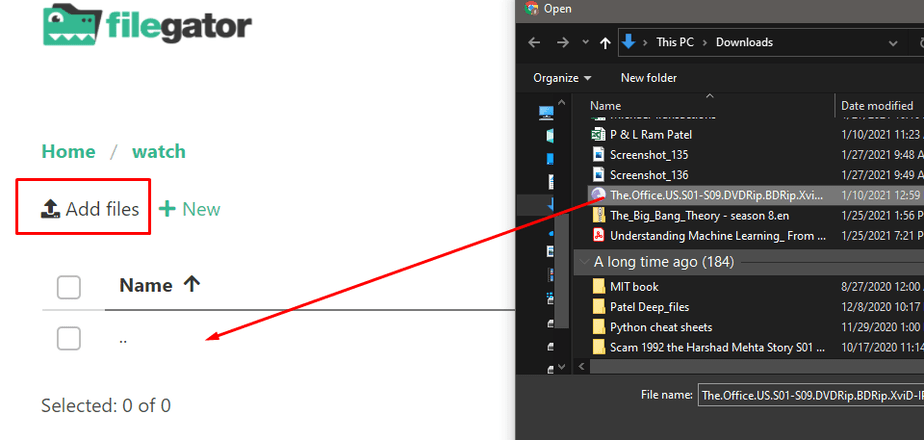
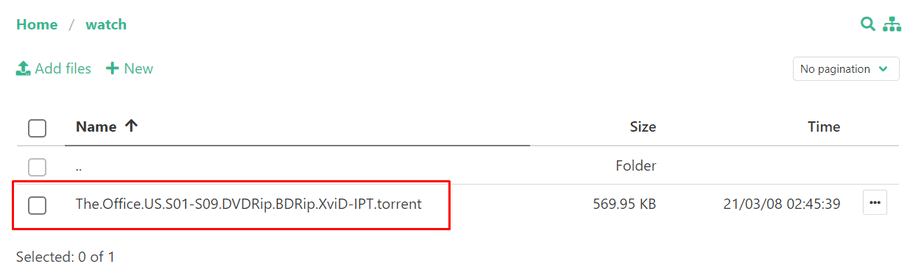
Once done the torrent will automatically load in uw rutorrent.
Using the Watch Folder #
The watch folder is a special directory on uw seedbox. Any .torrent file placed in this folder is automatically loaded into ruTorrent and starts downloading — no manual interaction needed.
Hoe Use It #
- Connect to uw seedbox via FTP/SFTP (using FileZilla or similar)
- Navigate to the watch folder in uw home directory
- Uploaden one or more .torrent files into this folder
- ruTorrent automatically detects and starts downloading them
When the Watch Folder Is Useful #
- Large .torrent files: Torrent files larger than 2 MB may fail to upload through ruTorrent’s webinterface. The watch folder has no such limit.
- Batch adding: Uploaden 50+ .torrent files at once via FTP — much faster than adding them one by one in the browser.
- Automation: Scripts or tools can automatically drop .torrent files into the watch folder.
Tip #
The watch folder checks for new files every few seconds. If a torrent does not appear in ruTorrent within 30 seconds, verify the .torrent file is valid and not corrupted.


