Evoseedbox Evoseedbox Evoseedbox Evoseedbox
  • Nederlands
    • English (Engels)
    • Français (Frans)
    • Deutsch (Duits)
    • 日本語 (Japans)
    • 한국어 (Koreaans)
    • Português (Portugees, Portugal)
    • Español (Spaans)
    • العربية (Arabisch)
    • Русский (Russisch)
    • Türkçe (Turks)
  • Evoseedbox Startpagina
  • Wiki
  • Forum
  • Pricing
Client Area
Categorieën bekijken
  • Home
  • Docs
  • Installing and Instellen van Clarkson

Installing and Instellen van Clarkson

1 min leestijd

"Clarkson is a web-based dashboard application that gives you a neat and clean interface for logging your fuel fill-ups for all of your vehicles. The application has full multi-user support, as well as multiple vehicles per user. Whenever you fill-up your car or motorcycle, keep the receipt and record the data in Clarkson."

Installerenerening And Setting Up Clarkson

After you install Clarkson, navigate naar uw klantengebied and open Clarkson, by clicking the eye.
Installerenerening And Setting Up Clarkson

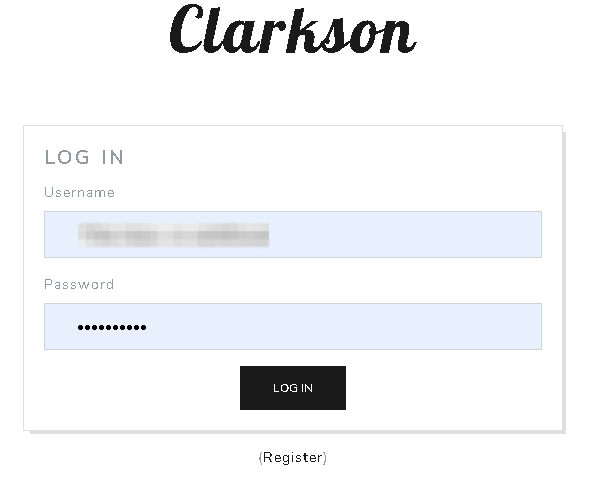
You will be asked for your user name and wachtwoord. Use the log in information van uw EVO klantengebied.

Installerenerening And Setting Up Clarkson

After you are logged in, u zult be greeted by this screen.

Installerenerening And Setting Up Clarkson

Now its time to add your vehicle. Selecteereer vehicles from the top tool bar and u zult see this screen. Click "add vehicle".
Installerenerening And Setting Up Clarkson

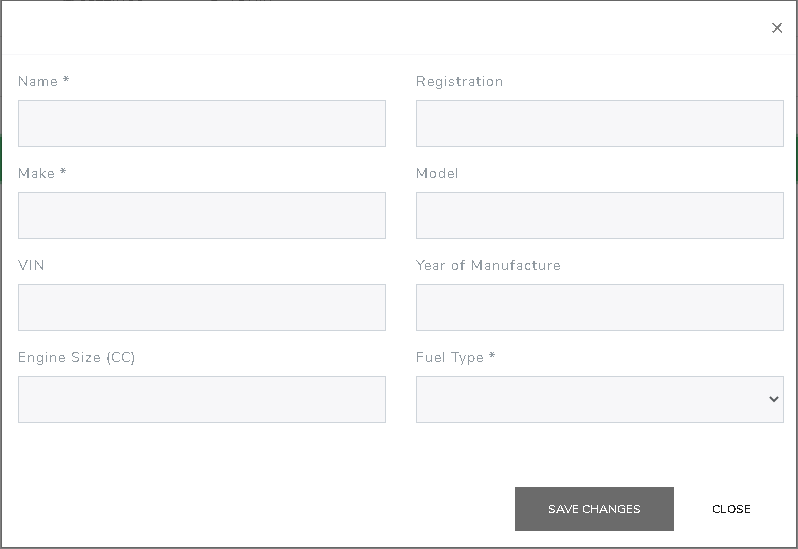
After you click "add vehicle" u zult be greeted by this screen. Enter in as much information as you would like then click "save changes"
Installerenerening And Setting Up Clarkson

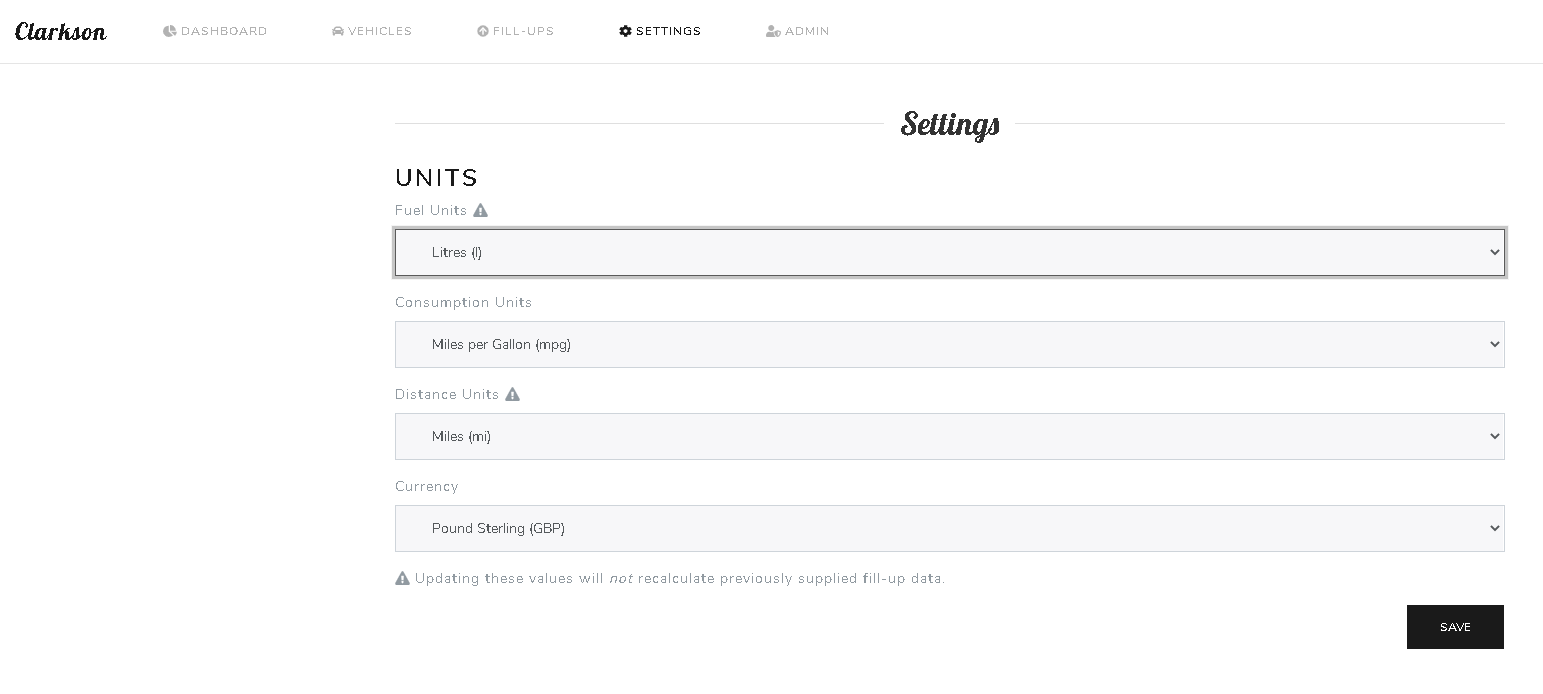
After you have your vehicle added, click the "Settings" tab on the top of the web page. You will see this screen, where u kunt change your units of measurements. Click save after adjusting your information.
Installerenerening And Setting Up Clarkson

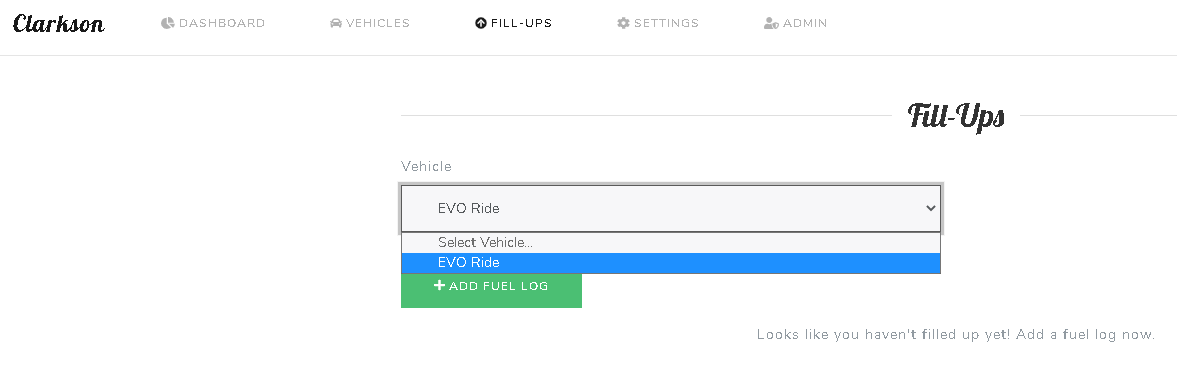
To add your re fueling information. At the top of the web page, select "Fill-Ups" and u zult see this screen. Selecteereer your vehicle and then select "Add fuel log"
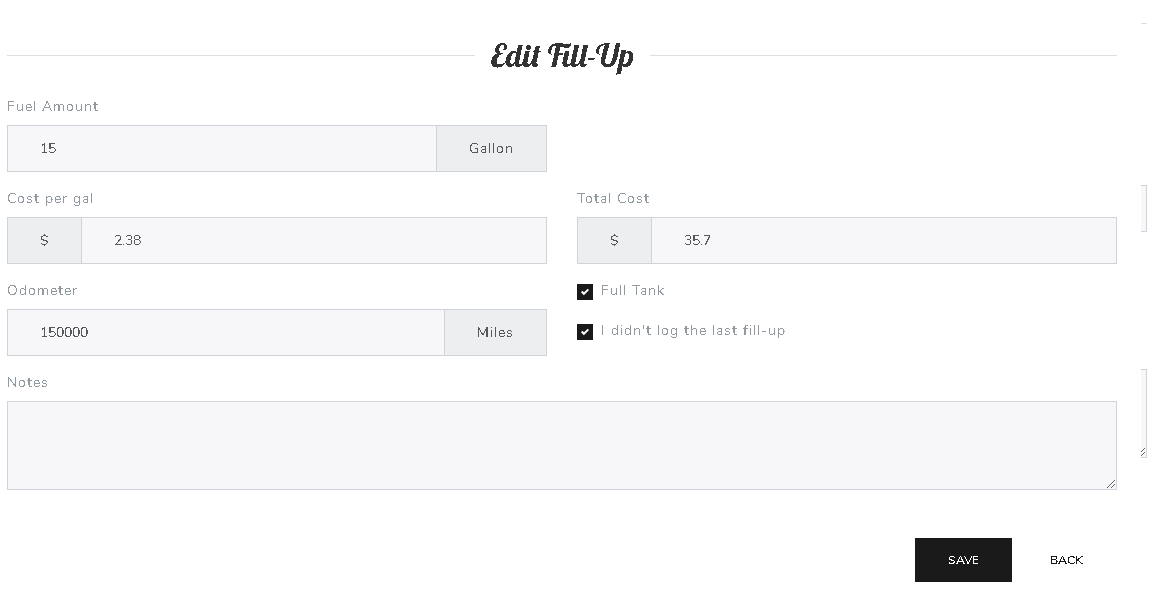
Installerenerening And Setting Up Clarkson

Now add in the information van uw recipe and click save.

After you enter in 2 fuel logs, u kunt see some interesting and helpful data.

Cheers.

Geüpdatet op 16 maart 2026

Wat zijn je gevoelens

  • Blij
  • Normaal
  • Verdrietig

Deel dit bericht:

  • Facebook
  • X
  • LinkedIn
  • Pinterest

We create amazing Seedboxes
for everyone to use 😊

Important Links

Scholarship for CS

Refund Policy

Privacy Policy

Terms of service

Cookie Policy

Acceptable Use Policy

Get in Touch

Contact Us

[email protected]

© 2025 Evoseedbox | All rights reserved. By Evo Created with ❤️

  • Nederlands
  • English (Engels)
  • Français (Frans)
  • Deutsch (Duits)
  • 日本語 (Japans)
  • 한국어 (Koreaans)
  • Português (Portugees, Portugal)
  • Español (Spaans)
  • العربية (Arabisch)
  • Русский (Russisch)
  • Türkçe (Turks)
Evoseedbox
  • Nederlands
    • English (Engels)
    • Français (Frans)
    • Deutsch (Duits)
    • 日本語 (Japans)
    • 한국어 (Koreaans)
    • Português (Portugees, Portugal)
    • Español (Spaans)
    • العربية (Arabisch)
    • Русский (Russisch)
    • Türkçe (Turks)
  • Evoseedbox Startpagina
  • Wiki
  • Forum
  • Pricing
Client Area