Note: BTSync has been renamed to Resilio Sync. The app still works the same way. For peer-to-peer file sync, also consider SyncThing as a free, open-source alternative.
Btsync is one of those applications that can help you create your own environment of a file-sharing system. Your seedbox is a remote server and your mobile phone and desktop or tablet are remote devices.
Als u want to transfer a single file, then the norm is to establish an FTP connection, find the file your want to transfer, and download it naar uw device, manually. With Btsync, your headache of transfer is eliminated by using synchronization of folders.
All you moet do is set up a folder and Btsync will synchronize all the files in that folder to all your device for you.
Let move to actually learning how to set up Btsync.
Steps to Configure Btsync/Resilio App with a Seedbox
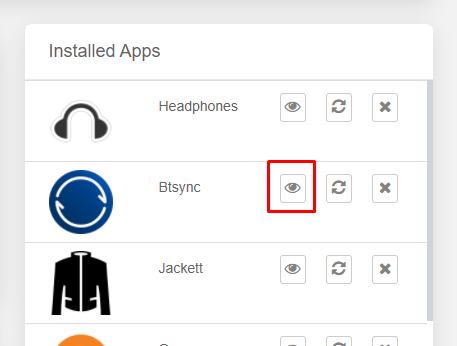
Stap 1: Open your Evoseedbox Dashboard and find btsync application and click on install.
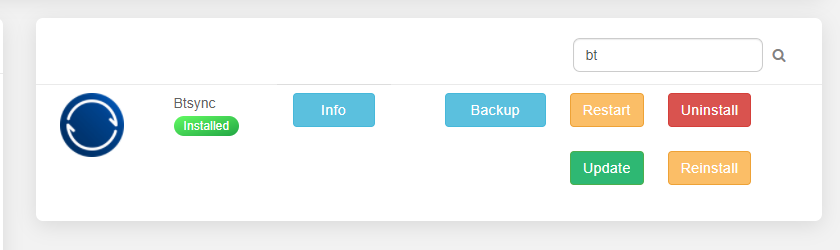
Stap 2: While de app installs, click on the info knop to download Resilio op uw device. You will be redirected to the Resilio website.

Stap 3: Click the knop on the top right corner.

Stap 4: Downloaden the Resilio application op uw device.
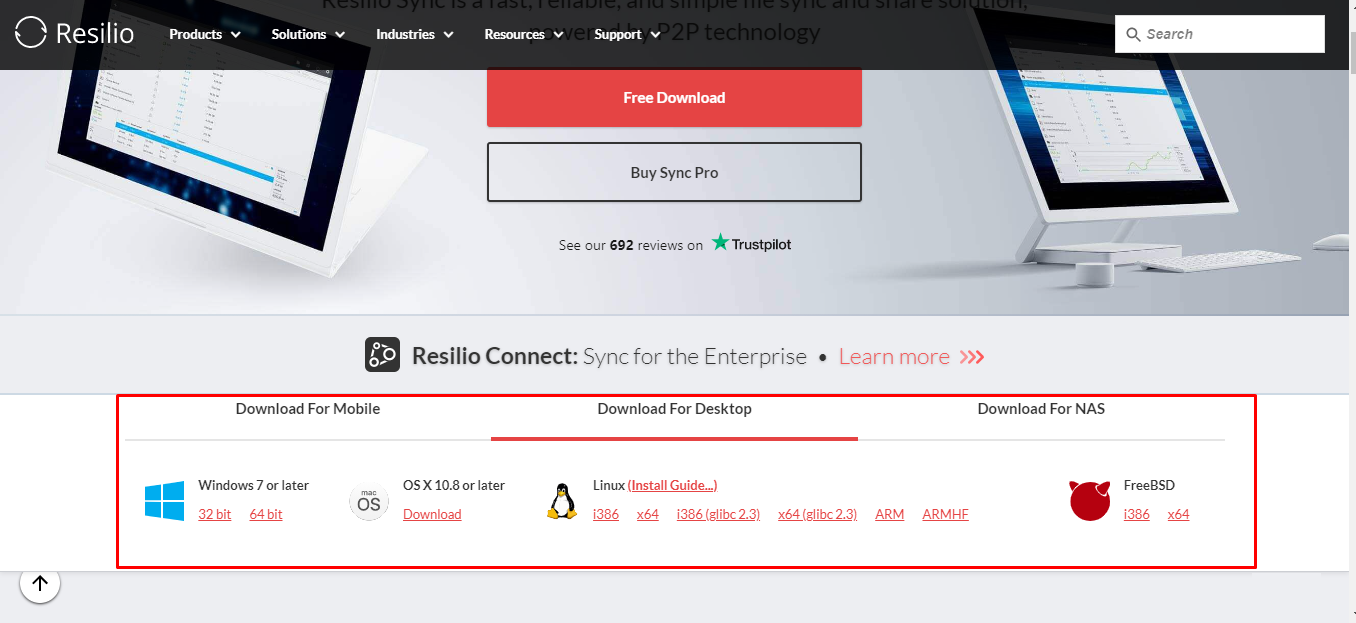
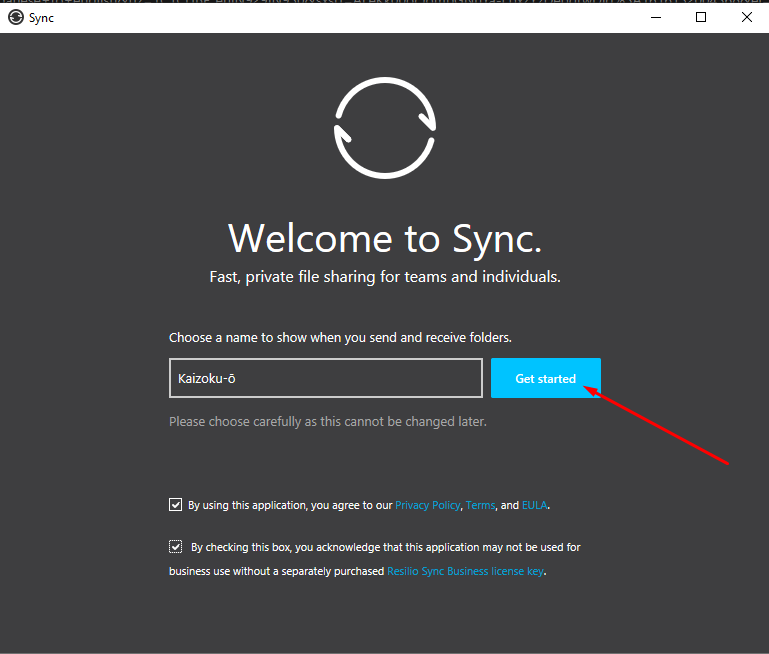
Stap 5: Installeren de app and start the configuration.
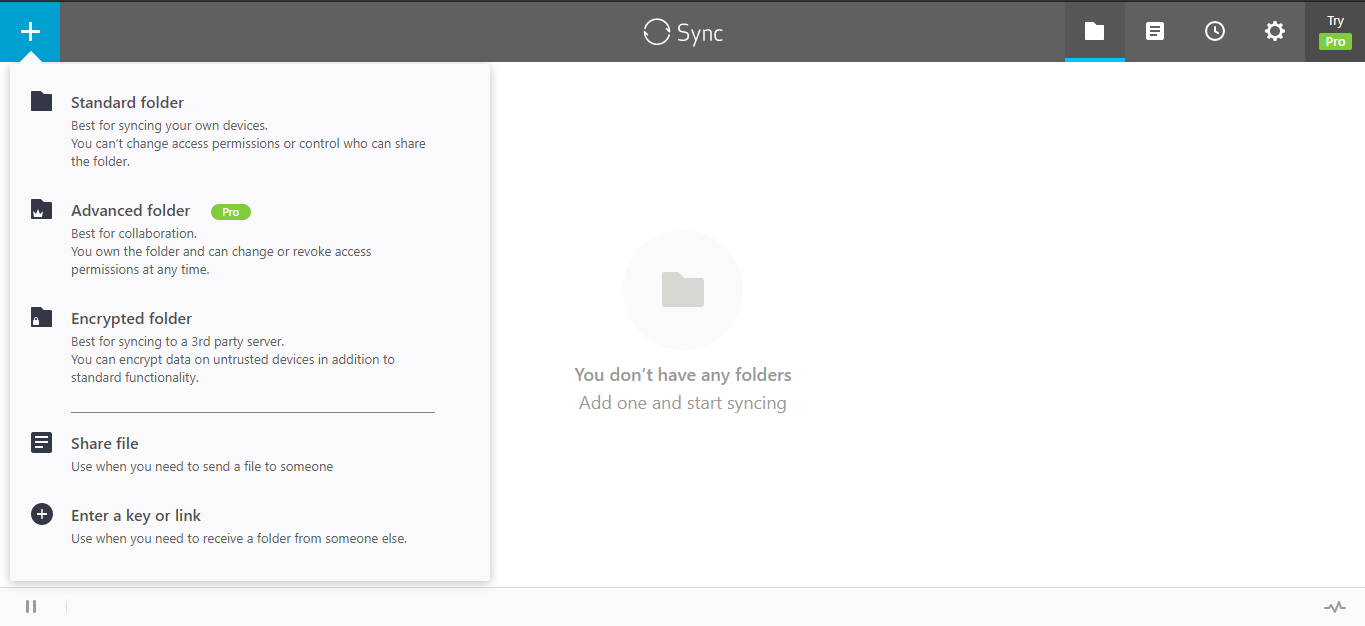
Stap 6: Klik op the “+” sign to find the functionalities.
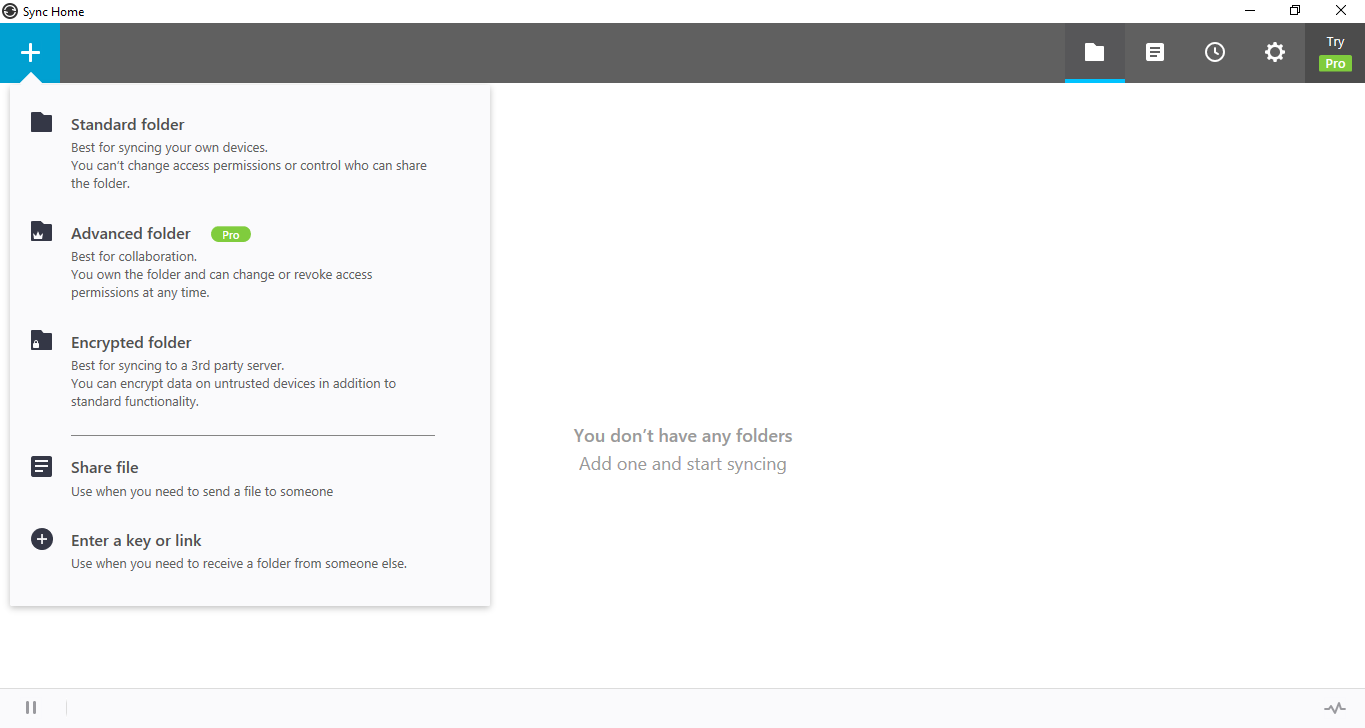
Hoe transfer files from seedbox to remote device using Btsync.
Stap 1: Open the Btsync app on uw seedbox.
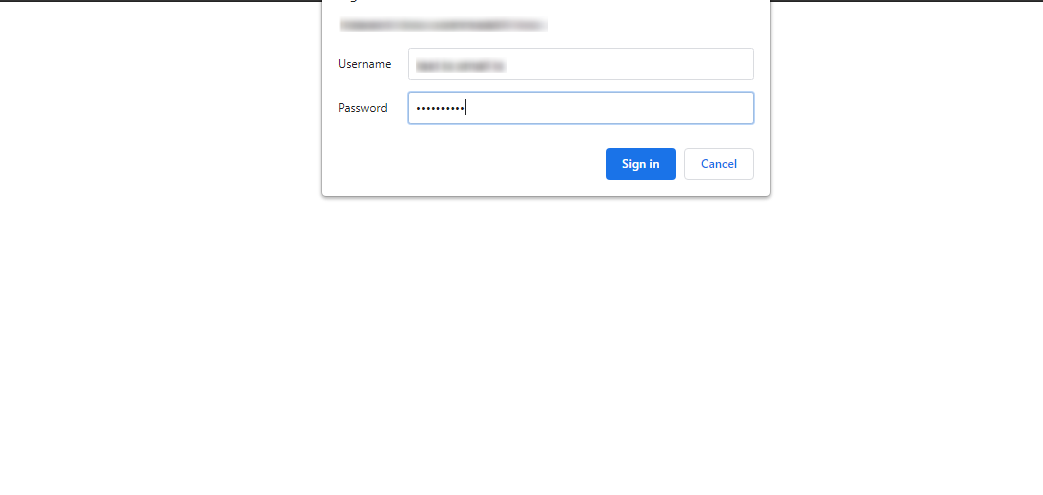
Stap 2: Put in the FTP inloggegevens van uw Evoseedbox Client Area.
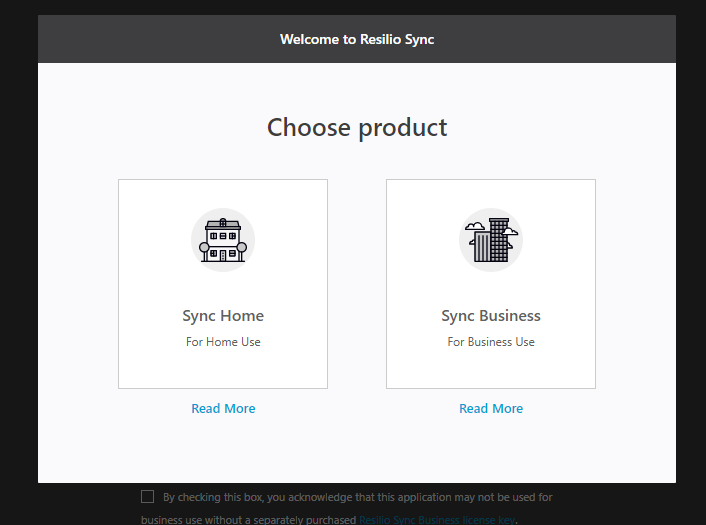
Stap 3: Selecteer the product.
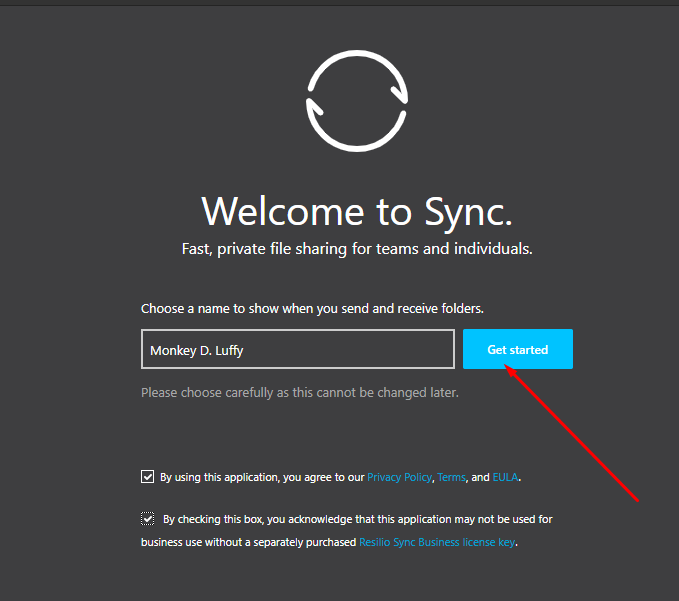
Stap 4: Setup the profile from uw seedbox.
Stap 5: Klik op the plus sign and select any type of file transfer.
(For this tutorial, we will go with Share File)
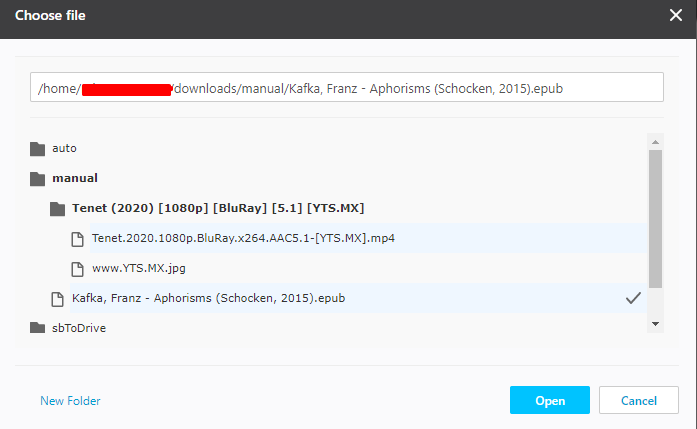
Stap 6: Selecteer the file from uw seedbox.
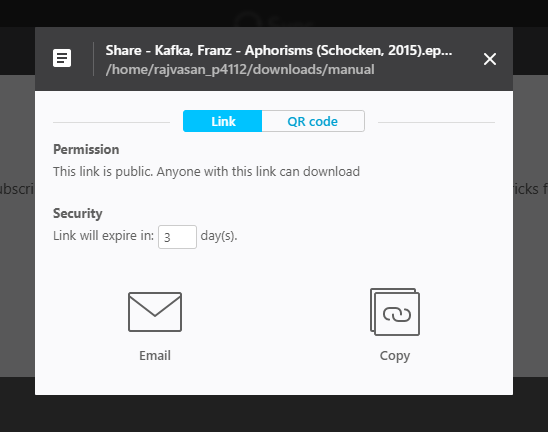
Stap 7: Selecteer the medium using which you want to share the file.
U kunt use a QR code to directly get it op uw device. Or u kunt email the link or copy and send the link to the person. Als u want to transfer a file from uw seedbox naar uw device then copy the link.
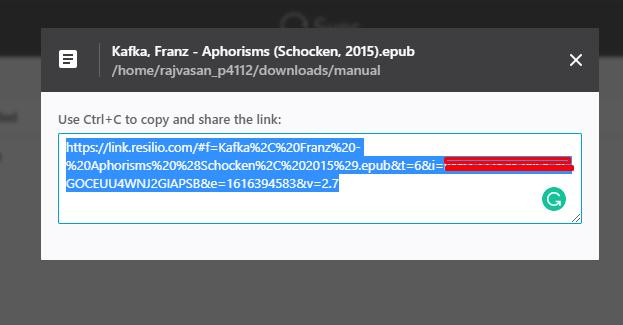
Step 8: Copy the link and open Resilio op uw device.
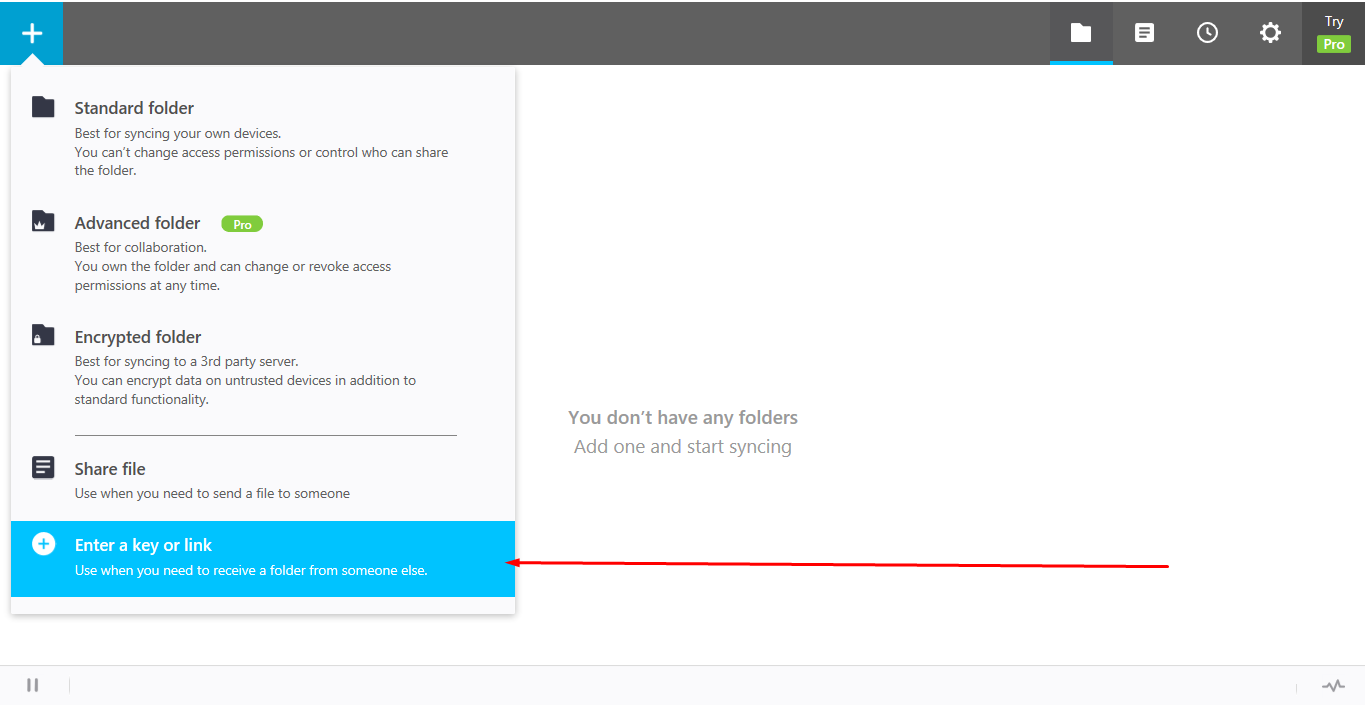
Step 9: Click the “+” knop and select the “Enter a key or link” option.
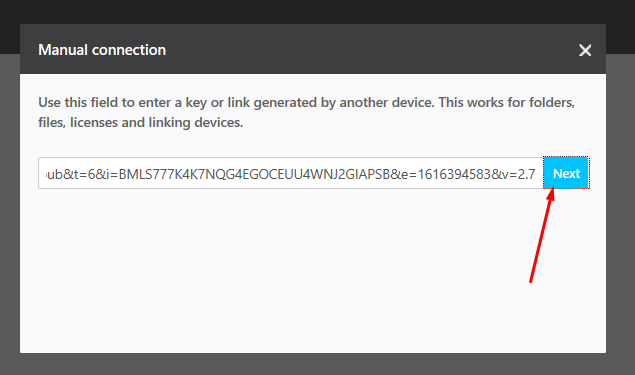
Stap 10: Paste the copied link and click on next.
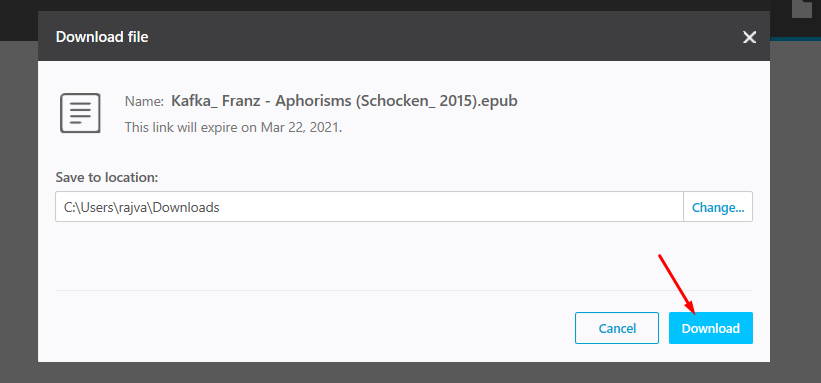
Stap 11: Selecteer the folder to which you want to download your file and click on the download knop.
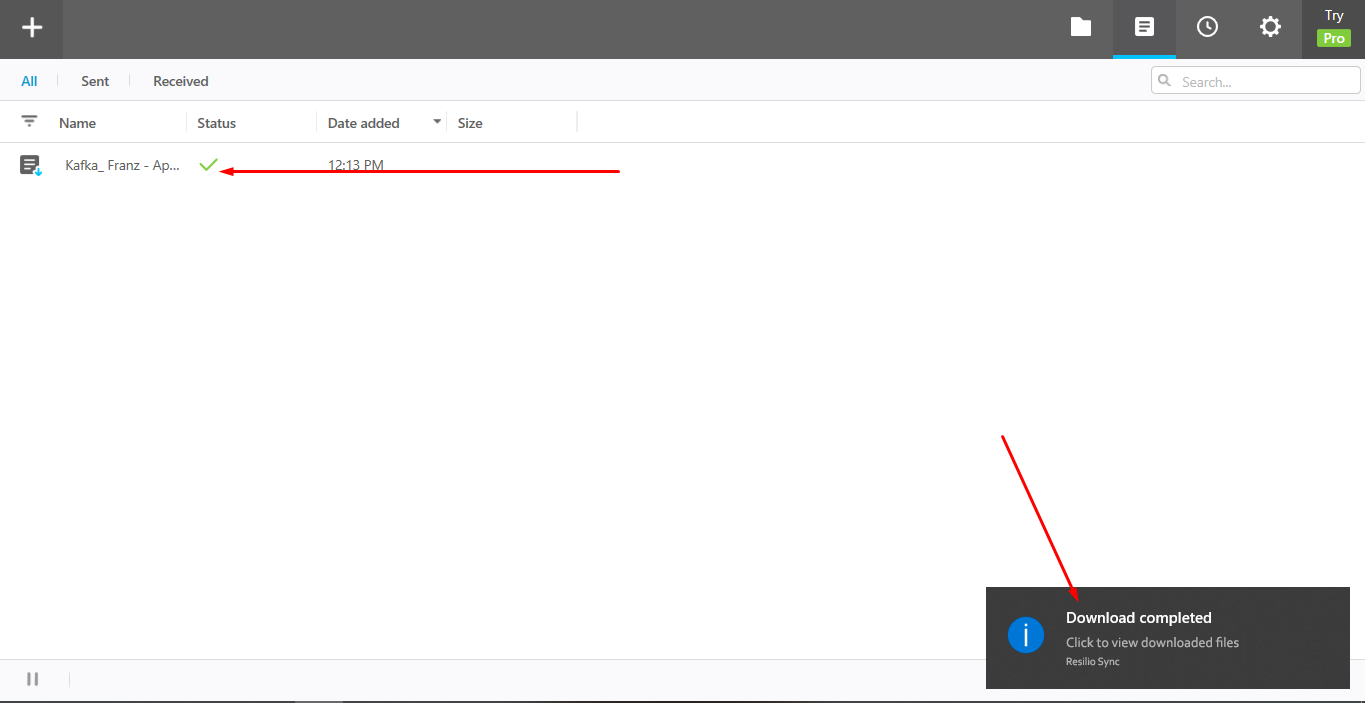
Stap 12: Your file is successfully transferred from uw seedbox naar uw device.
Using this method u kunt share files van uw device to uw seedbox as well and ook u kunt transfer files naar uw peers using Btsync.


