Hoe Set Up ZNC
On this page ▾
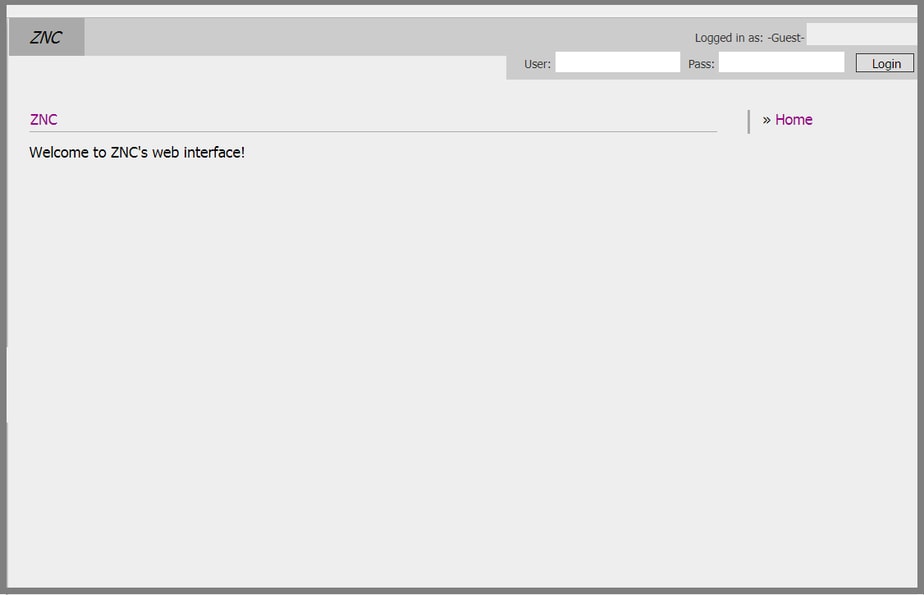
- Enter in uw gebruikersnaam and wachtwoord, both will be found in uw klantengebied, use the gebruikersnaam and wachtwoord provided for you that you use to log innaar uw ruTorrent webgui:
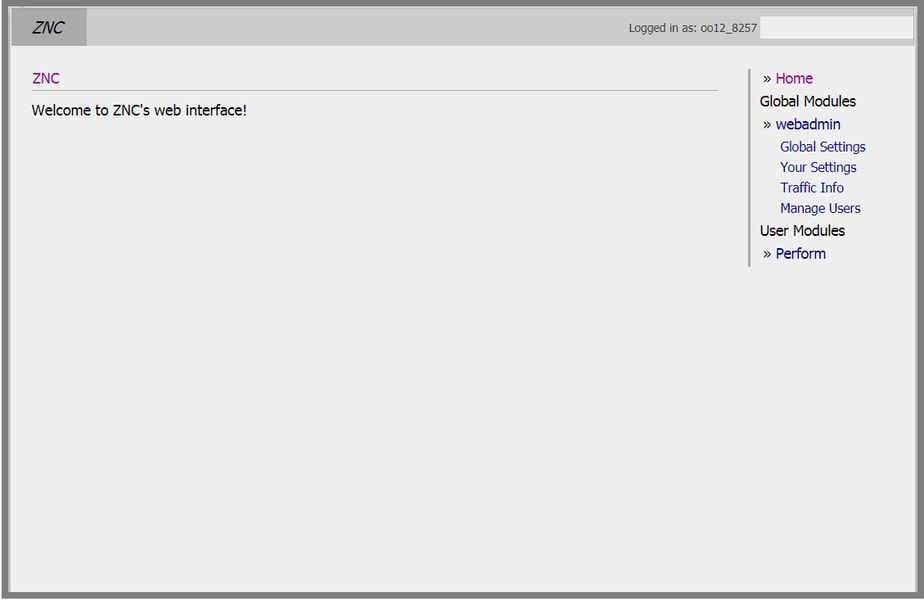
2. Once you're logged in u zult see to the right hand side all of that fun stuff, click op uw settings
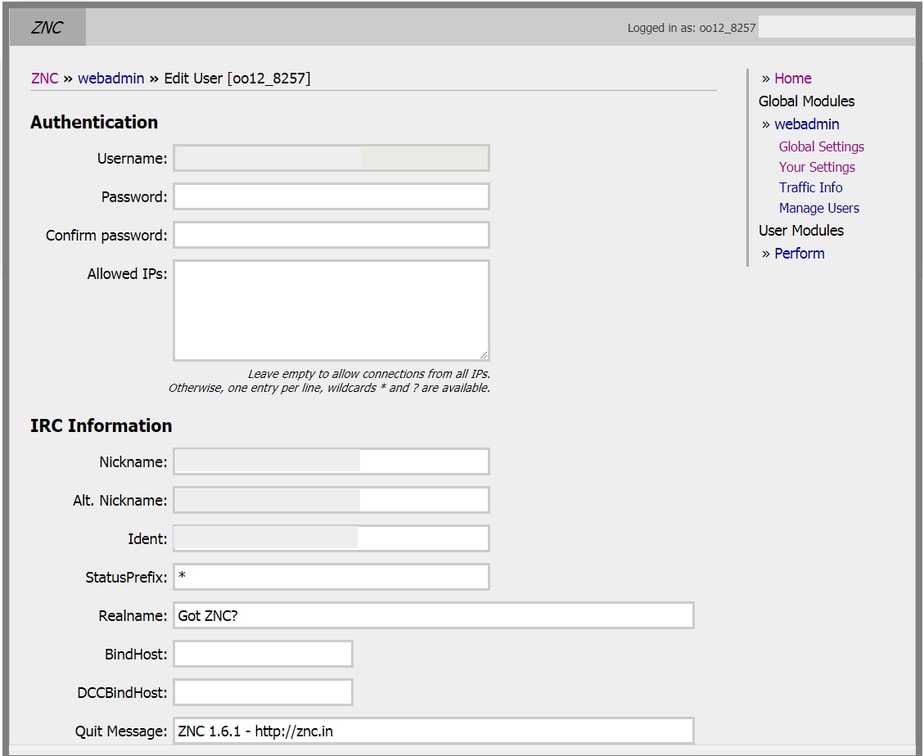
3. Then this will appear, in gebruikersnaam and wachtwoord choose a new wachtwoord, enter in the ip address of uw seedbox
IRC nice will be your site gebruikersnaam, Alt Nick will be your site gebruikersnaam and then _ZNC for example (Jason_ZNC)
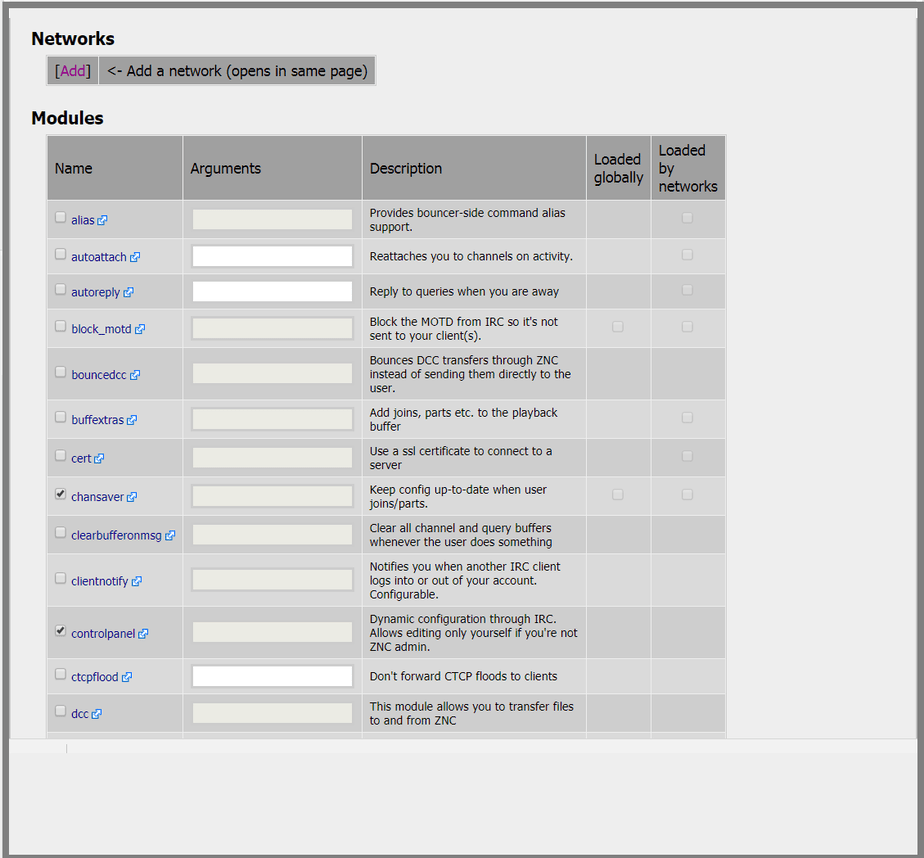
4. Als u wish to use any of the below commands u kunt , most come in handy
Then click on Add network
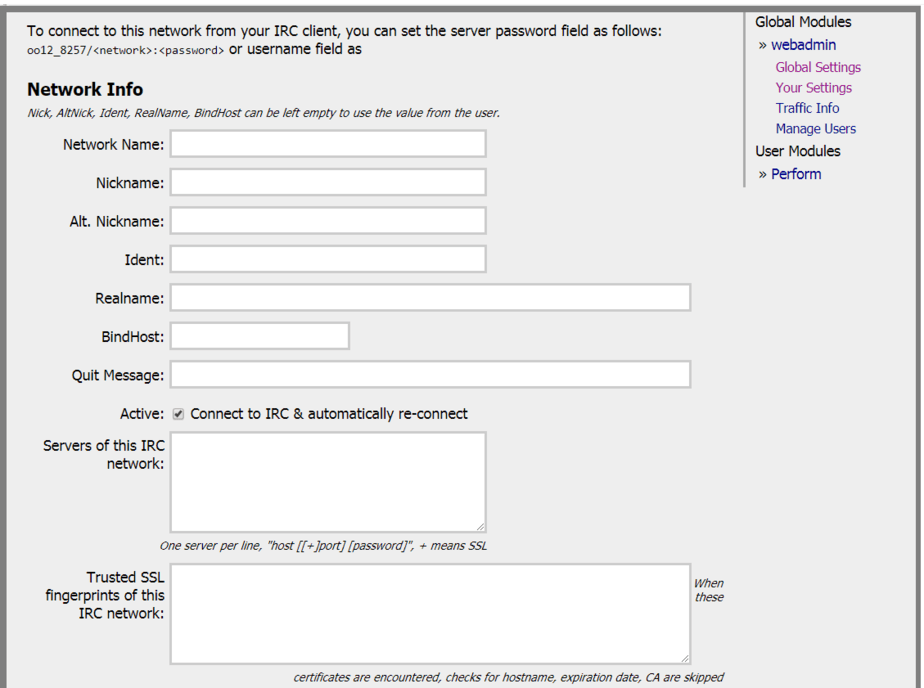
5. Once you clicked add network, here below u zult need to enter in the information of the server you're connecting to, Network name is the name of the sites irc or what ever you want to call it.
Nickname will be your site gebruikersnaam
Alt nick, (Jason_ZNC)
Real name, leave blank
In the Servers section enter in the details of the sites irc you're joining. example (irc.p2pnetwork.net)
and the join channel and invite code or wachtwoord to join if required.
*Note this screen on the top tells you how you should setup your gebruikersnaam in uw irc client*
6. Scroll naar beneden to the bottom and click on add network, u zult then be logged in on the irc server you have chosen. done.
Put this into practice
EvoSeedbox ships with one-click app installs and up to 10 Gbps per box.


