"Clarkson is a web-based dashboard application that gives you a neat and clean interface for logging your fuel fill-ups for all of your vehicles. The application has full multi-user support, as well as multiple vehicles per user. Whenever you fill-up your car or motorcycle, keep the receipt and record the data in Clarkson."
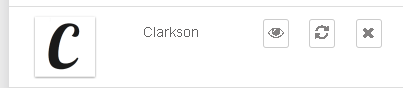
After you install Clarkson, navigate あなたの クライアントエリア and open Clarkson, by clicking the eye.
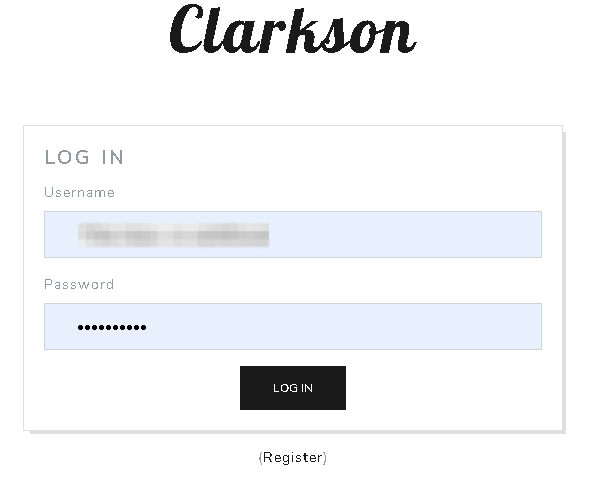
You will be asked for your user name and パスワード. Use the log in information あなたの EVO クライアントエリア.

After you are logged in, 表示されます be greeted by this screen.

Now its time to add your vehicle. 選択 vehicles from the top tool bar and 表示されます see this screen. Click "add vehicle".
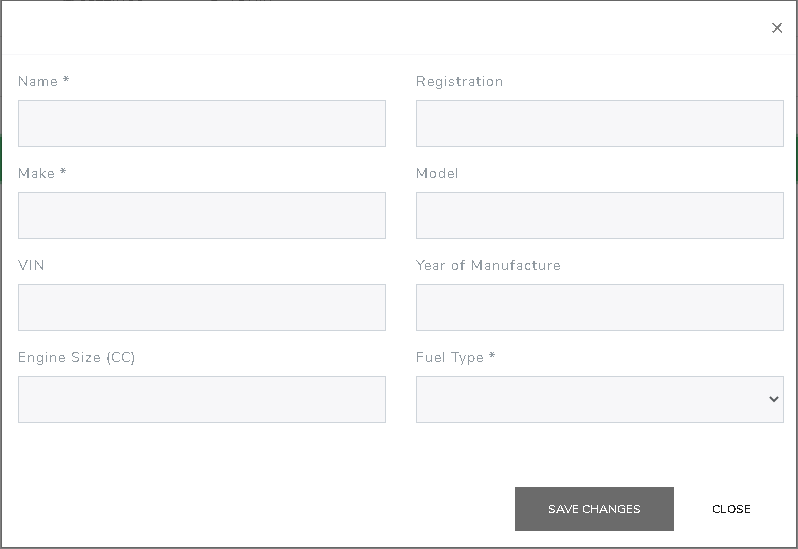
After you click "add vehicle" 表示されます be greeted by this screen. Enter in as much information as you would like then click "save changes"
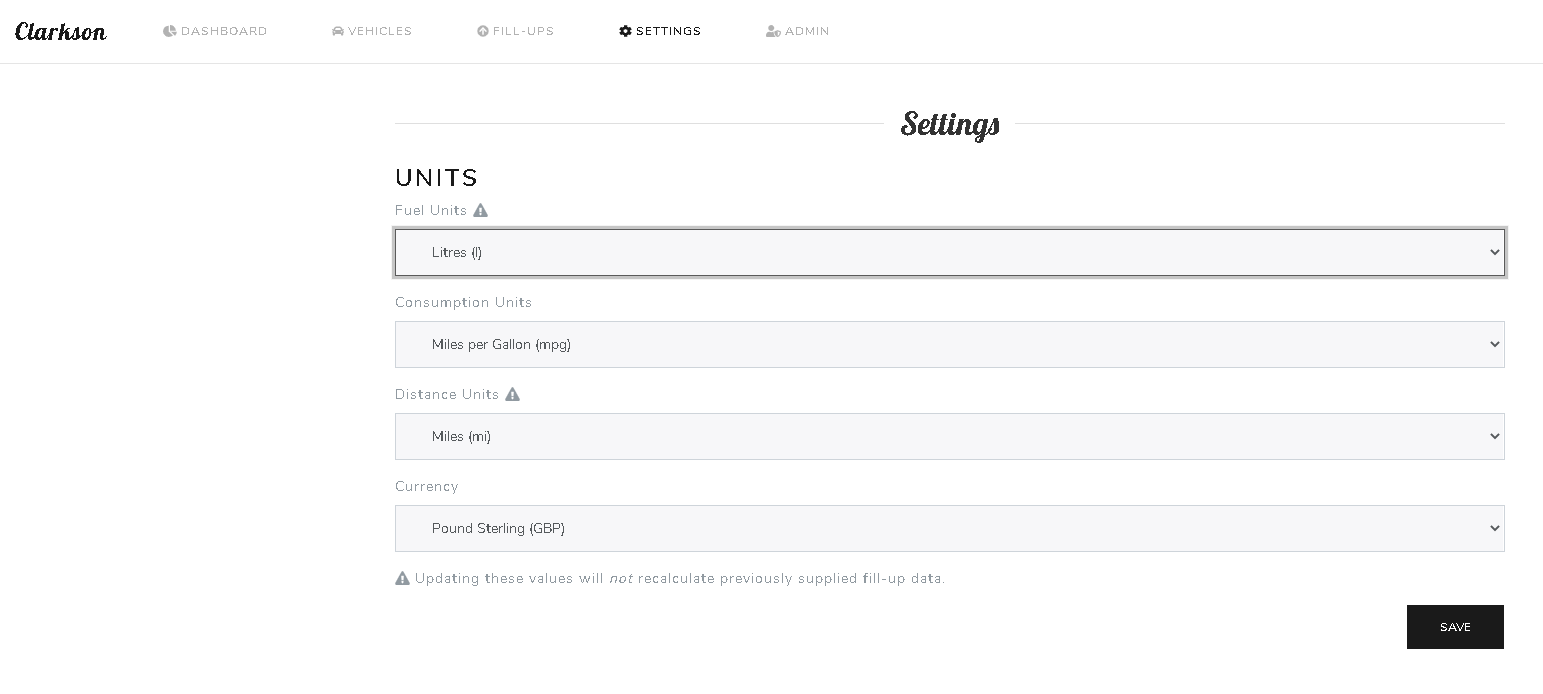
After you have your vehicle added, click the "Settings" tab on the top of the web page. You will see this screen, where できます change your units of measurements. Click save after adjusting your information.
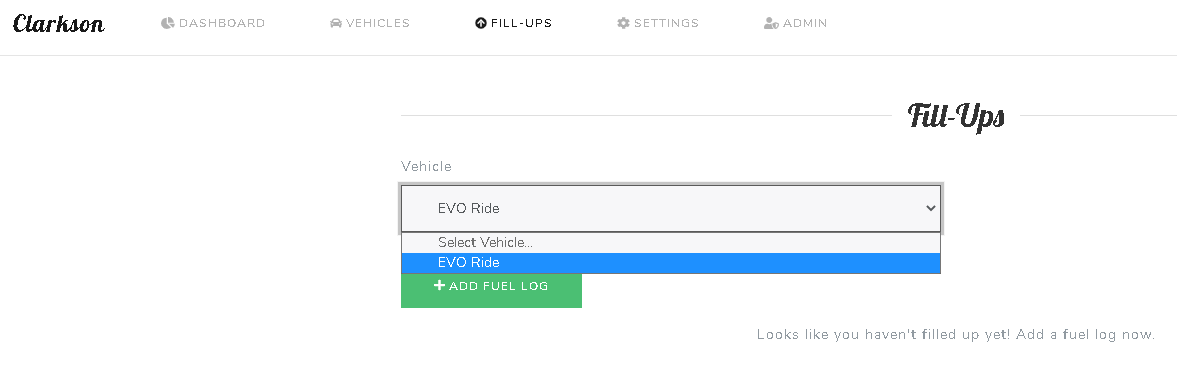
To add your re fueling information. At the top of the web page, select "Fill-Ups" and 表示されます see this screen. 選択 your vehicle and then select "Add fuel log"
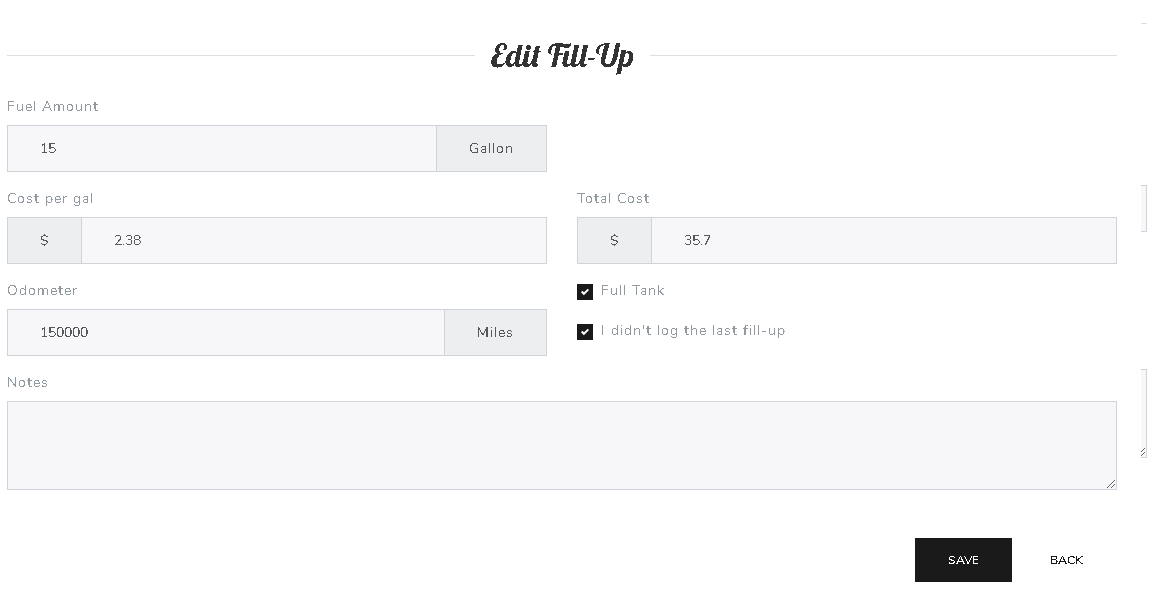
Now add in the information あなたの recipe and click save.
After you enter in 2 fuel logs, できます see some interesting and helpful data.
Cheers.


