How Jellyfin Works #
  JELLYFIN vs PLEX
  ═══════════════════════════════════════════════════════

  Feature              Jellyfin            Plex
  ───────              ────────            ────
  Price                Free ✓              Free + Plex Pass
  Open source          Yes ✓               No
  Mobile apps          Free ✓              Requires Plex Pass
  Hardware transcode   Free ✓              Requires Plex Pass
  Live TV/DVR          Free ✓              Requires Plex Pass
  Plugins              Community ✓         Official store
  External sharing     Via URL             Plex Friends ✓
  Offline sync         Not yet             Plex Pass ✓

  ┌──────────────────────────────────────────────────┐
  │  Jellyfin = 100% free, all features included.    │
  │  Plex = polished UI, better mobile experience.   │
  │  Both work great on your seedbox.                │
  └──────────────────────────────────────────────────┘
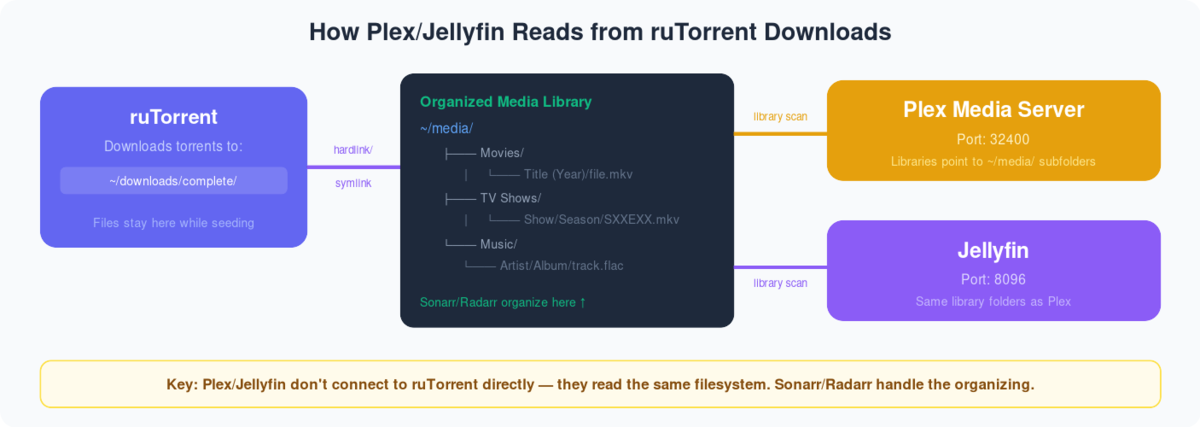
Connecting jellyfin with our seedbox and configuring is very simple just follow the below steps and 表示されます be ready to stream your media:
Step1: Login あなたの Evoseedbox クライアントエリア and look for Jellyfin in アプリs section
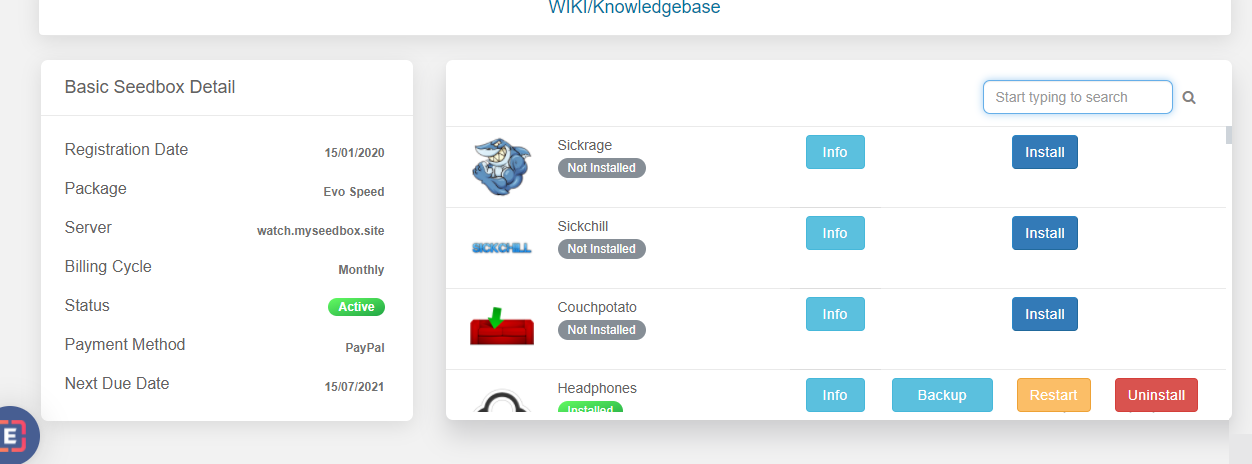
Step2: クリックしてください: the install ボタン and Jellyfin will install automatically on あなたのSeedbox.
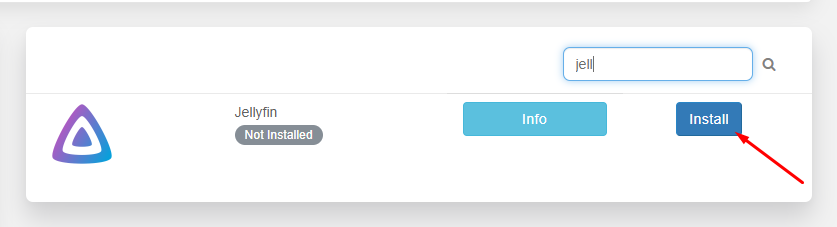
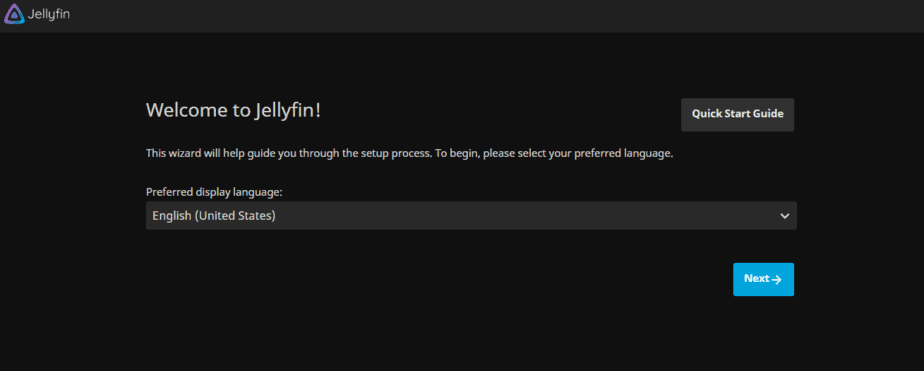
Step3: Once you are done with the installation of jellyfin, open jellyfin あなたの クライアントエリア. 選択 your preferred language from the dropdown menu and click on next.
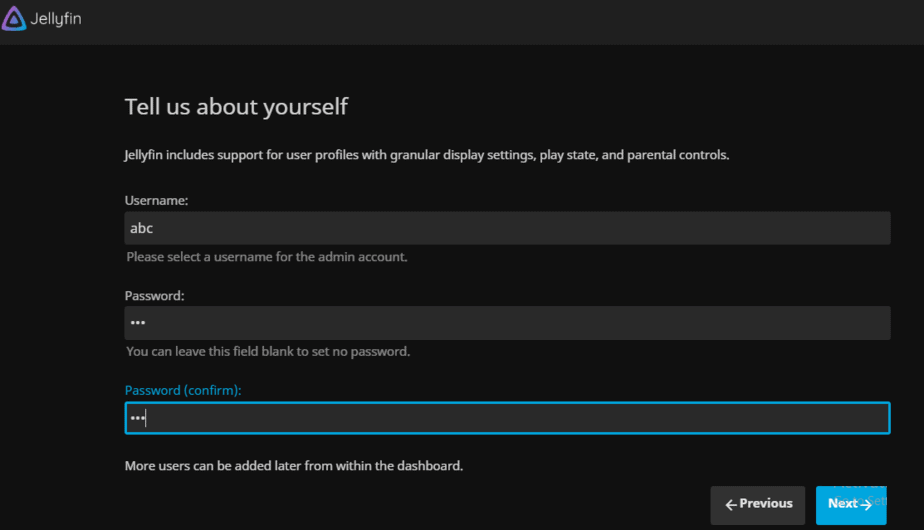
Step 4: Now we need to set up a ユーザー名 and パスワード that will be used every time we try to login into the jellyfin account. We can leave it blank in the パスワード area if we don’t wish to set a パスワード.
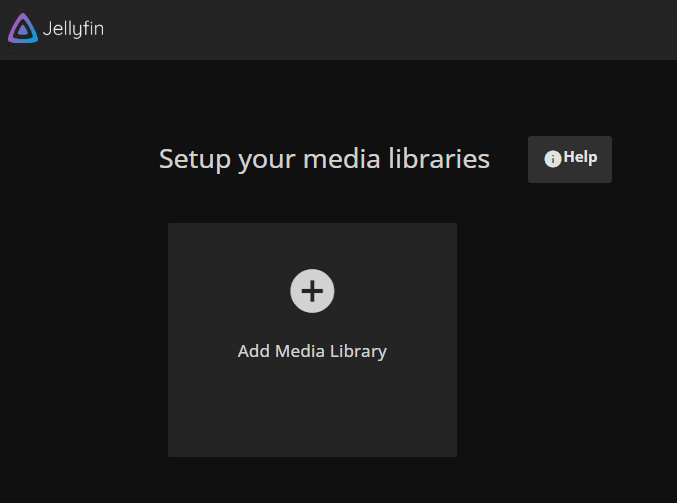
Step 5: The next step is to set up a media library, i.e. setting up the content we want to stream using jellyfin. クリックしてください: the add media library.
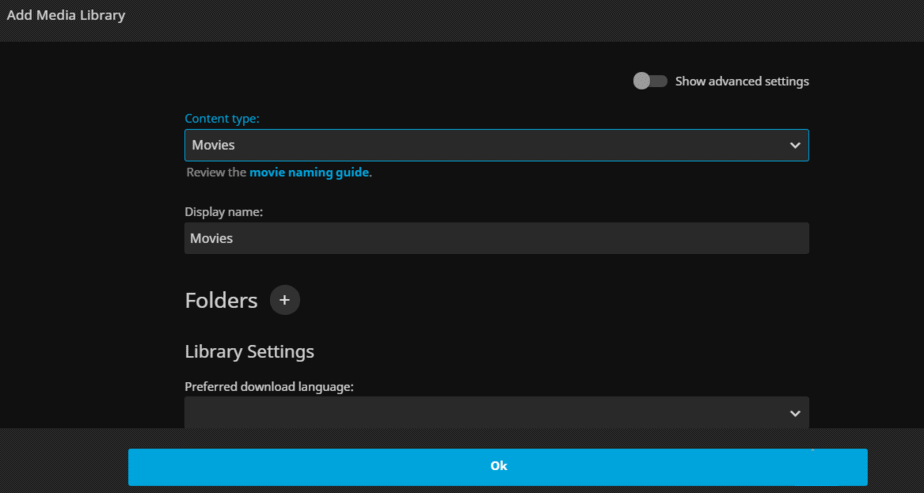
Step 6: In the content type, we 必要があります mention the type of media that like movies, Tv shows, music, etc. write the name of the folder that you wish to give to the library, this folder name will be displayed when you use jellyfin to stream your media.
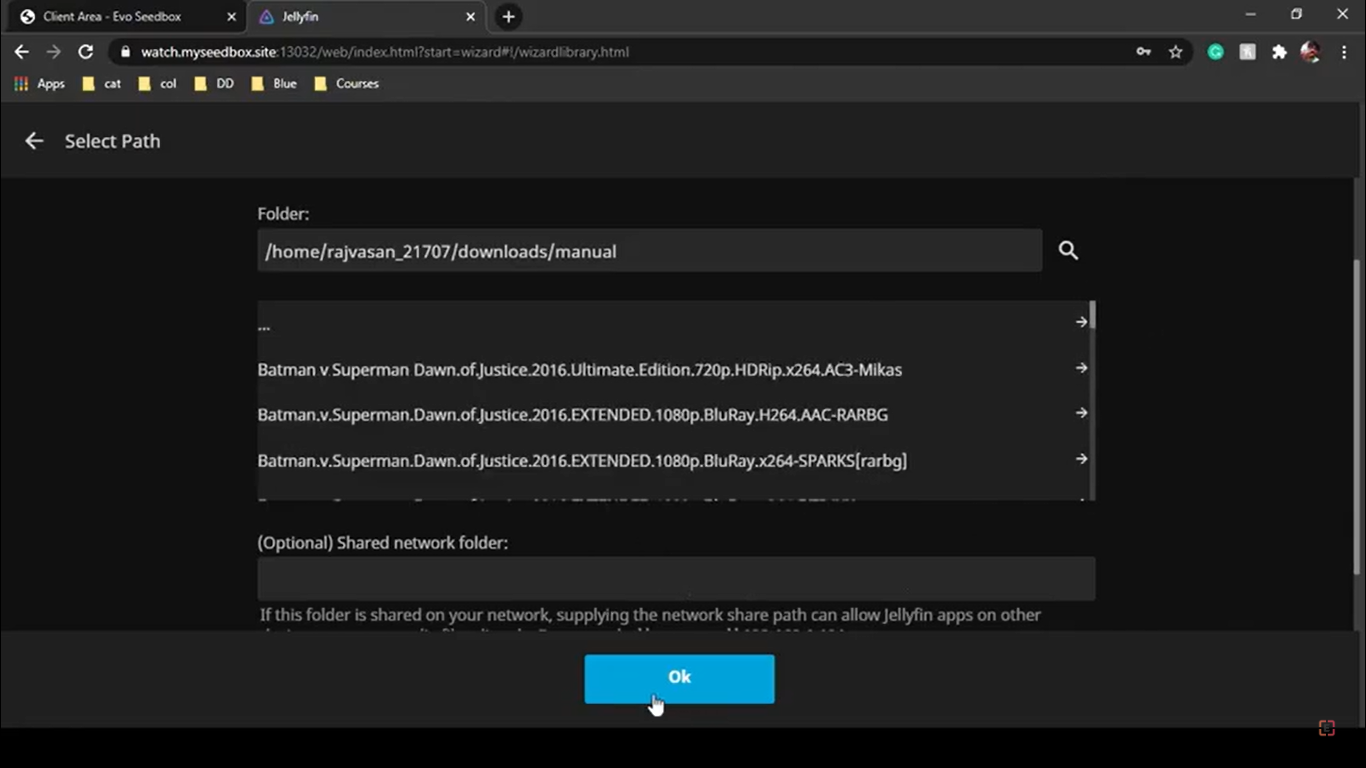
Step 7: クリックしてください: the “+” icon beside folders and set up the path for your media. Here you need to select the path wherein all your movies and tv shows are downloaded.
Step 8: 選択 the preferred language in which you wish to download the metadata(Ratings, cast, genre, etc.) for all your movies, and then click on the OK ボタン.
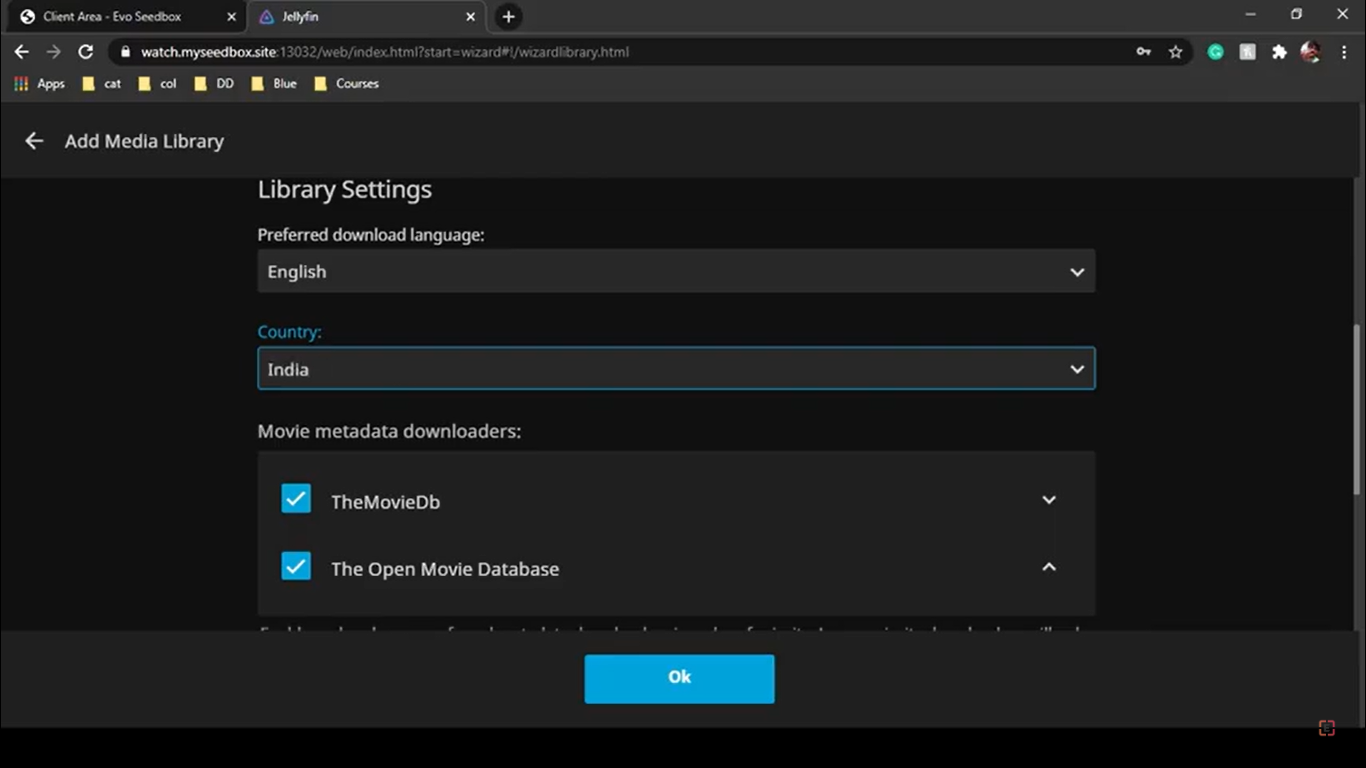
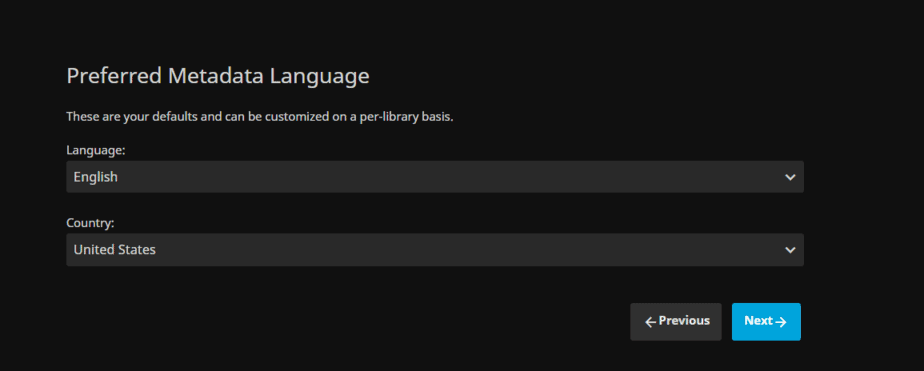
Step 9: クリックしてください: the Next ボタン as you have already set your preferred metadata languages.
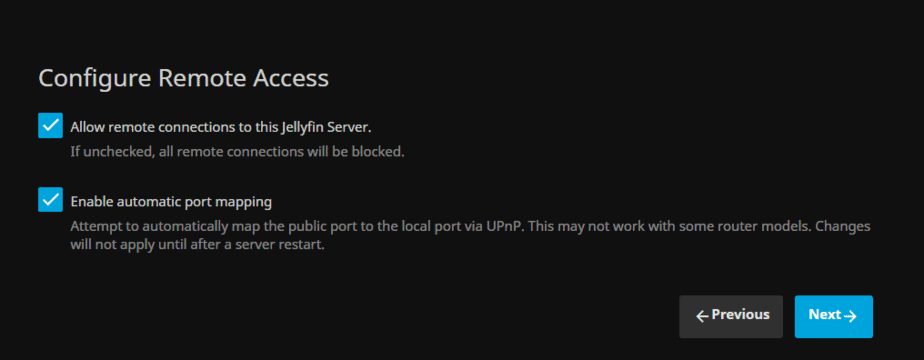
ステップ 10: Check in both the boxes and click on the Next ボタン. Allow remote connection will let you stream your media from different devices like your android phone.
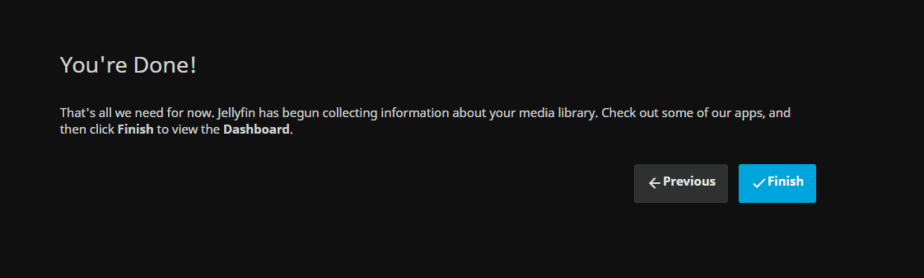
ステップ 11: クリックしてください: the Finish ボタン and you are done with configuring jellyfish for あなたのSeedbox.
That was the whole process of configuring jellyfin with a seedbox. Now 表示されます be redirected to a sign-in page. Here you 必要があります log in using the ユーザー名 and パスワード that we had 設定するd earlier.
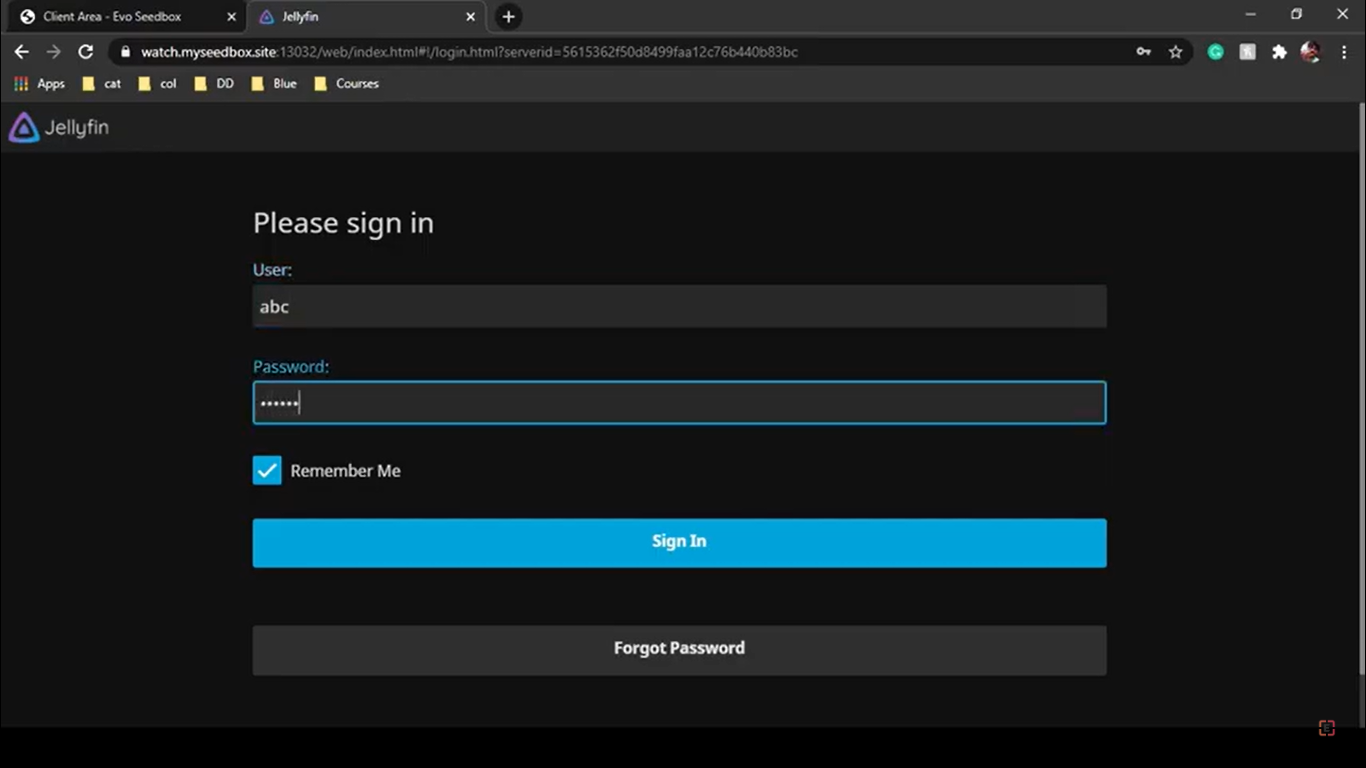
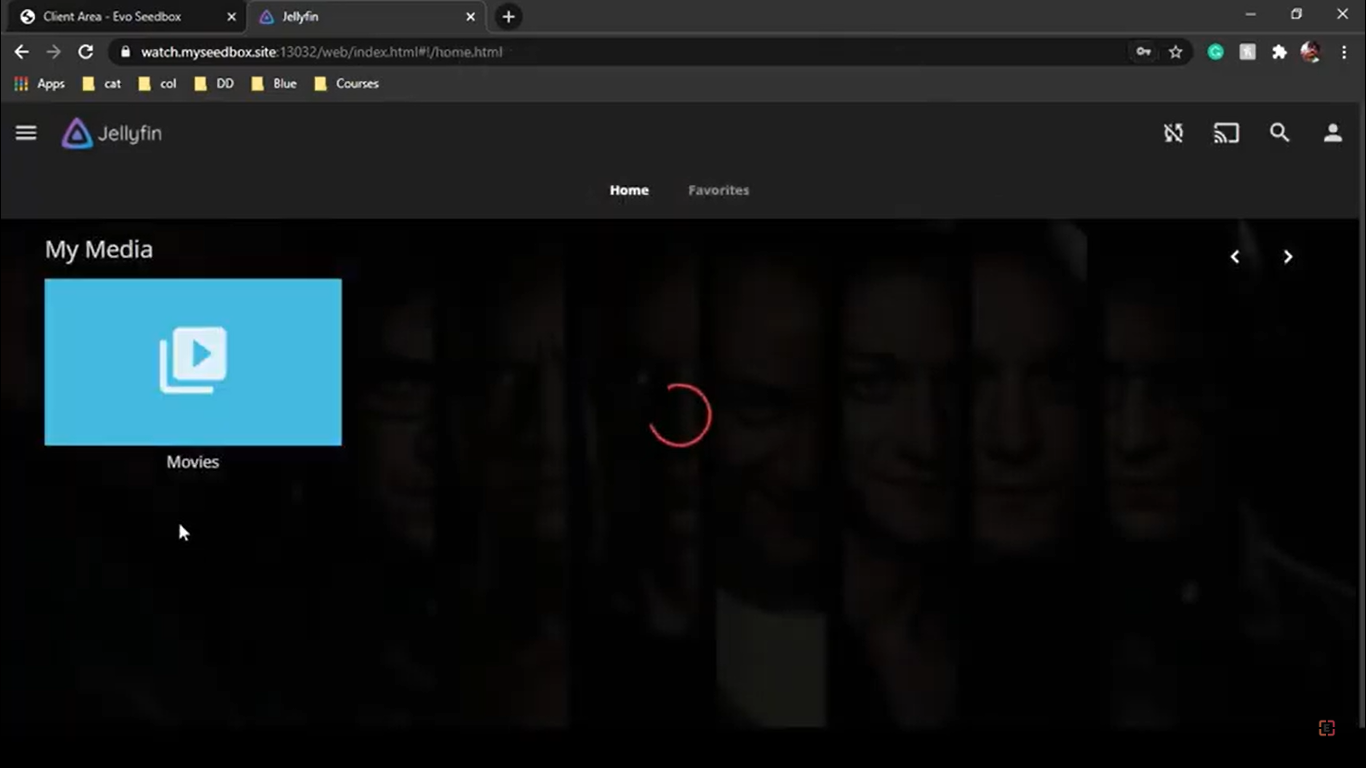
nce you sign in できます view the folder that you have created. Jellyfin will automatically show the metadata that it has fetched. Here できます see that the posters of the movie are visible so これは the metadata that jellyfin fetches automatically from the internet.
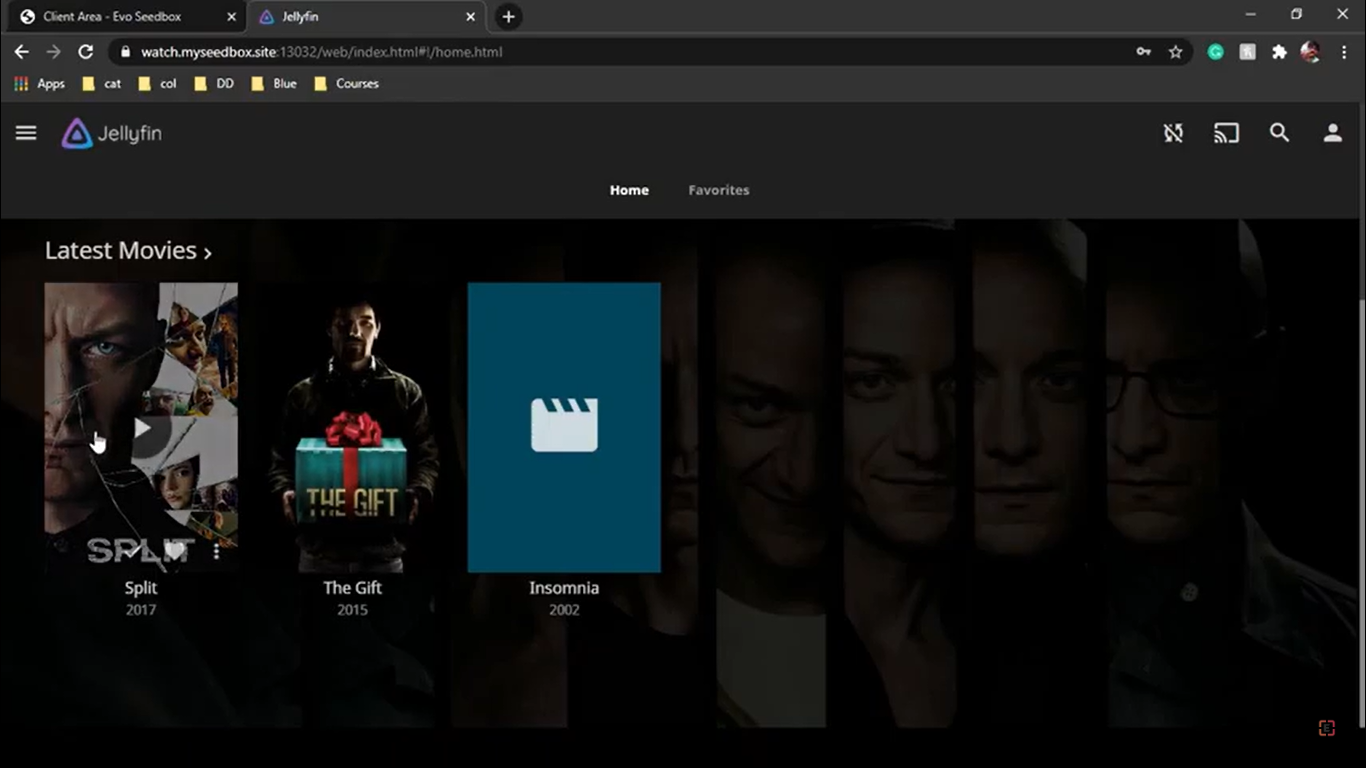
You are now all set to enjoy your Movie night or maybe just watch an episode over lunch あなたの mobile.
The Jellyfin Ecosystem #
  RECOMMENDED JELLYFIN STACK
  ═══════════════════════════════════════════════════════

  Jellyseerr ───▶ Sonarr (TV) ────▶ Renames & ───▶ Jellyfin
  (requests)      Radarr (Movies)    moves files     (streams)
                  ▲                                   │
                  │                                   ▼
               Prowlarr ◀─────────────────────── Jellystat
               (indexers)                         (analytics)

  Optional:
  ├── Bazarr        (automatic subtitles)
  ├── Jellyseerr    (request & discovery UI)
  └── Homarr        (dashboard for all apps)


