Note: Subsonic requires a paid license after the trial period. Navidrome is a free, open-source alternative that’s fully compatible with all Subsonic apps. We recommend Navidrome for new installations.
Subsonic is a media streaming app which vous pouvez use to listen to music, stream movies.Vous pouvez use it from anywhere from any device as it also offers mobile applications. Dans ce tutoriel, we will explore how to install and set up subsonic on evoseedbox. 1. Connexion to your espace client and scroll down to the app section.
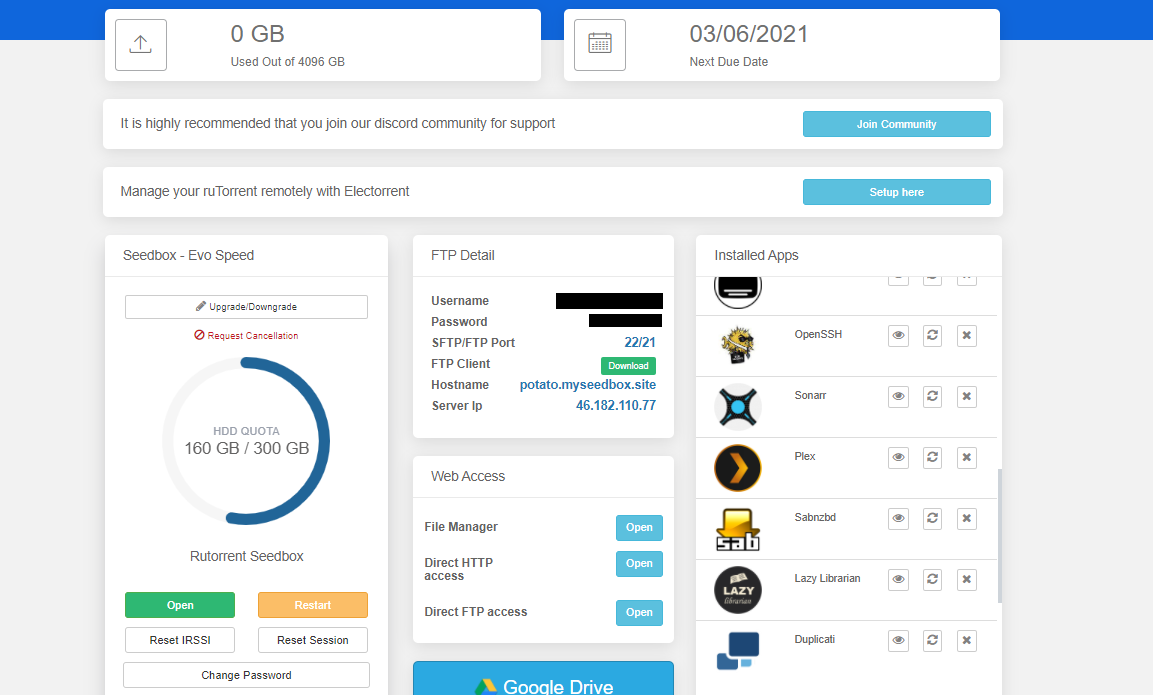
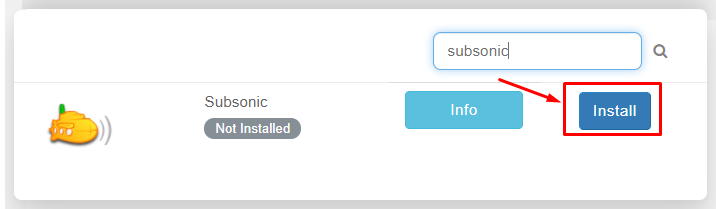
2. Rechercher for subsonic and cliquez sur the install button.
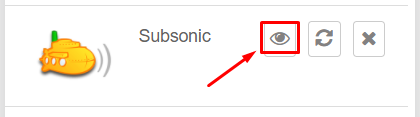
3. Once the installation is complete open it from the installed apps section by clicking on the eye button.
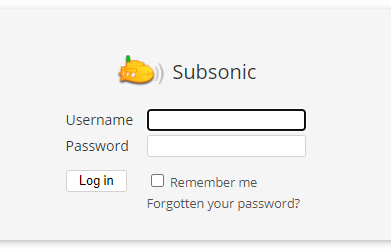
4. The app will open in a new tab where you need to use identifiants provided in FTP detail for login
5. Après logging, you will land on the home page of the app comme montré ci-dessous.
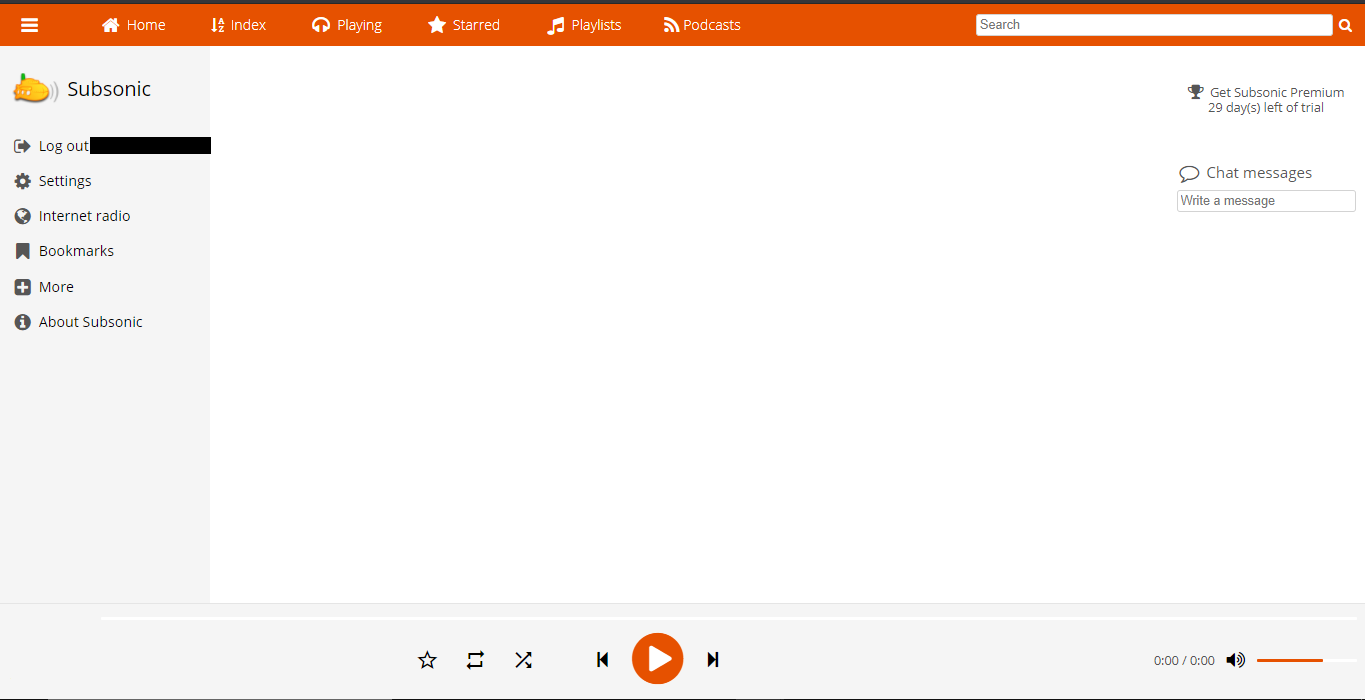
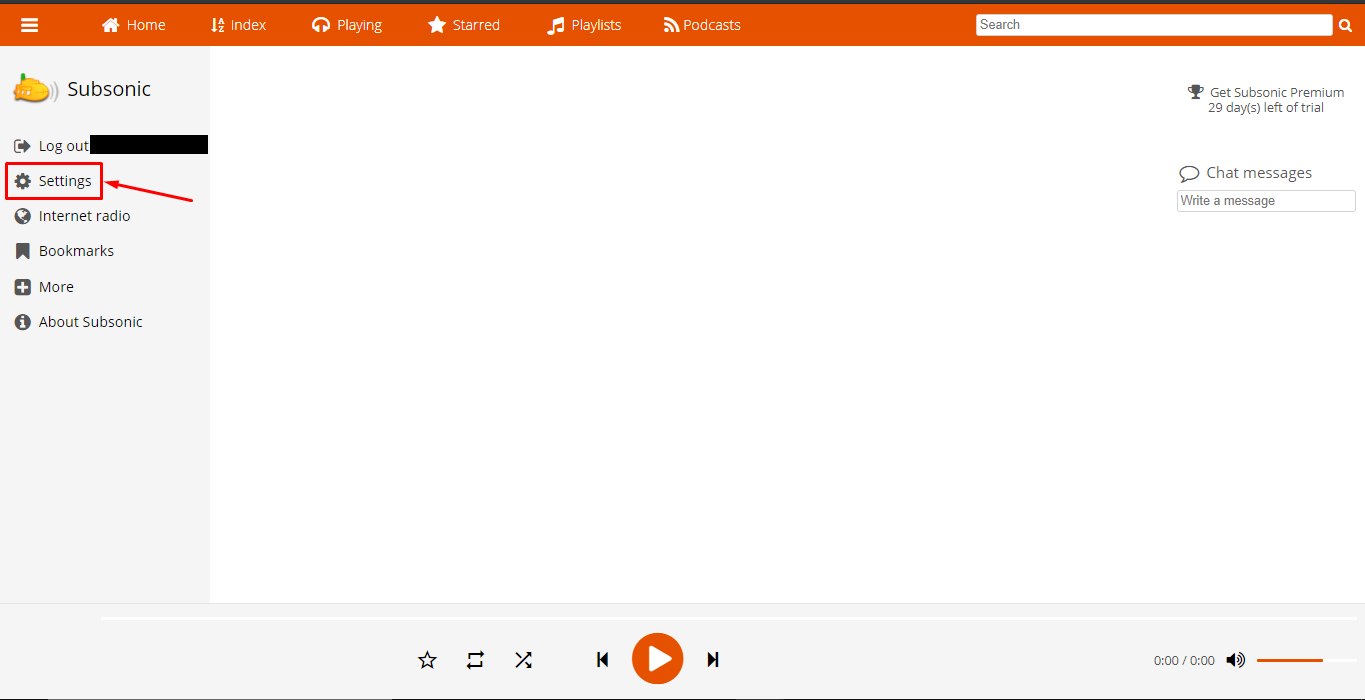
6. All media files are automatically synchronized by subsonic if you want to add media folders manually. Cliquez sur the setting tab.
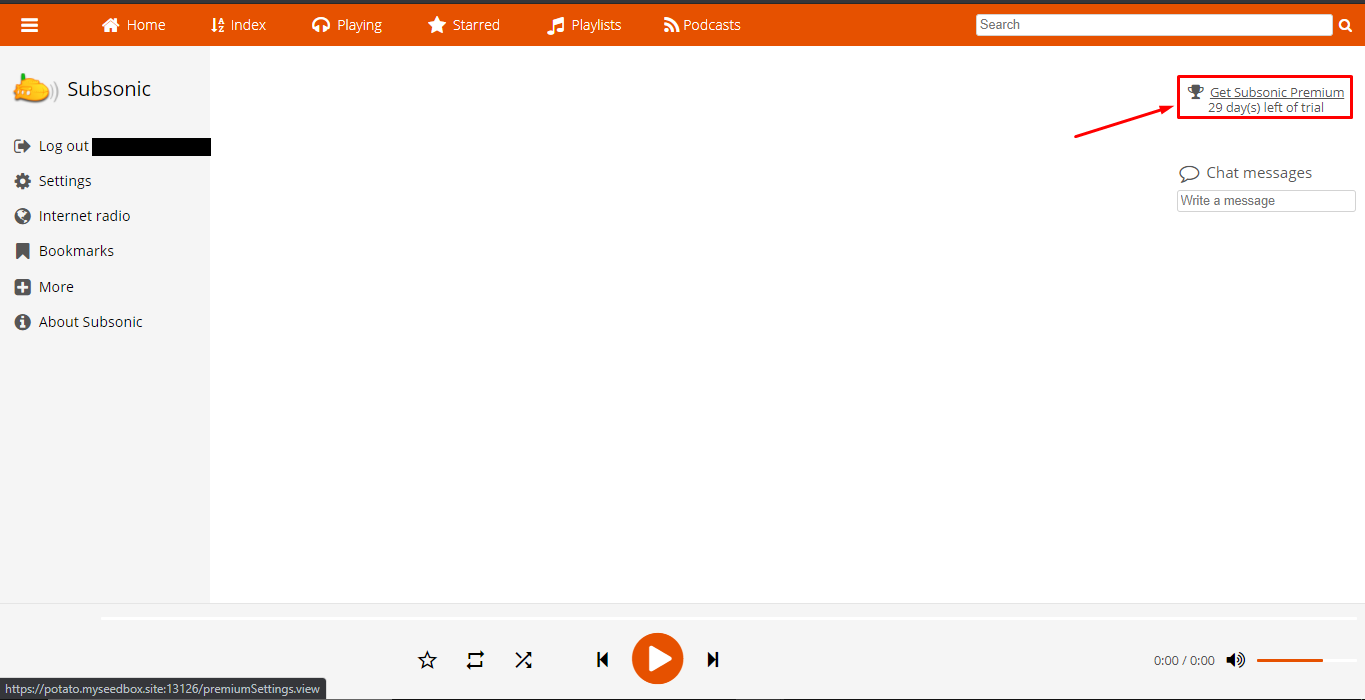
If in case the settings tab doesn’t open from here, cliquez sur the ‘Get Subsonic premium’ on the top right, you’ll be directed to the upgrade section from the settings tab.
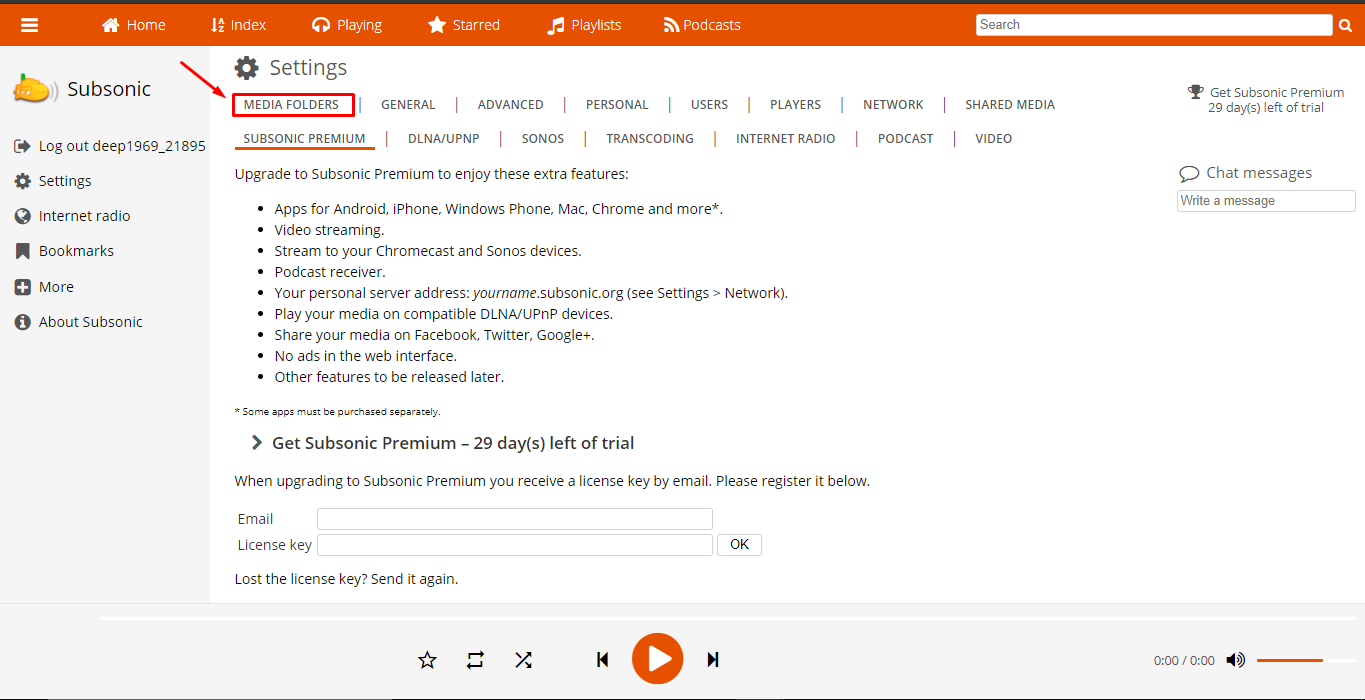
7. From the settings tab, vous pouvez cliquez sur the media folders tab to add a new media folder or edit the path of the existing media folder.
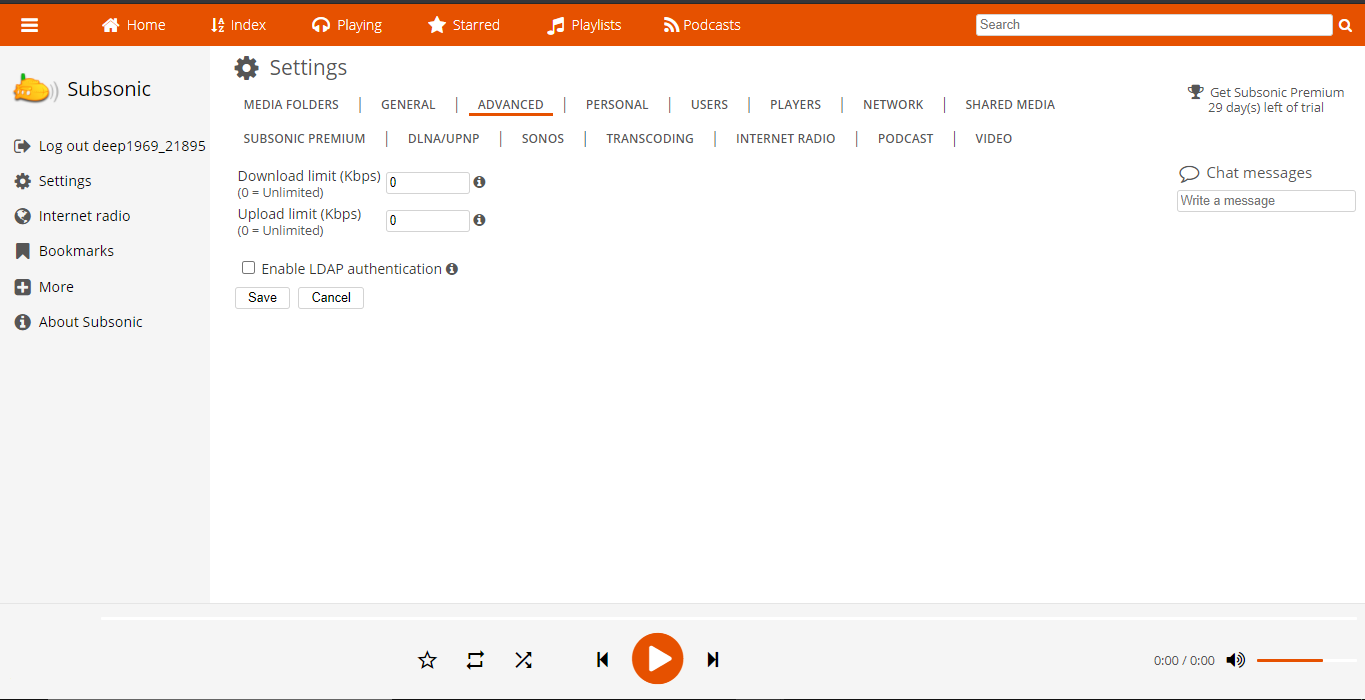
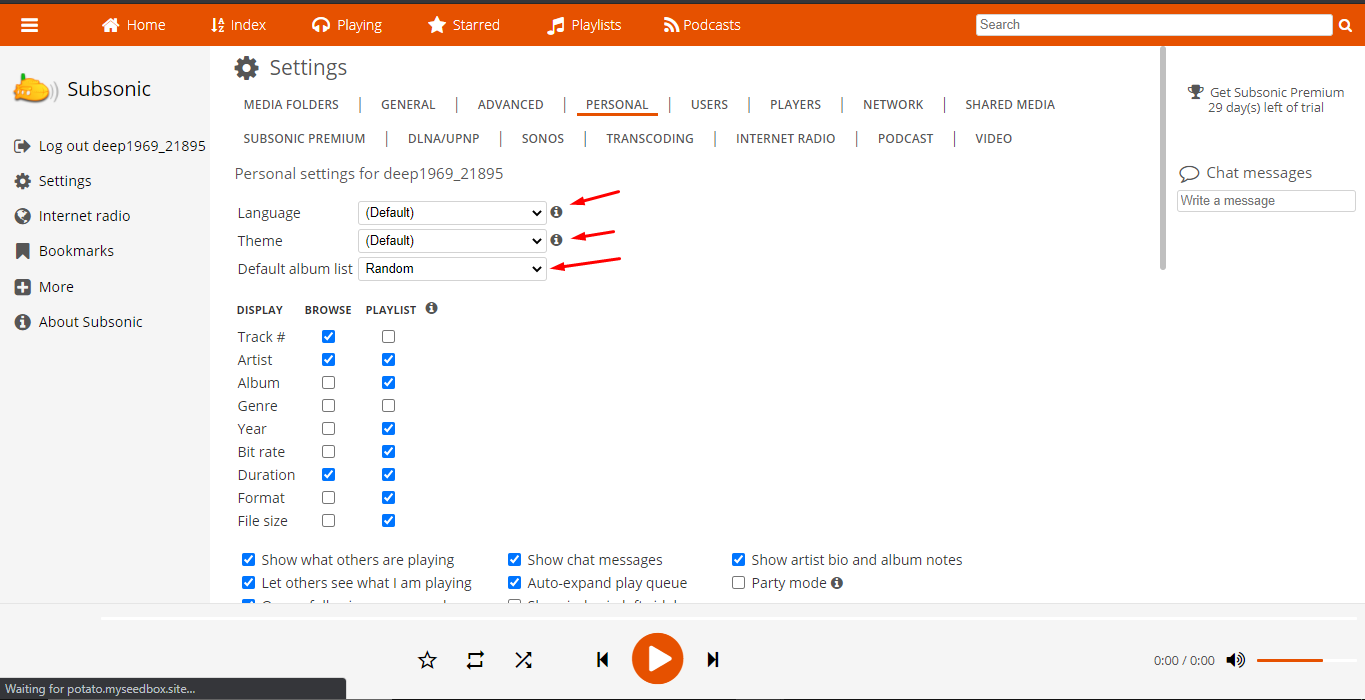
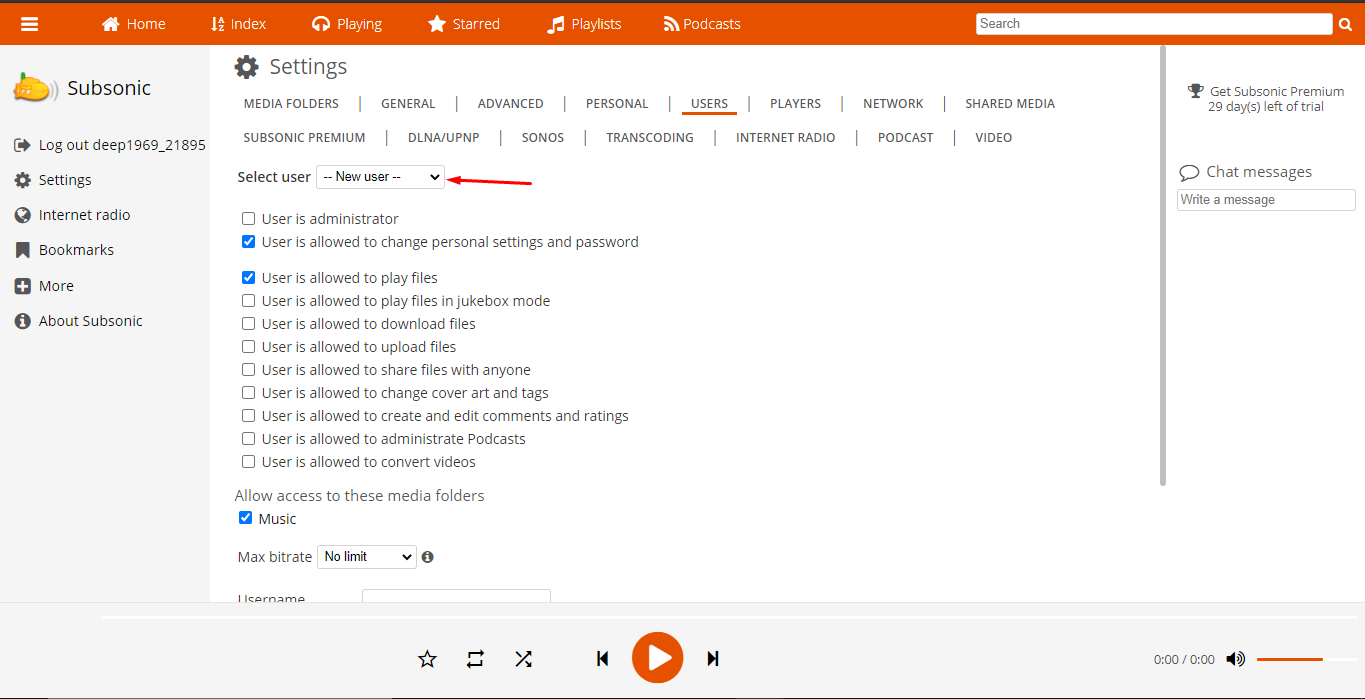
8. In the general settings tab, vous pouvez see the audio and video formats supported and also choose formats for cover images.
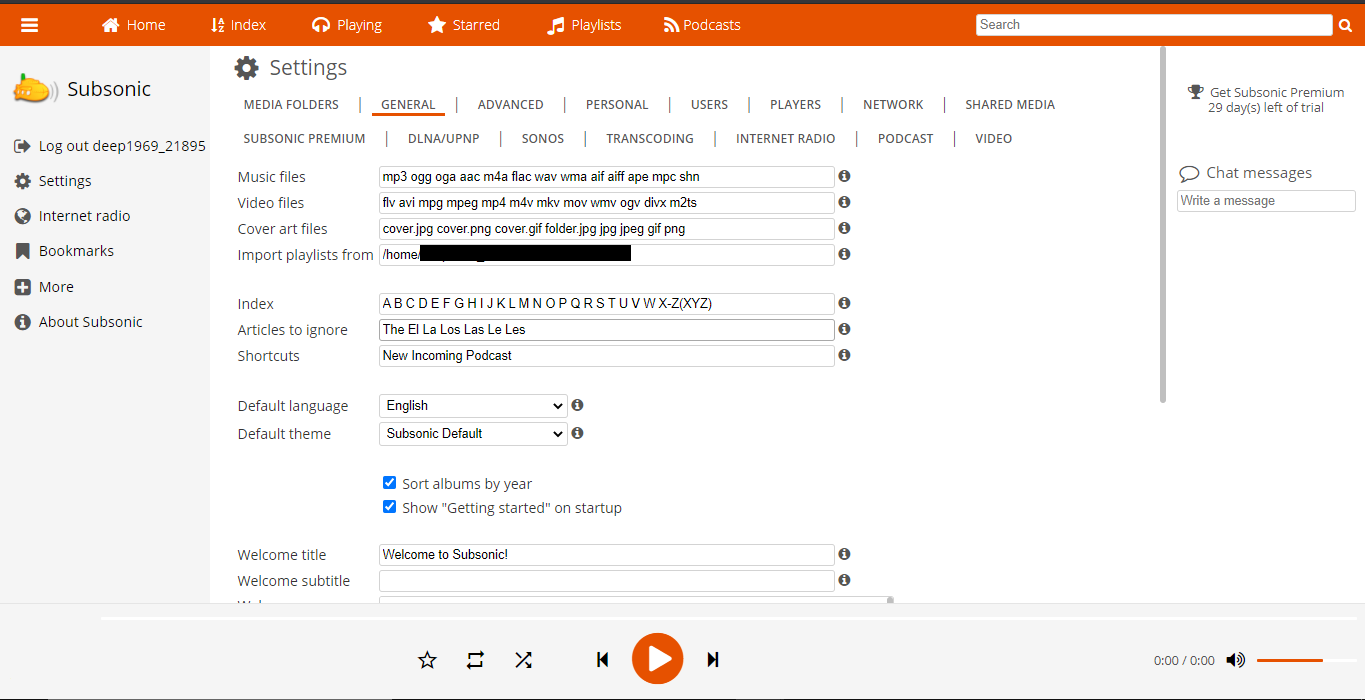
9. There are other settings tabs through which vous pouvez configure subsonic according to your needs comme montré ci-dessous.