Configuración de TeamSpeak
On this page ▾
"Teamspeak TeamSpeak is a proprietary voice-over-Internet Protocol application for audio communication between users on a chat channel, much like a telephone conference call. Users typically use headphones with a microphone."
First we need to install team speak, do so by navigating down and pressing install.

Después de the install is complete, school back up and locate Teamspeak and click the eye icon to launch the app. Please note, the install can take some time to complete.

Después de you click the eye icon, you will be greeted with your server info, as seen below.
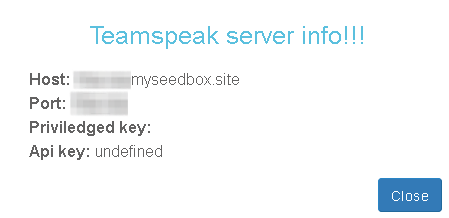
Una vez que have that information, launch Teamspeak. You will be greeted by this screen.
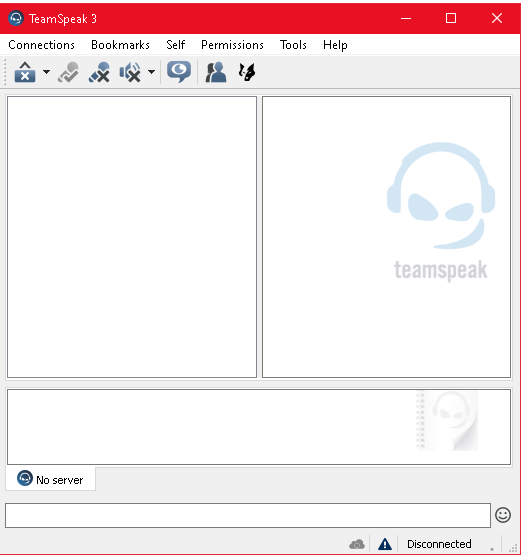
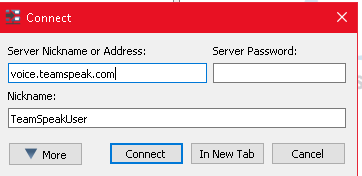
Next click connections at the top right of Teamspeak. Verá this screen. Pegar in your server information in this format.
XXXX.myseedbox.site:(PORTXXXX)
Example: Avacado.myseedbox.site:12345
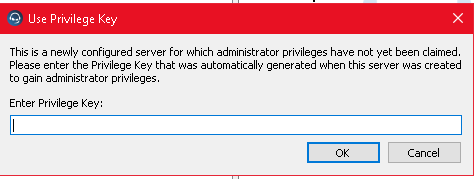
Next your privilege key will need to be entered. Mine was blank, so I clicked ok. Si ustedrs is not blank, enter it here and click ok.
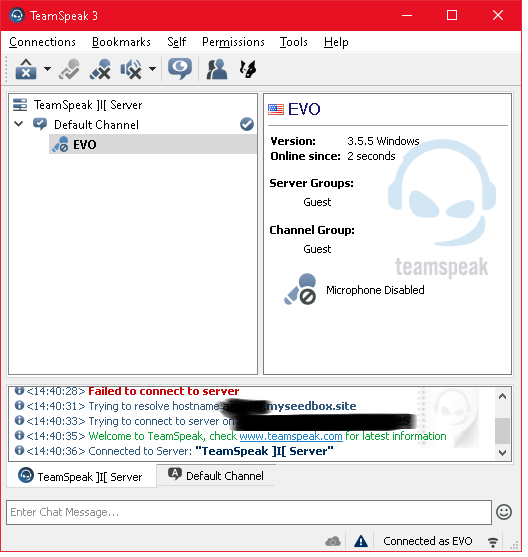
Después de you enter the correct key, verá this screen. You are done! Enjoy your server.
Put this into practice
EvoSeedbox ships with one-click app installs and up to 10 Gbps per box.


