Note: CouchPotato is no longer actively maintained. We recommend using Radarr instead — it’s more reliable, actively developed, and integrates with Prowlarr for unified indexer management.
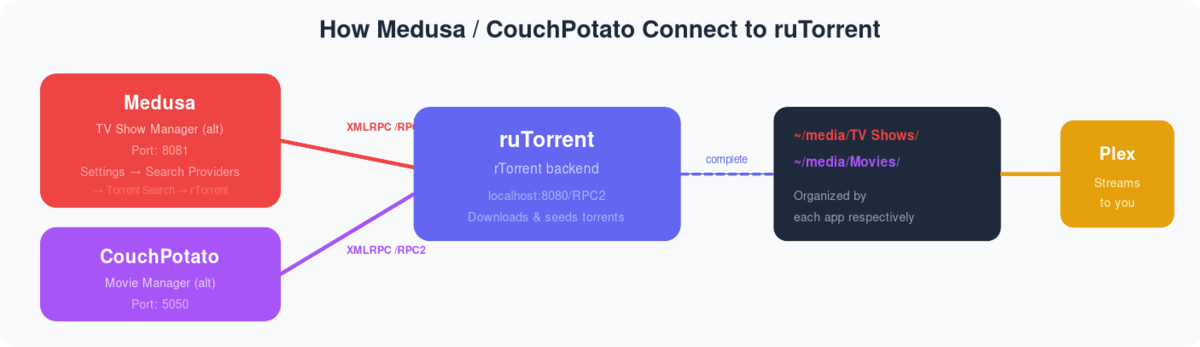
Qué es Couch Potato? Couch Potato is a great tool using which puede add movie torrents in your rutorrent automatically without manually browsing individual torrent websites for downloading torrent files.Couch Potato uses a Usenet server and torrents to download movies on tu seedbox through rutorrent cliente torrent.
Cómo set up Couch Potato on Evoseedbox? #
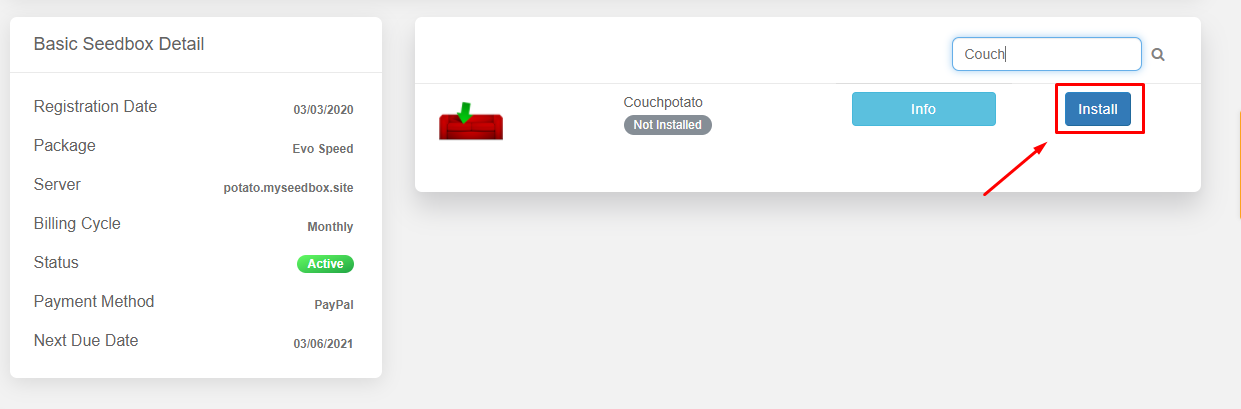
Paso 1. Después de logging In the área de cliente of your service search for the Couch potato in the Apps section and haga clic en the install button.
Paso 2. Después de installation is done open the app. You will an interface como se muestra abajo:


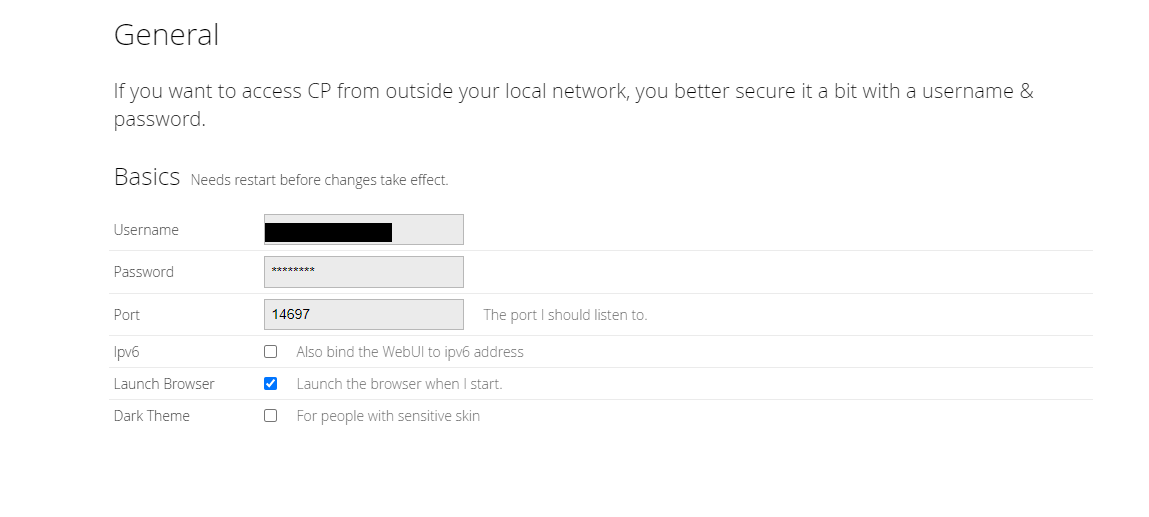
Paso 3. Inicio de sesión to application using the credenciales provided in the FTP detail. You will be able to see an introductory page where puede tweak general and rucliente torrent settings.In the general settings section puede setup basic settings like Username ,Password, Port no.
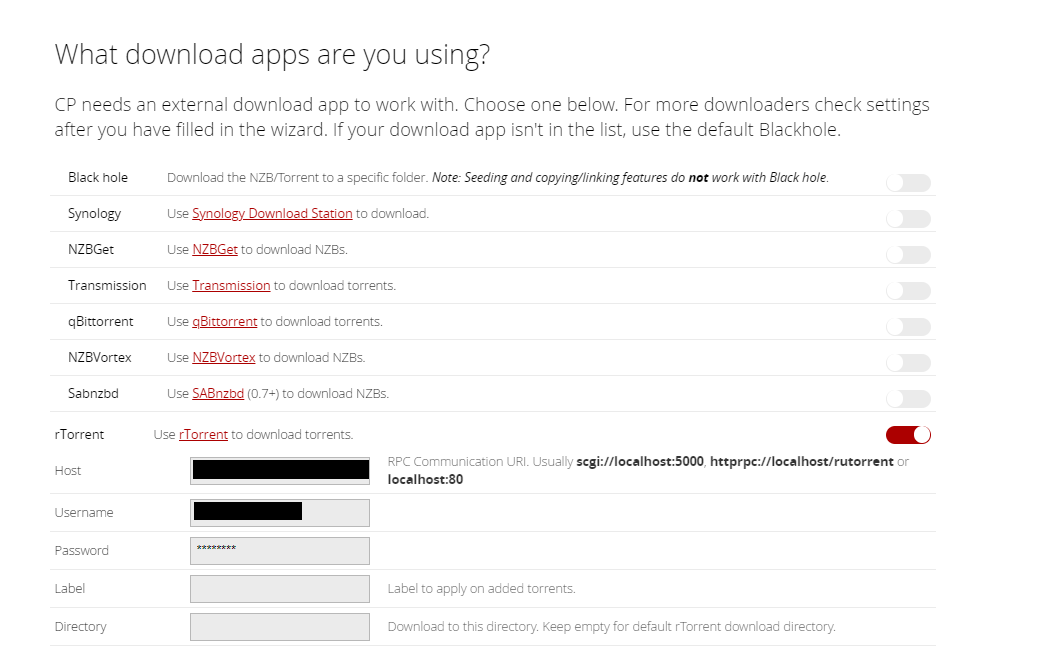
Paso 4. Next you’ll see download settings where your rutorrent credenciales have already been added by default. You need not do anything here.
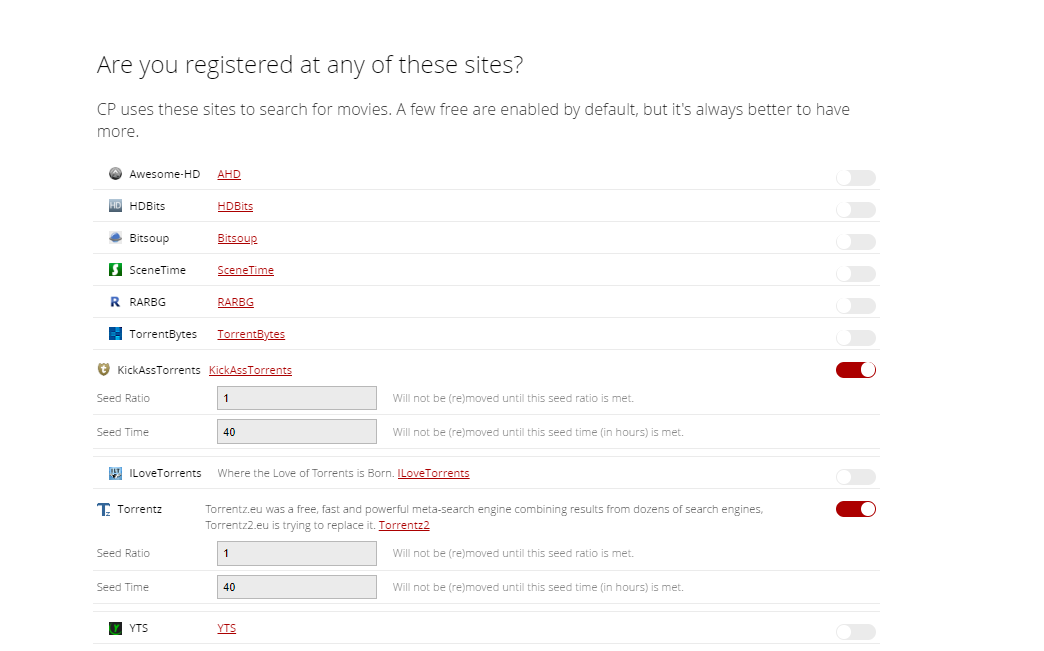
Paso 5. Next you need to add torrent sites that you want couch potato to use for searching torrents.
Step 6. Now, you are ready to use the app.Haga clic en ‘I’m ready to start the awesomeness’ button to complete the setup.

Step 7. Now puede search for your desired movie and add to your rutorrent without any hassle.