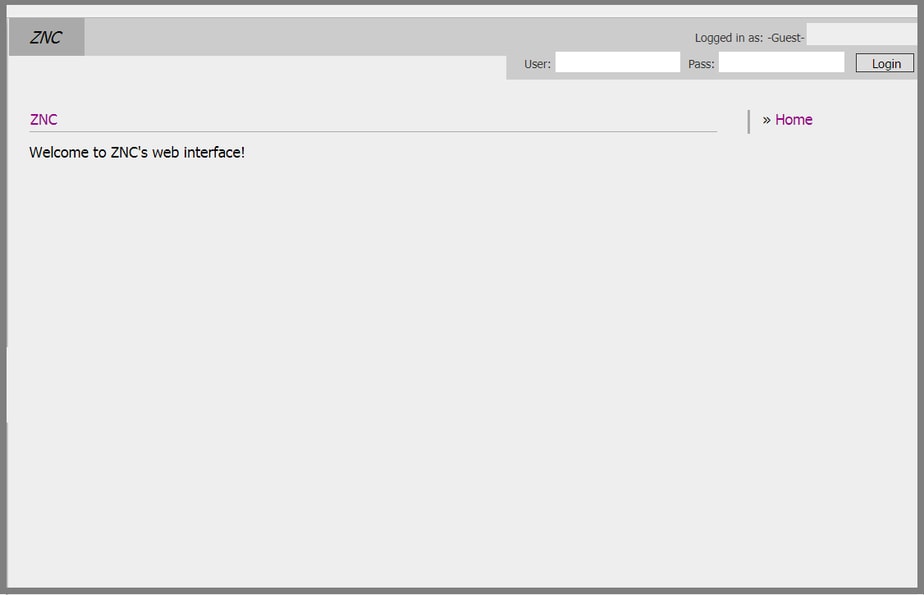
- Ingrese in your nombre de usuario and contraseña, both will be found in your área de cliente, use the nombre de usuario and contraseña provided for you that you use to log into your ruTorrent webgui:
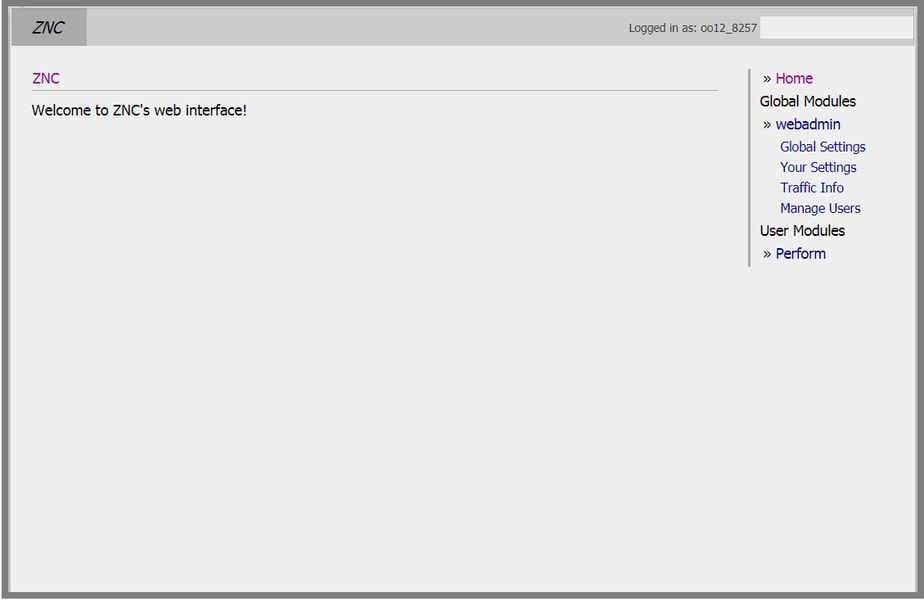
2. Una vez que're logged in verá to the right hand side all of that fun stuff, haga clic en your settings
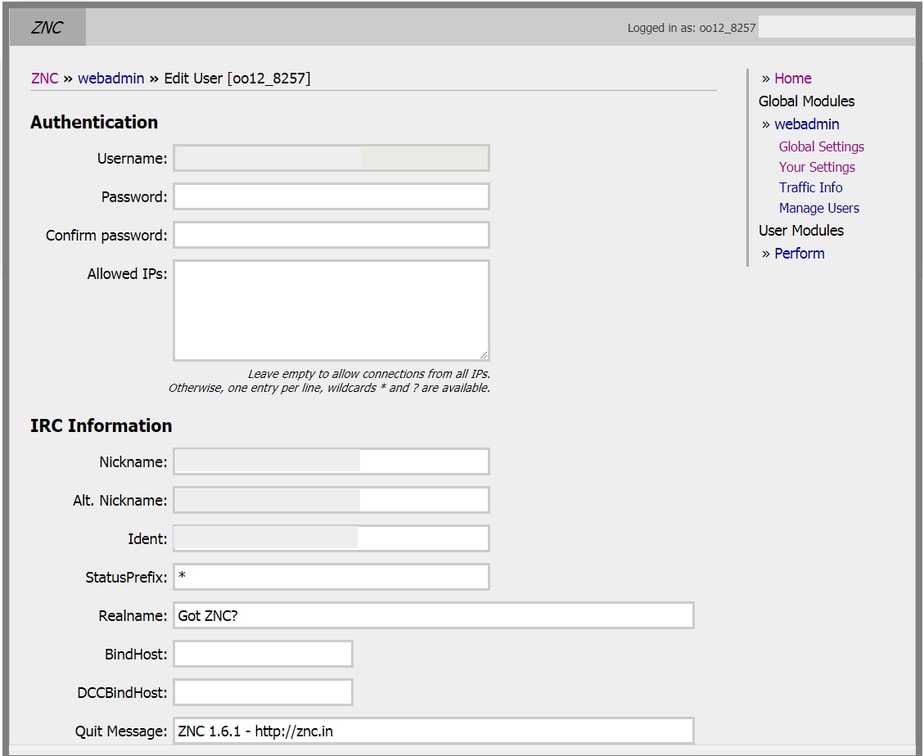
3. Then this will appear, in nombre de usuario and contraseña choose a new contraseña, enter in the ip address of tu seedbox
IRC nice will be your site nombre de usuario, Alt Nick will be your site nombre de usuario and then _ZNC for example (Jason_ZNC)
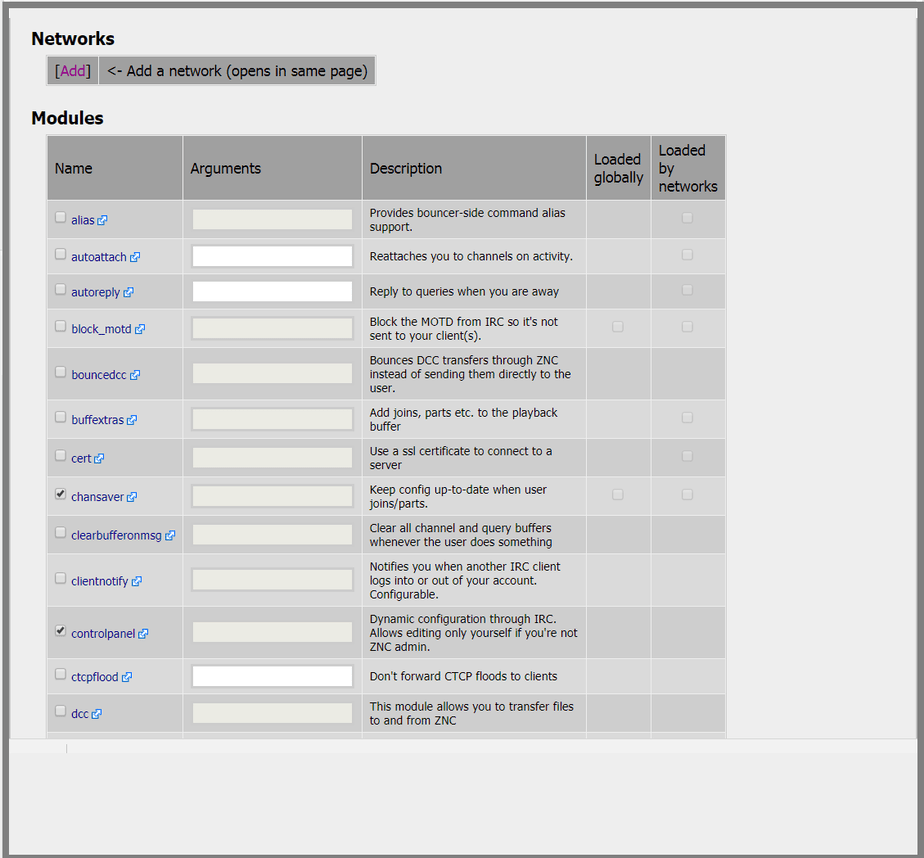
4. Si usted wish to use any of the below commands puede , most come in handy
Then haga clic en Add network
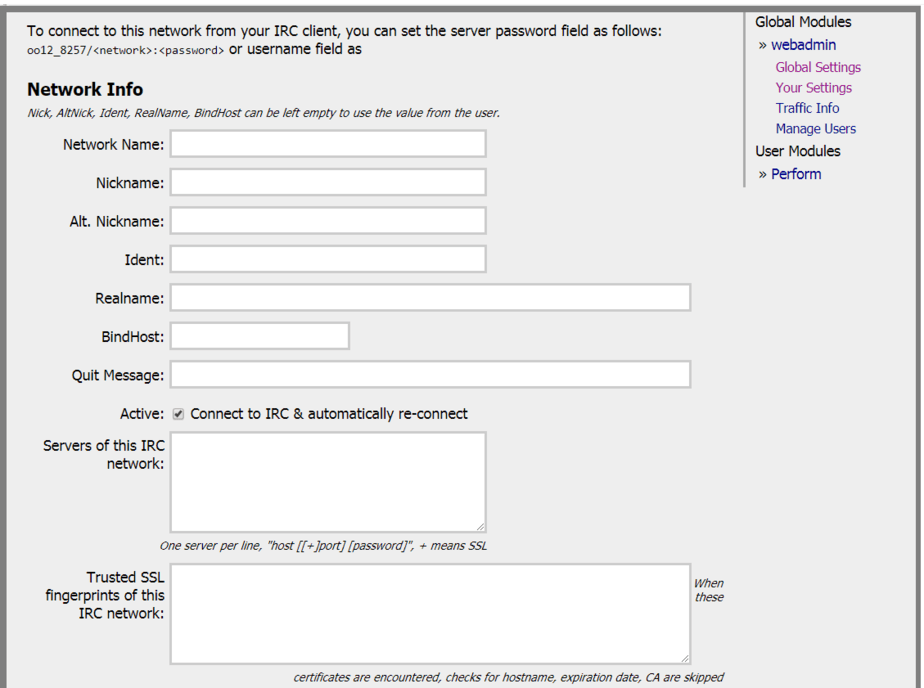
5. Una vez que clicked add network, here below you will need to enter in the information of the server you're connecting to, Network name is the name of the sites irc or what ever you want to call it.
Nickname will be your site nombre de usuario
Alt nick, (Jason_ZNC)
Real name, leave blank
In the Servers section enter in the details of the sites irc you're joining. example (irc.p2pnetwork.net)
and the join channel and invite code or contraseña to join if required.
*Note this screen on the top tells you how you should setup your nombre de usuario in your irc client*
6. Scroll down to the bottom and haga clic en add network, you will then be logged in on the irc server you have chosen. done.


