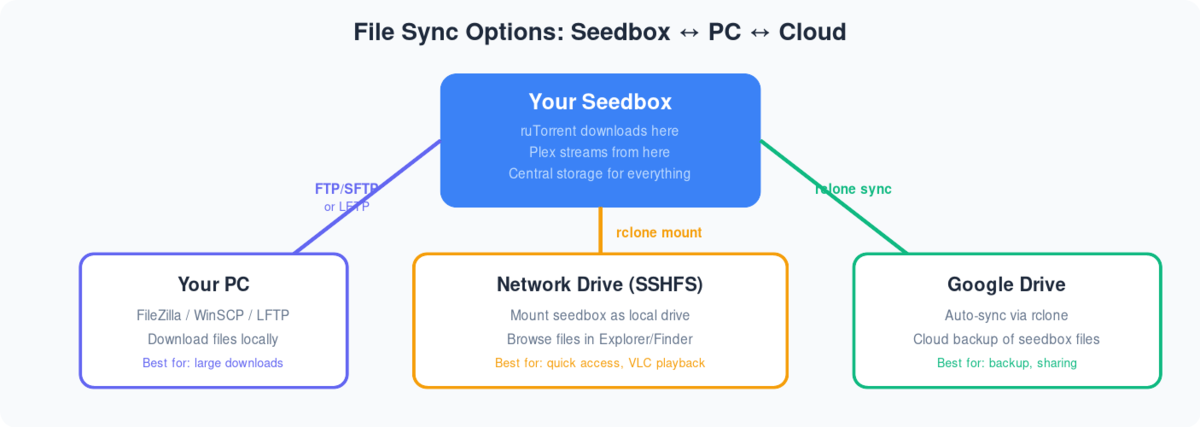
Syncing files in Seedbox and PC can make file management easier. All you يجب do is add the file to a dedicated sync folder and سوف make sure that the file is متاح on both الـ Seedbox الخاص بك and your PC.
For this, we are going to use an application called Syncthing. All you يجب do is تكوين it once.
We are assuming the Syncthing is installed on الـ Seedbox الخاص بك and your PC.
Click here to download Syncthing for pc.
Let us now begin the configuration.
كيفية use Syncthing to sync files between your device and seedbox
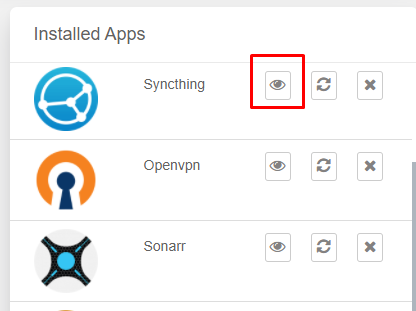
الخطوة 1: افتح the Syncthing application on الـ Seedbox الخاص بك.
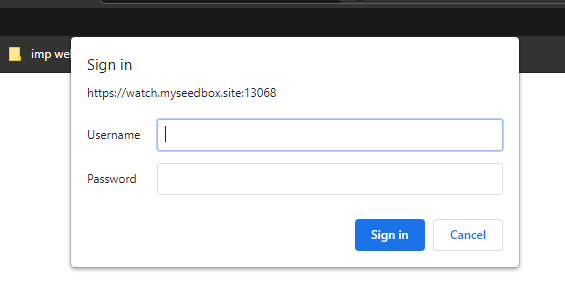
الخطوة 2: Enter your FTP بيانات الاعتماد
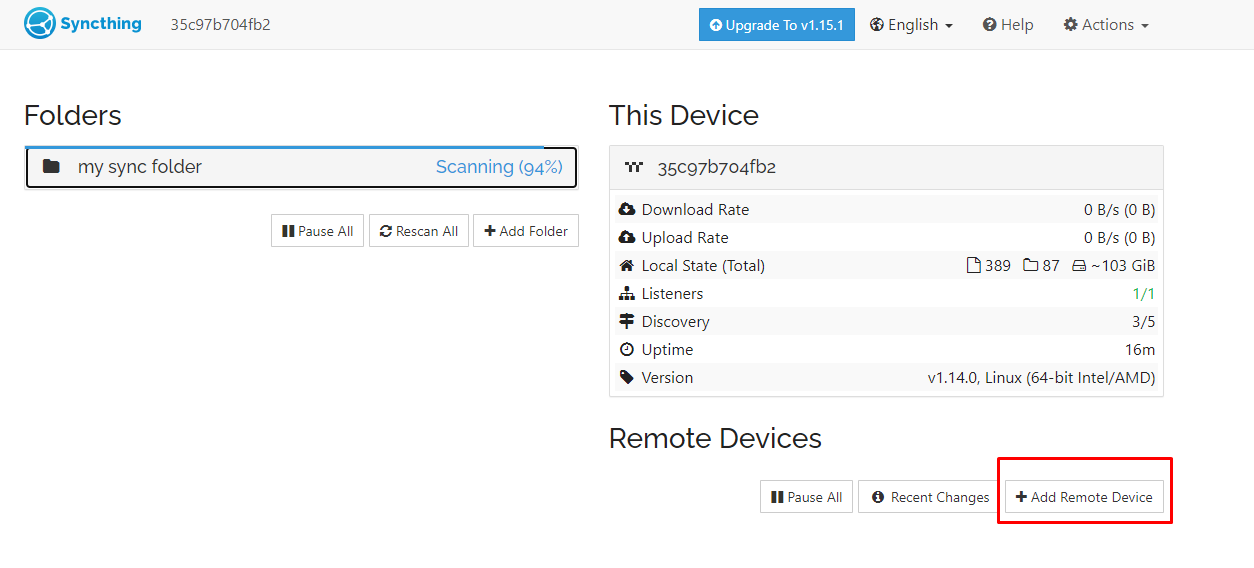
الخطوة 3: Add a remote device, a.k.a your PC
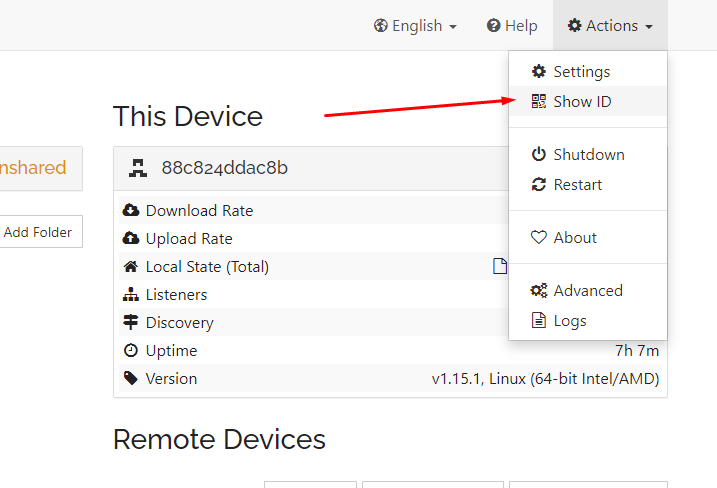
الخطوة 4: افتح Syncthing على device and find the device ID in the action menu.
A Pop-up will appear, copy the code written.
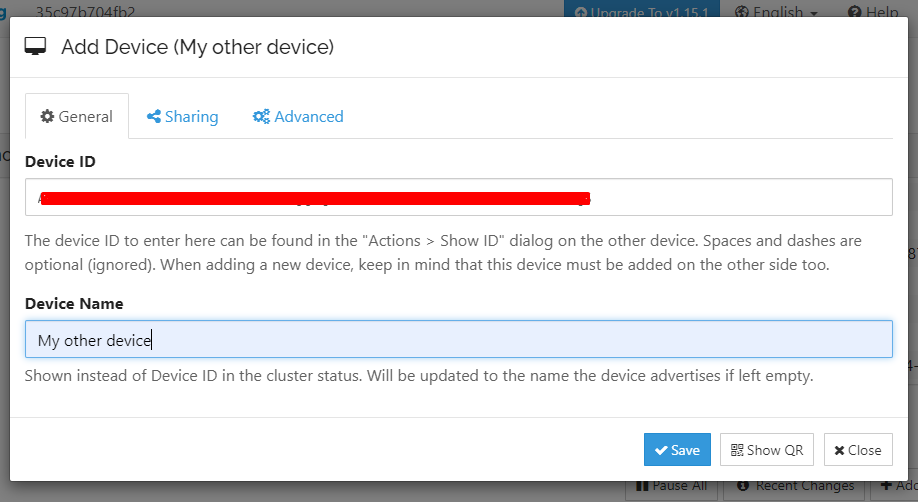
الخطوة 5: Add in the details and click on save.
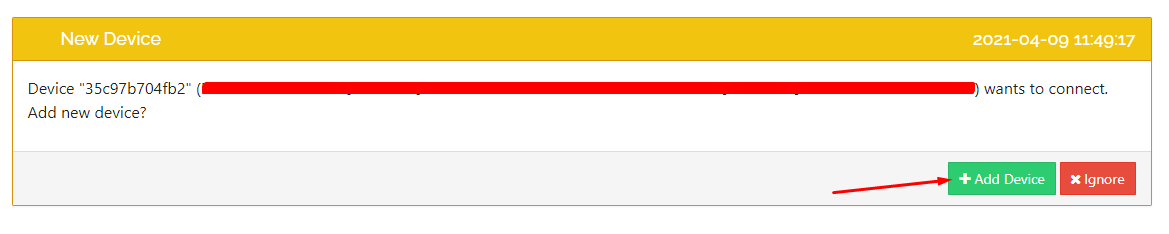
الخطوة 6: اذهب إلى the Syncthing app على device and accept the request.
A pop-up will appear, check the details, and click on the حفظ زر.
Bueno, both your devices are connected now. It is time to create folders and actually starts syncing files.
Adding folders in Syncthing to sync files.
الخطوة 1: Add a folder which ستظهر لك use to sync files.
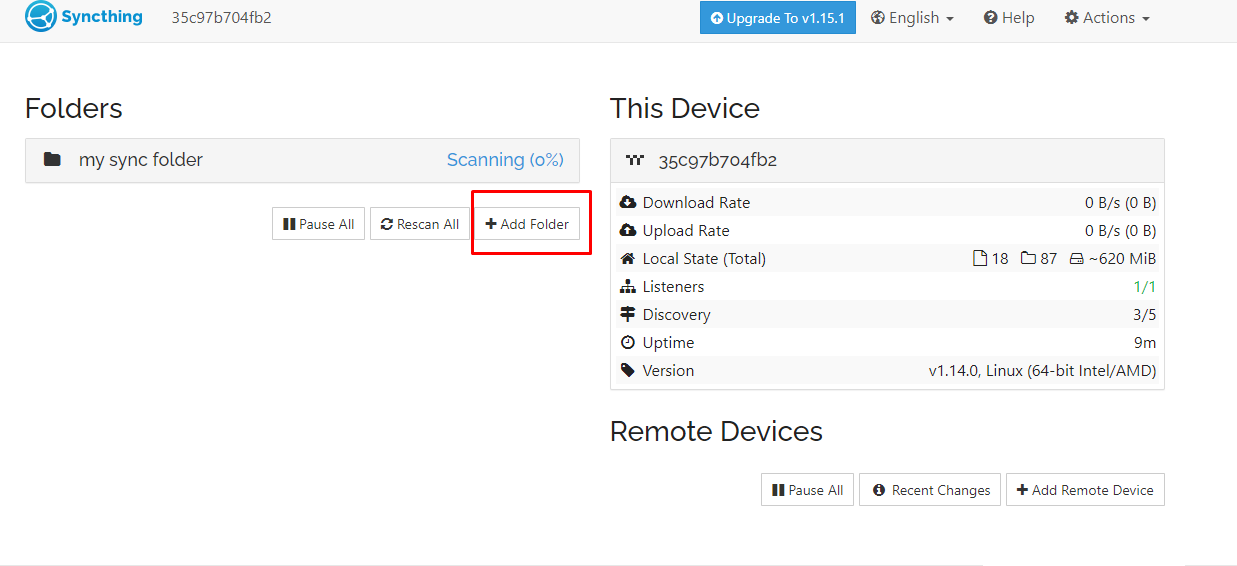
الخطوة 2: Fill in all the information and click on save.
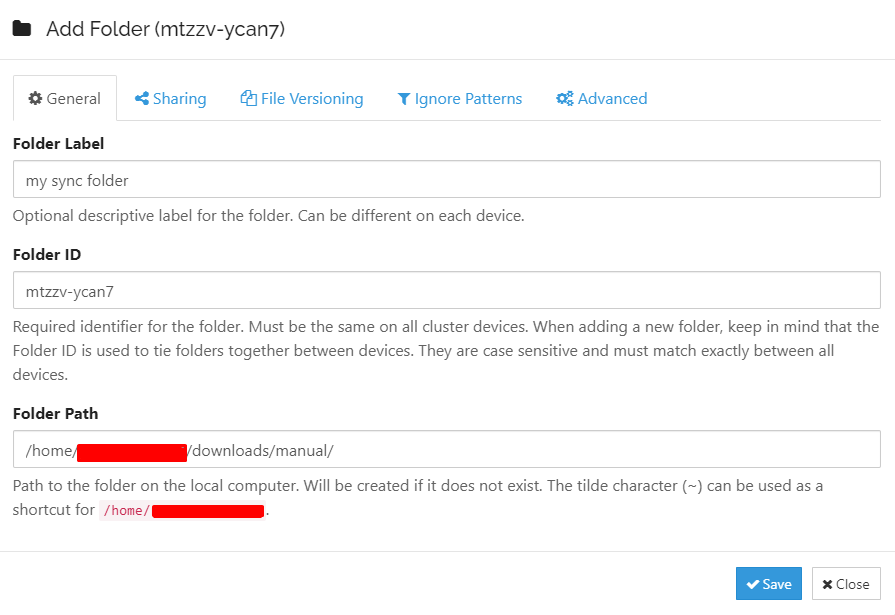
الخطوة 3: Do the same for your PC. Make sure the folder ID is the same as the folder ID of the seedbox.
In this case, the folder ID is: mtzzv-ycan7
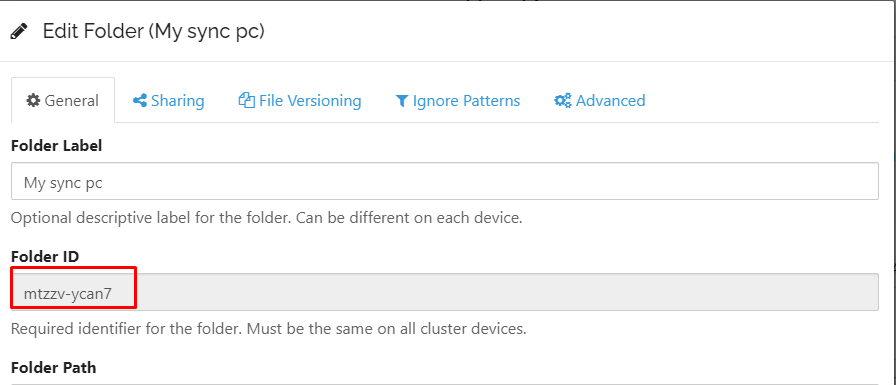
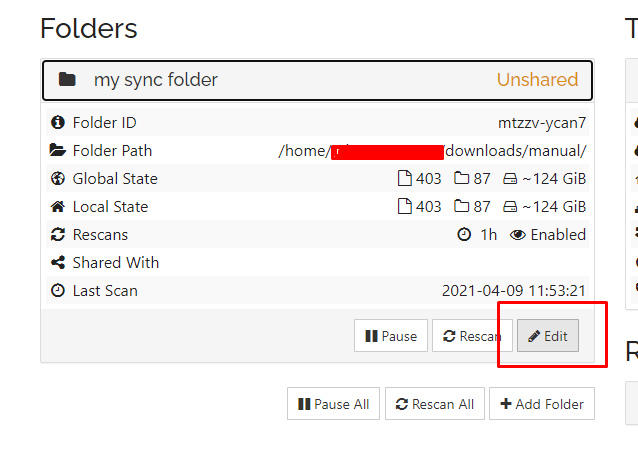
These folders are added but not shared by default. لذلك, you need to manually approve the folder to be shared.
الخطوة 4: انقر على the folder from الـ Seedbox الخاص بك and click on the edit زر.
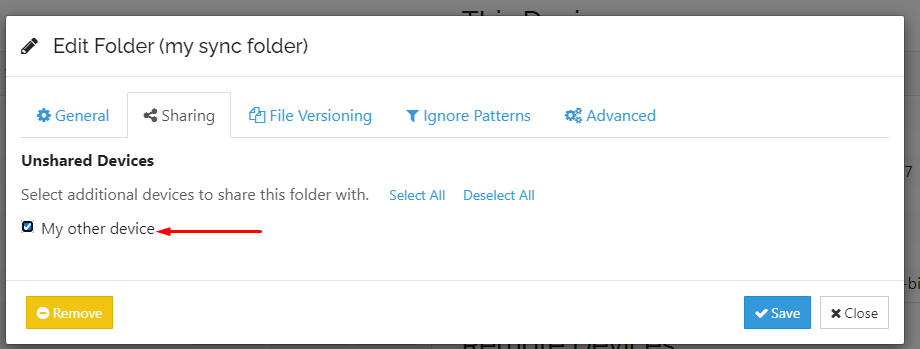
الخطوة 5: اذهب إلى the “Sharing tab” and check your device(PC) you want the folder to sync with. انقر على save.
الخطوة 6: افتح Syncthing على device(PC) and click on share.

The scanning process will start automatically.
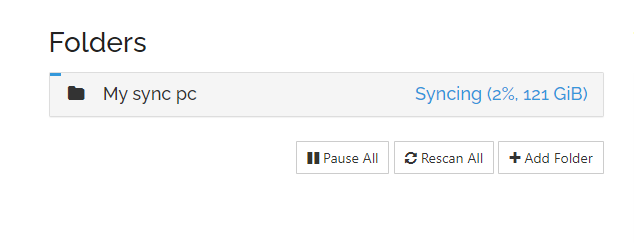
Once it is complete then the sync has been done. Now all you يجب do is add any file you want to sync in this folder. It doesn’t matter if it is from a PC or الـ Seedbox الخاص بك.
إذا still have any doubt then please get in touch with us using chat or raise a ticket.


