في هذا الدليل, we are going to show you how to use MatterMost. An app that is a perfect substitution for slack.
يمكنك create different workspaces and channels, invite members and connect third-party apps and webhooks in MatterMost.
The first step is to install the MatterMost app.
Learn how to install apps from here
Now that your App is installed, it is time to complete the setup.
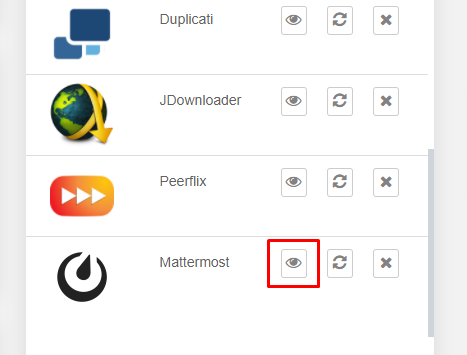
افتح التطبيق for the منطقة العميل.
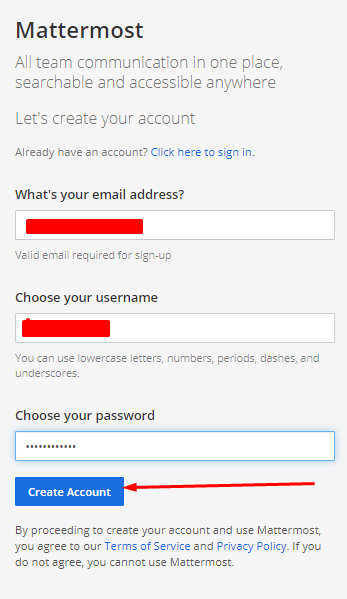
You will be welcomed by a screen like this. Here you يجب create your MatterMost account. Use any email ID, اسم المستخدم, and كلمة المرور you want. Once done, click on the “Create Account” زر.
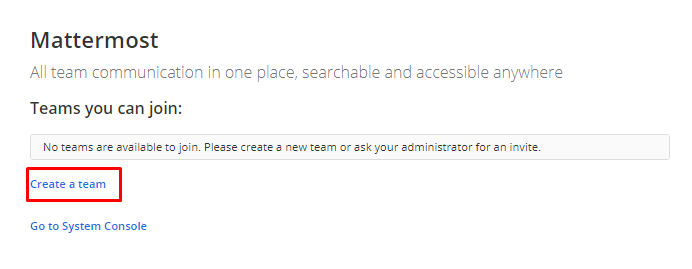
Currently, you do not have a team a.k.a workplace in slack lingo. So first, click on the “create a team” link.
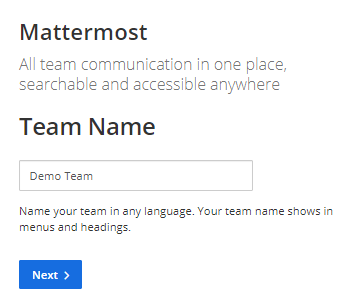
Add a team name, يمكنك have multiple teams in an account so naming them properly will help you a lot.
انقر على the Next زر.
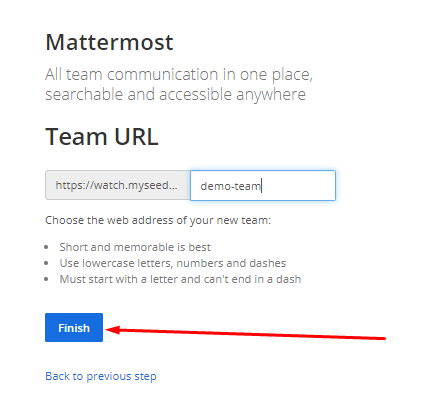
Now, you يجب create a URL using which يمكنك access your MatterMost app. Ideally, it is the same as the Team name, but if you have anything else in mind then go ahead.
انقر على the “Finish” زر when done.
That’s it!
يمكنك now explore التطبيق, add integrations as well as invite team members.