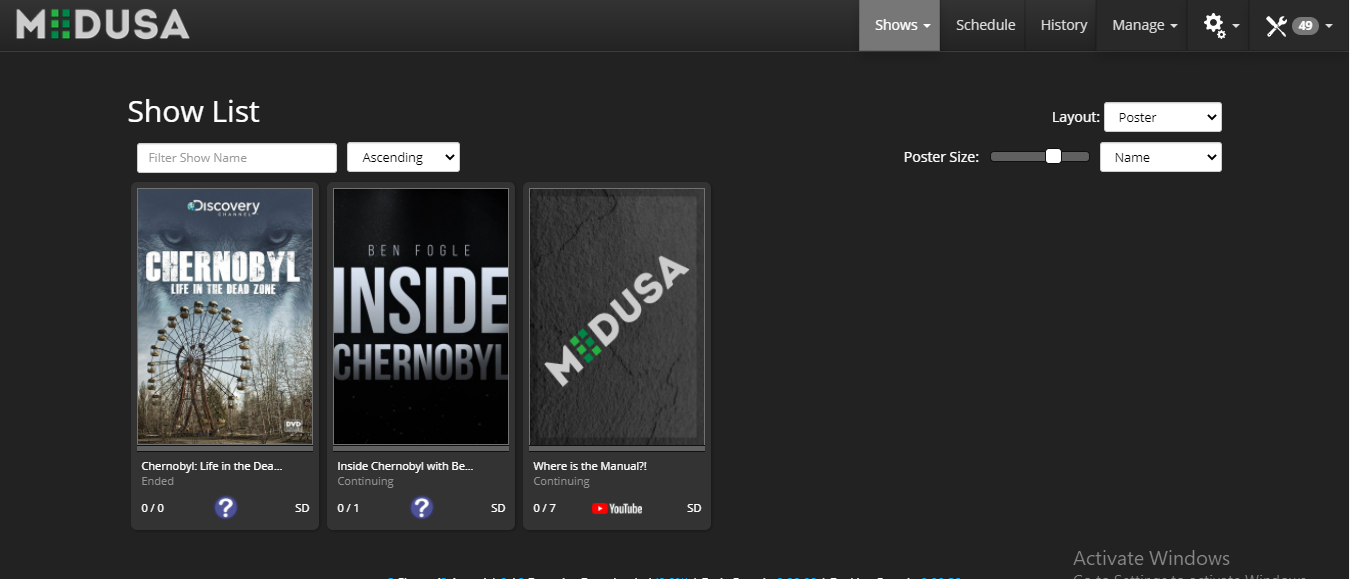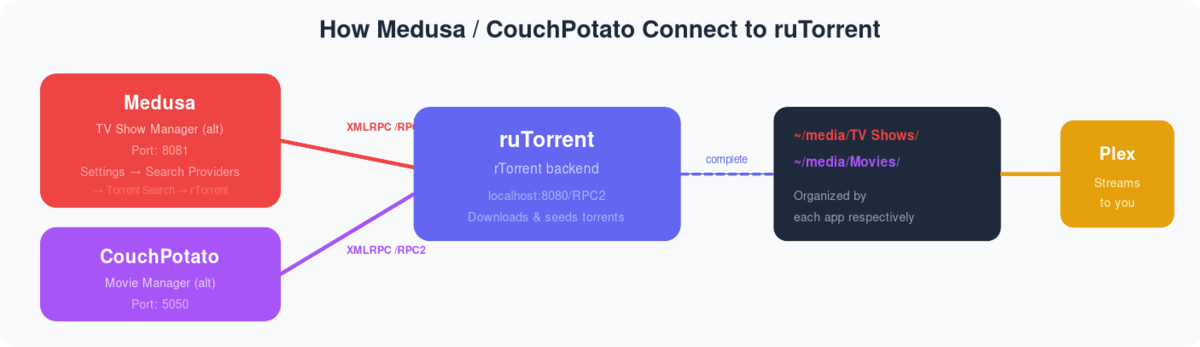
Medusa is an automatic library management app for TV shows. It looks out for the show you want and as soon as a torrent or nzb is доступен, он будет start downloading it.
Medusa предоставляет a wide range of options for you to download the latest TV shows and gives exciting features to manage them.
Features:-
- Uses ‘guess it’s a library to parse and enrich existing info (more precise than regexes)
- Faster DailyПоискer|Backlog|Find propers as we only process new items. Already processed items are discarded.
- Better quality explanations and consistent quality code in all threads
- Option to clean Kodi library when replacing existing files
- Manual search for subtitles
- Manual search episodes (you choose what to snatch based on all kind of info: provider, seeds, release group)
- See on the fly if your backlogged episodes will be increased/reduced while changing qualities
- Supports TVMaze and TMDB indexers
- Postpone Post Processing until Medusa downloads wanted subtitle
- Clean up any leftover files/folders if the media file is deleted
- Improved Anime shows support
Как Скачать the Medusa app on вашим seedbox?
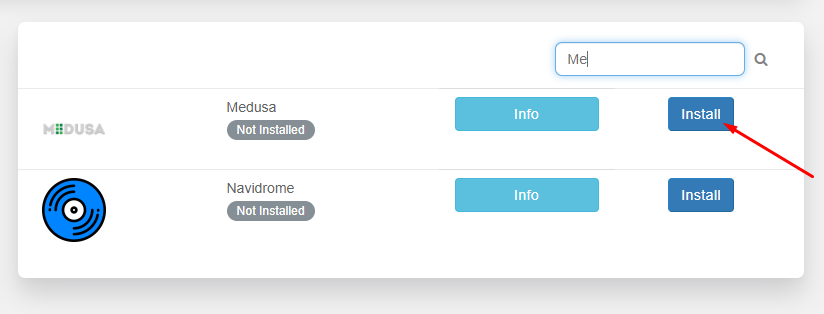
Шаг 1: Откройте your Evoseedbox Dashboard and Scroll to the Apps tab.
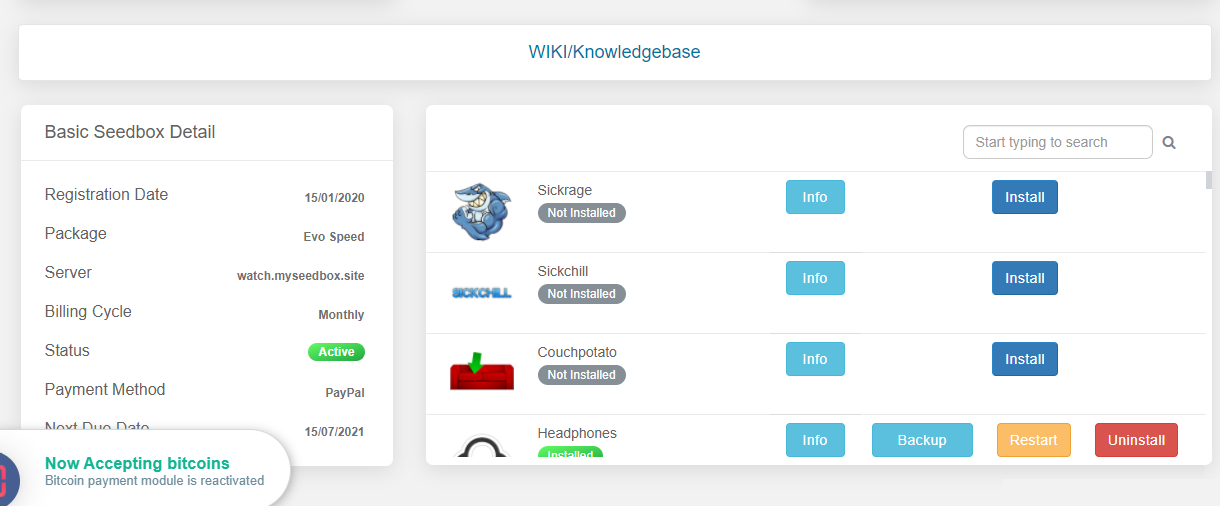
Шаг 2: Find the Medusa app and click on the install кнопка
Как Set-up Medusa App with a Seedbox?
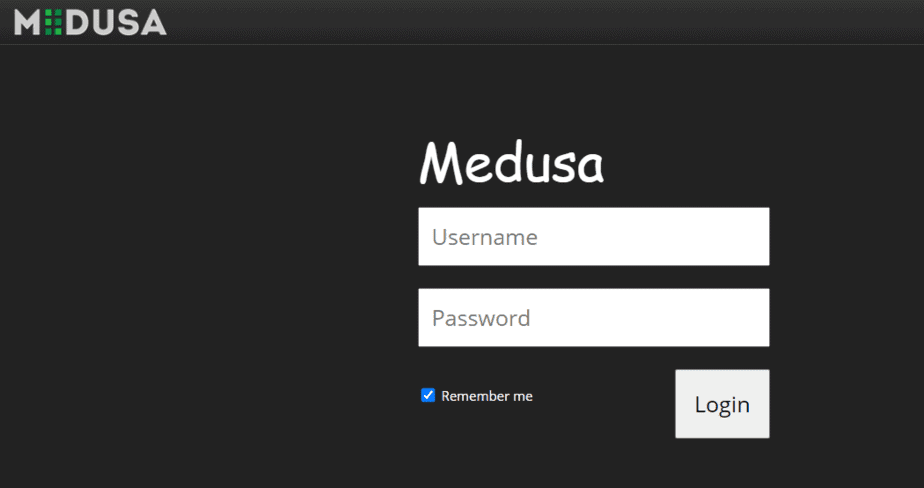
Шаг 1: Откройте the Medusa app с вашего личный кабинет and enter вашим seedbox учетные данные in it to log in.
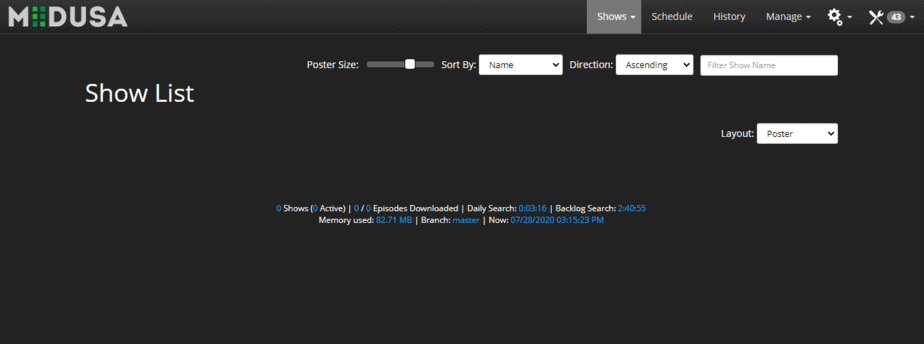
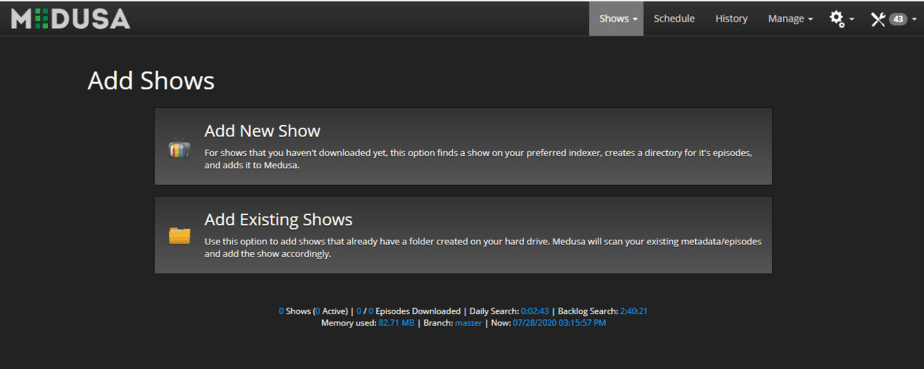
Шаг 2: Medusa Web Ui will open in front of you, it’s like the home page where вы можете find all the shows that вы будете add to it.
Шаг 3: Hover on the shows menu and then click on add shows option.
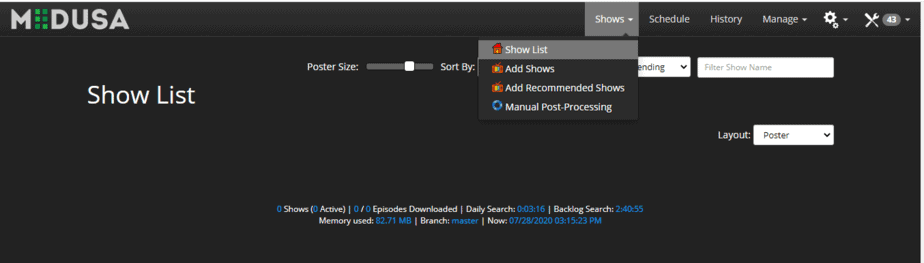
Step 4: Нажмите на add shows or if you хотите add shows с вашего folders click on add existing shows.
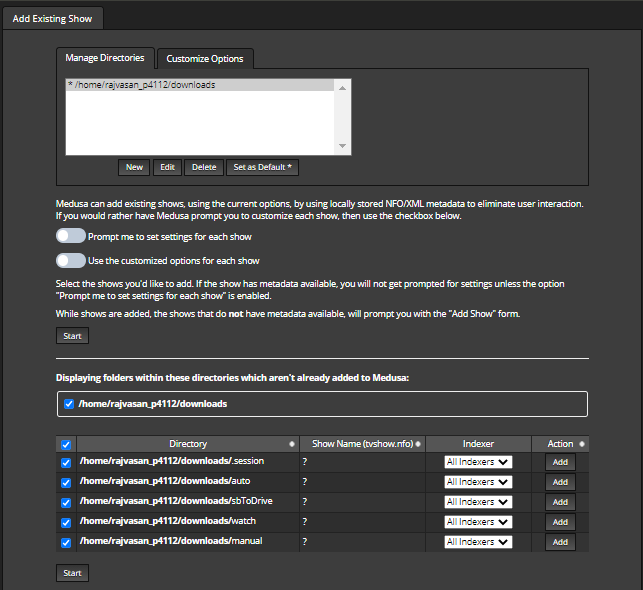
Step 5: Let’s select add an existing show, a page with a form will appear. Add your path of directories and click on submit кнопка.
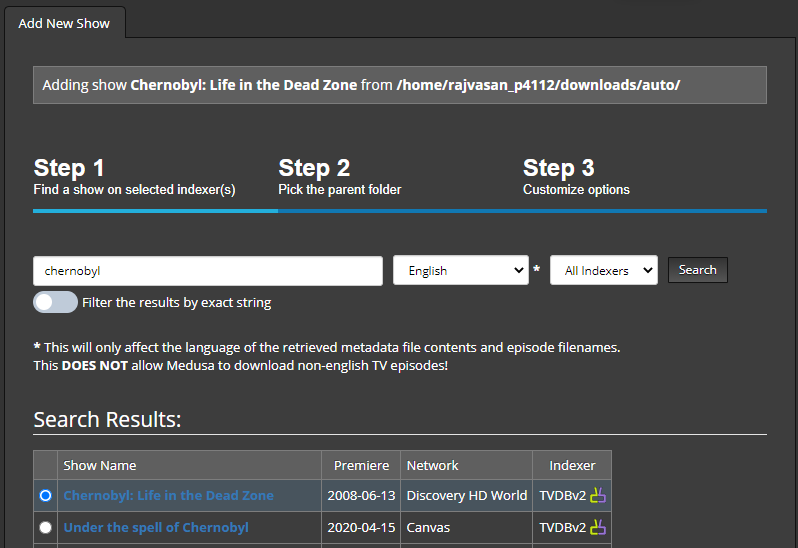
Step 6: Поискes the show you хотите add and hit enter.
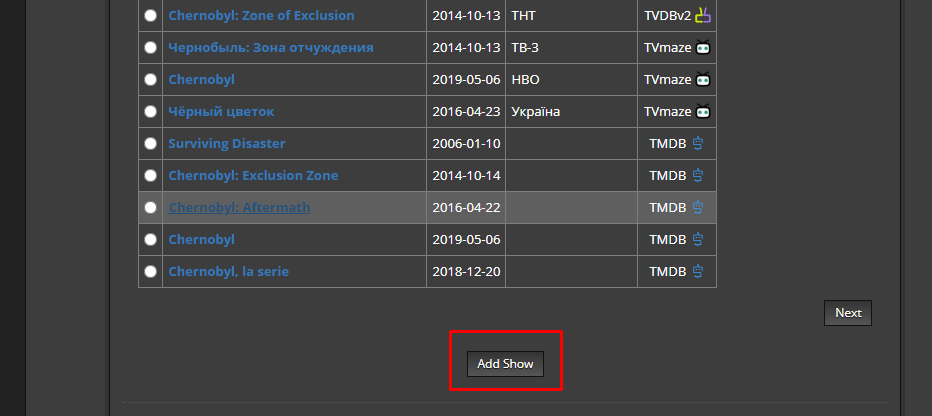
Step 7: Выберите the show and click on add show which will add your show на ваш show list.
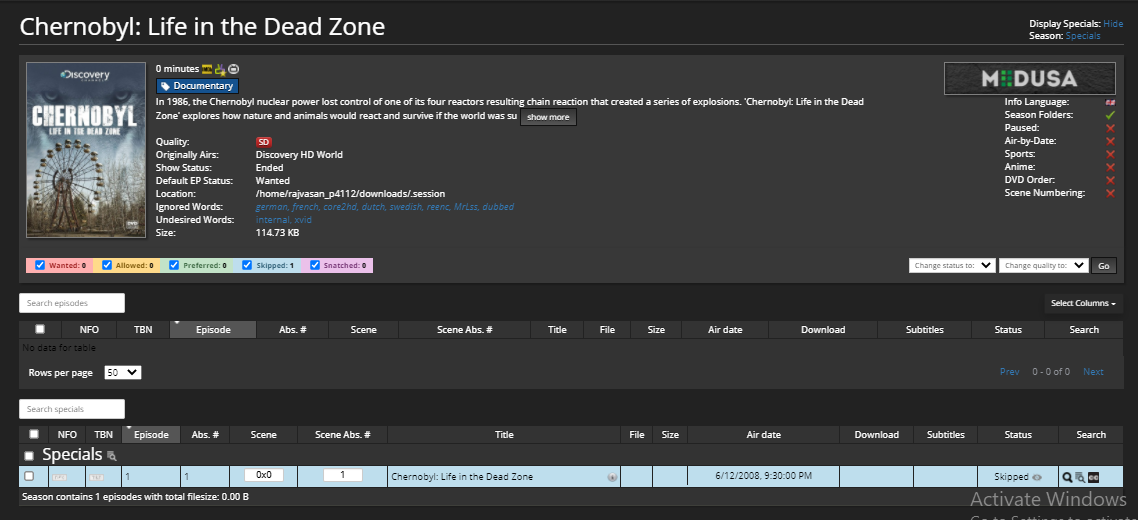
Step 8: Нажмите на the show and вы будете see its description and episodes that вы можете download.