Duplicati was designed for online backups from scratch. It is not only data efficient but أيضاً handles network issues nicely. E.g. interrupted backups can be resumed and Duplicati tests the content of backups regularly. That way broken backups on corrupt التخزين systems can be detected before it’s too late.
Remember when storing data, the rule of 3 applies. Duplicati is a great choice for one of those 3 options.
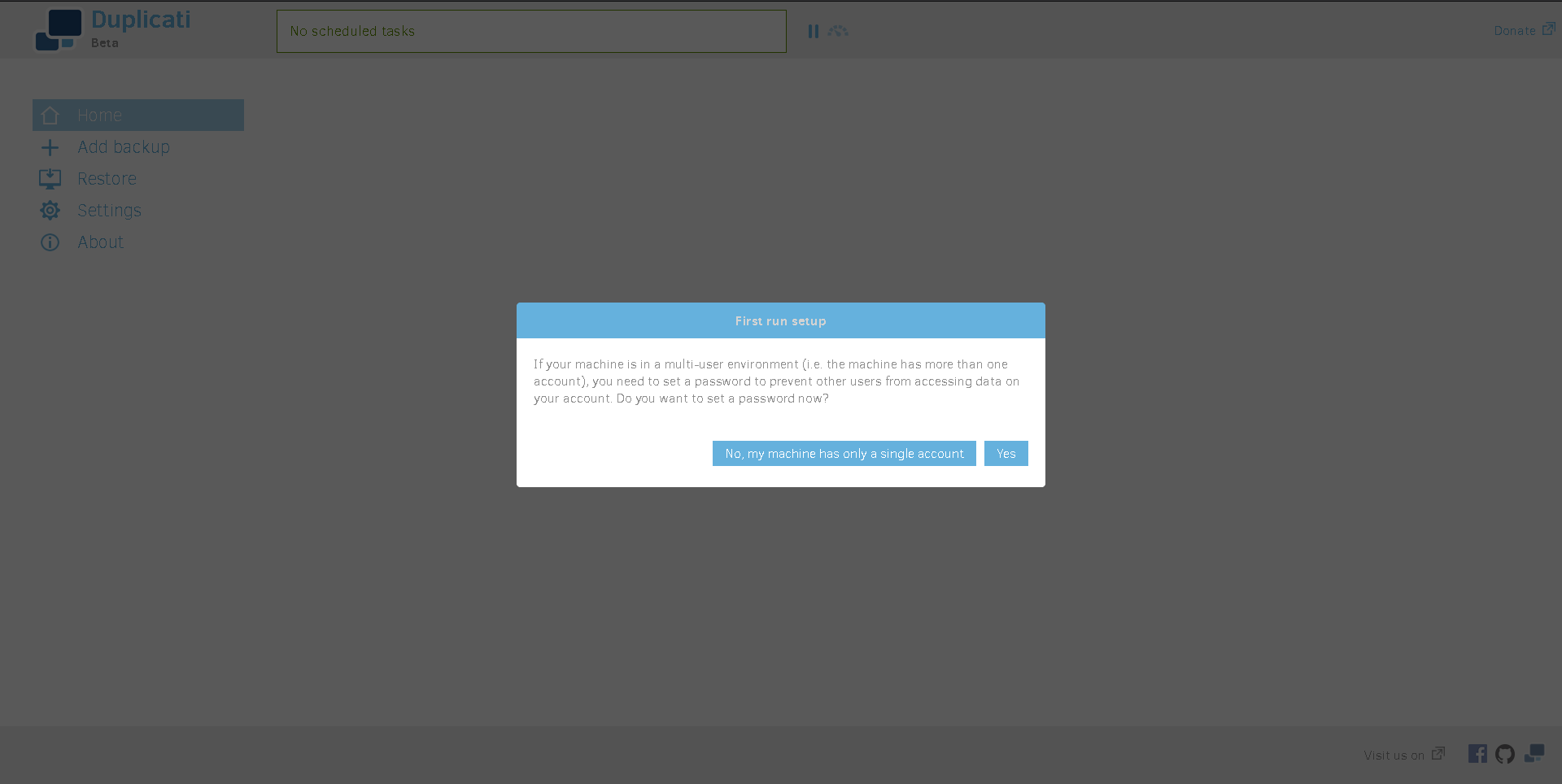
When you first open التطبيق, ستظهر لك be greeted with this screen. اختر التطبيقropriate answer for your situation.
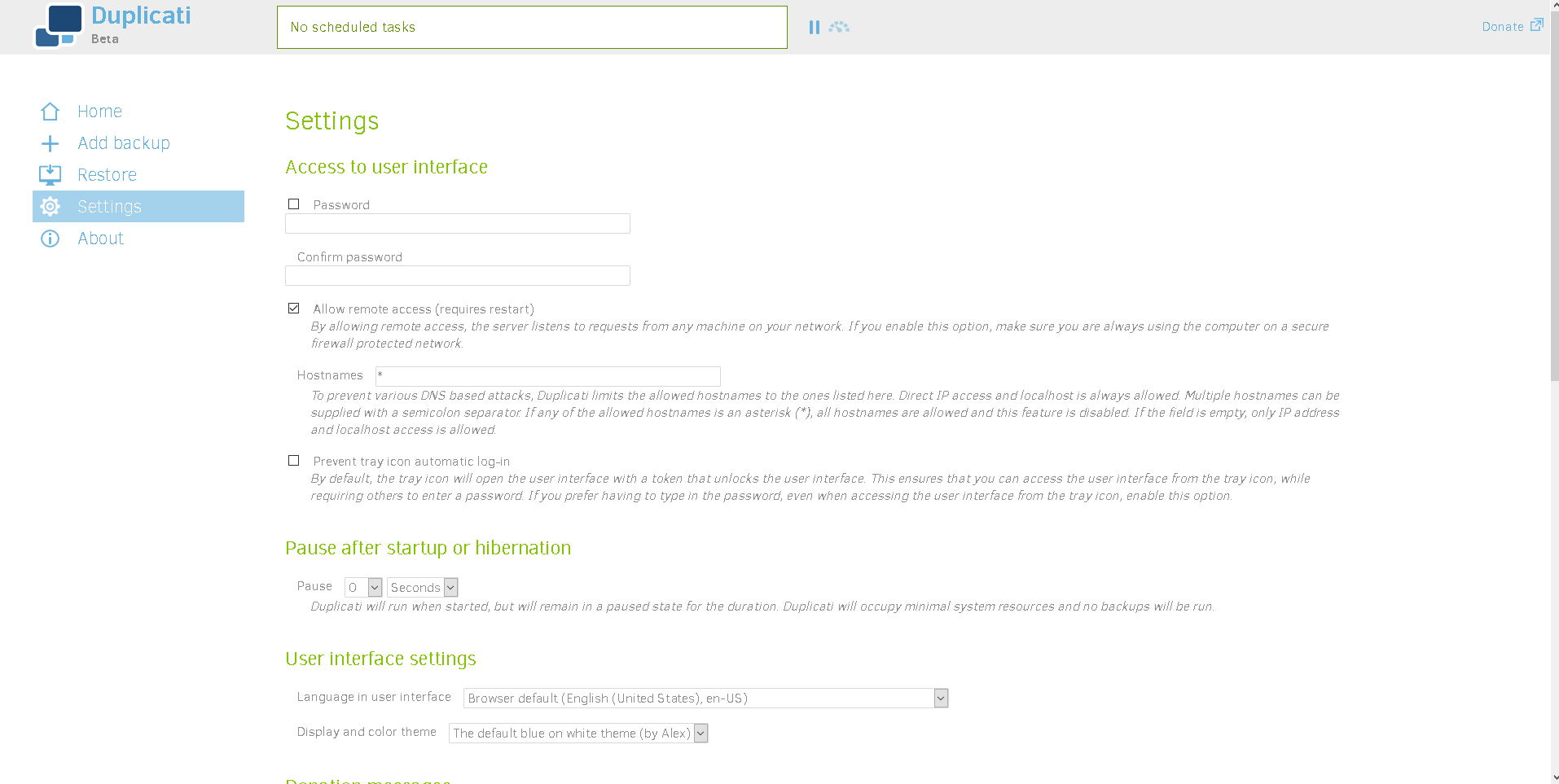
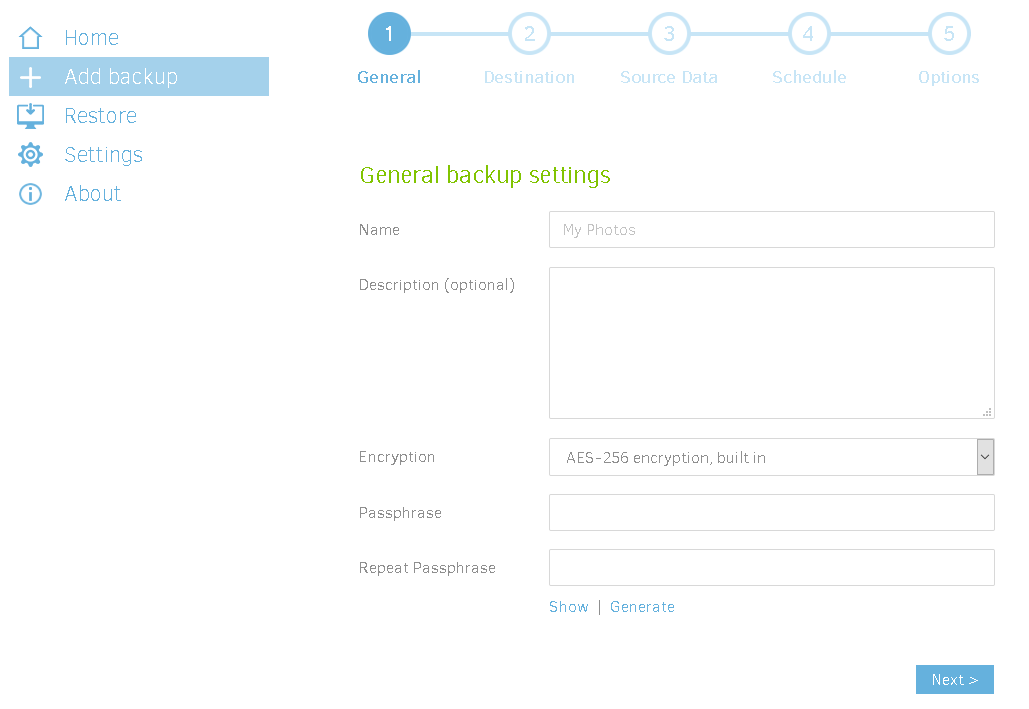
The next screen ستظهر لك see if you select Yes is below. Set your كلمة المرور and adjust any other settings you see fit. I left all the other settings other than the كلمة المرور at default.
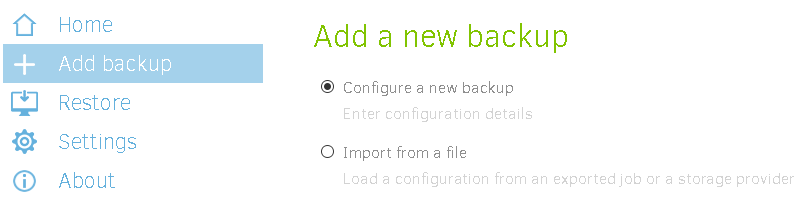
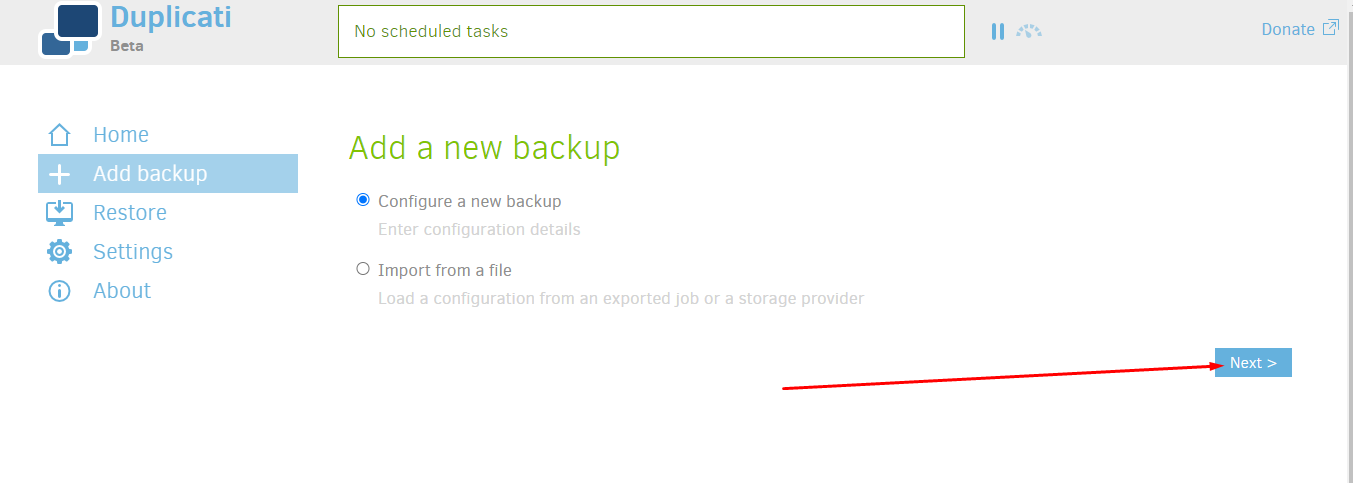
Next we need to start backing up our data. اختر add back up, and then تكوين a new back up.
Now name your back up and add a description if needed.
ملاحظة: at this step, you must enter a passphrase or disable encryption. Otherwise سوف prompt you to do so في النهاية.
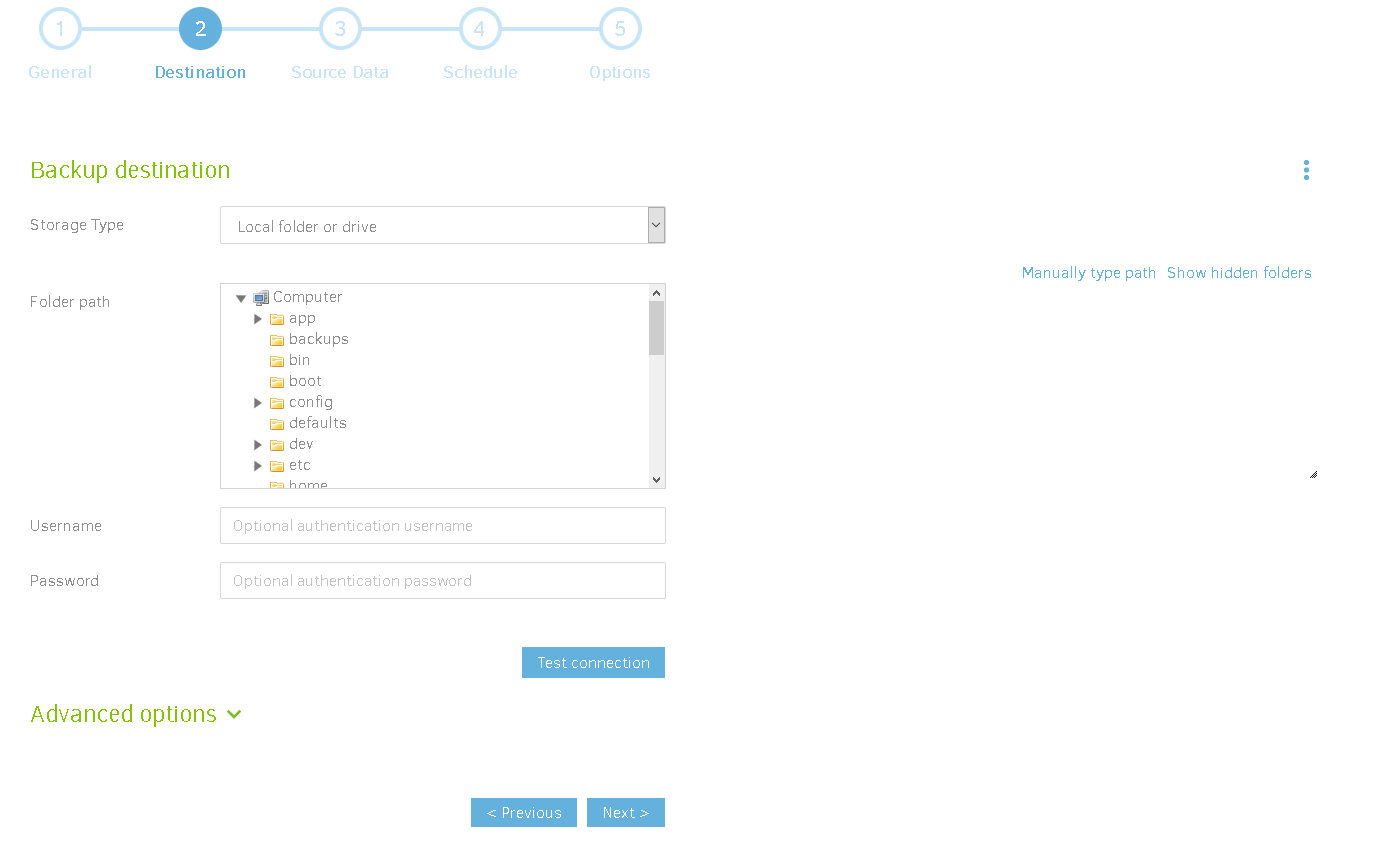
Next ستظهر لك select your back up destination على EVO server. The folder is your choice, so choose whatever folder is best for your situation.
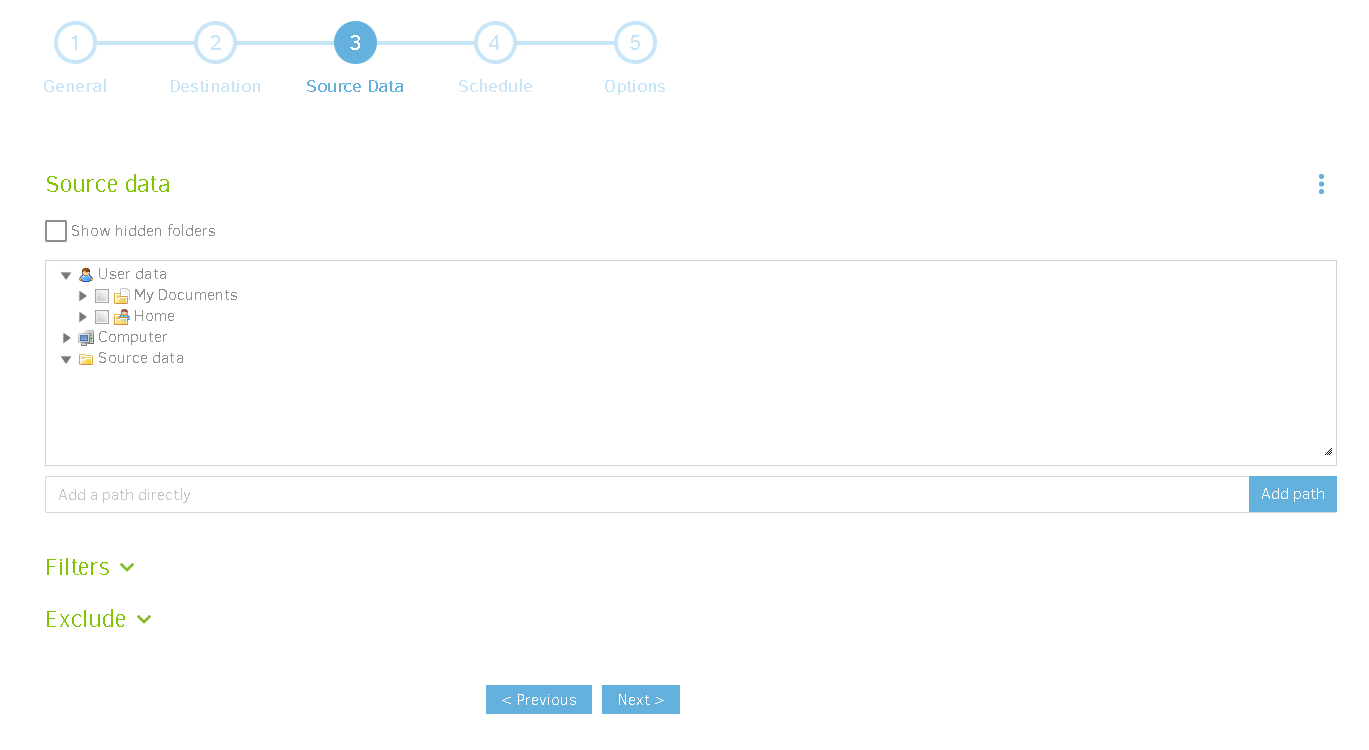
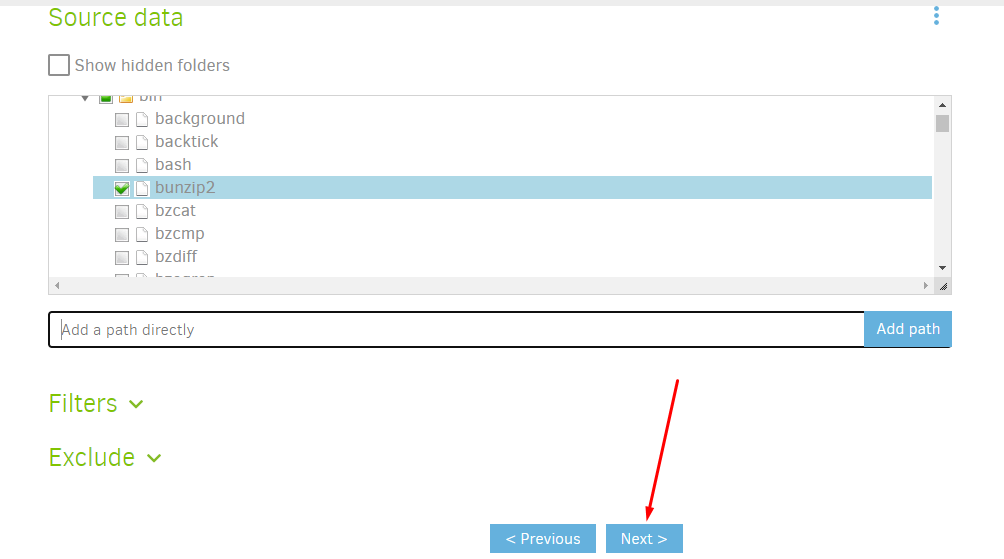
Next you يجب select the source data you want to back up. It has to be on the EVO server.
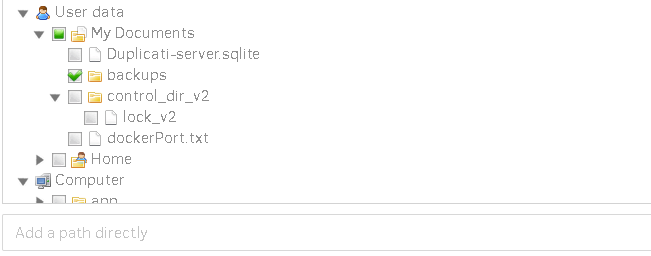
Ensure you tick the box next to the folder or file you want to back up. Clicking the file name will not prompt it to be selected, only highlighted.
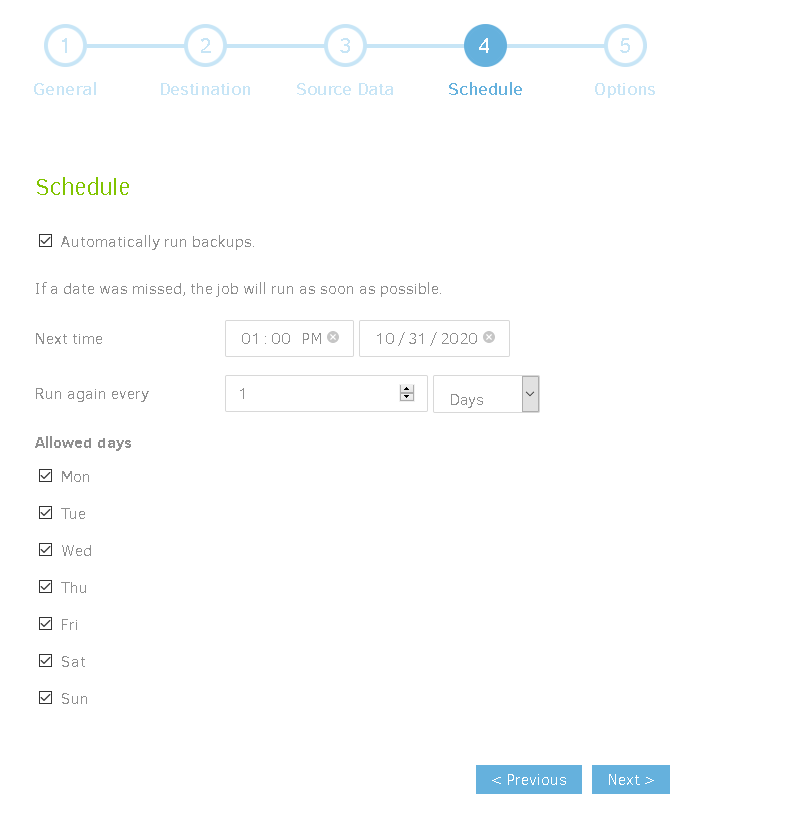
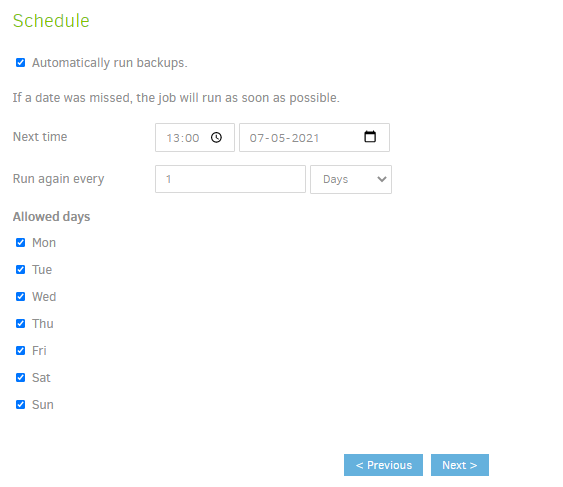
Adjust your schedule to what you think is best for your situation. I used the default settings.
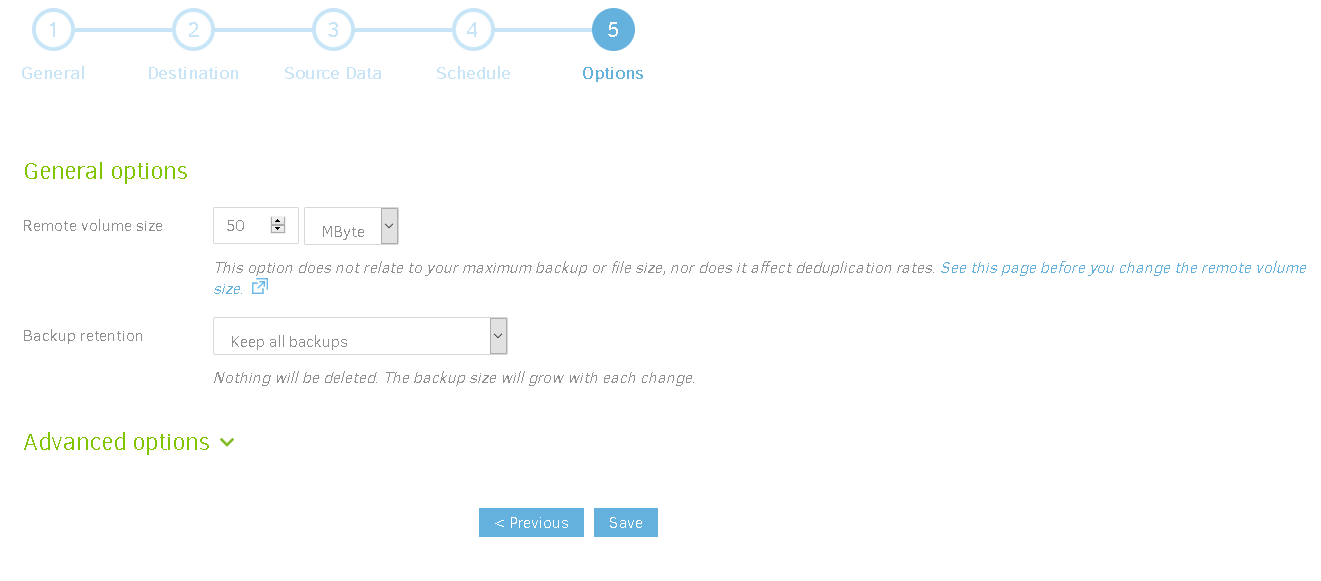
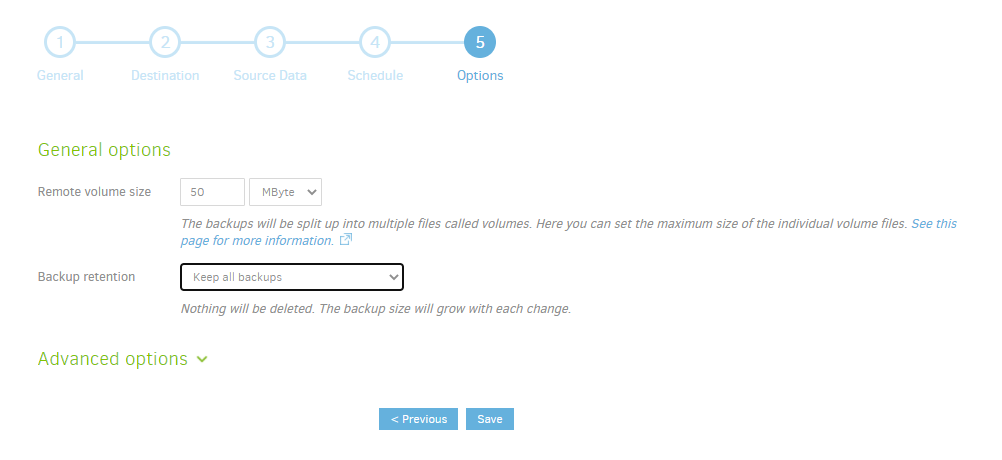
Finally يمكنك adjust these options if you'd like. I used the default settings. يمكنك explore the advanced options, but none of them were appropriate for what I wanted to back up. Click save and you are done!
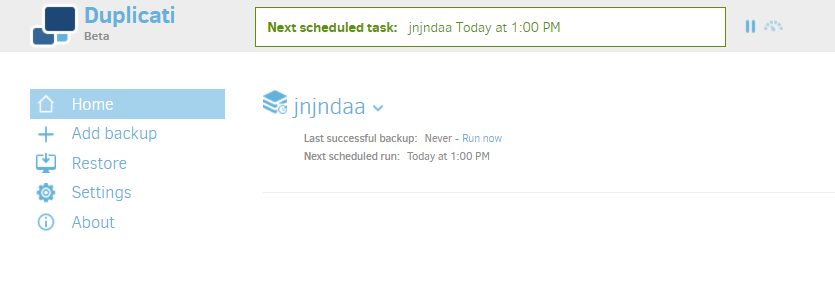
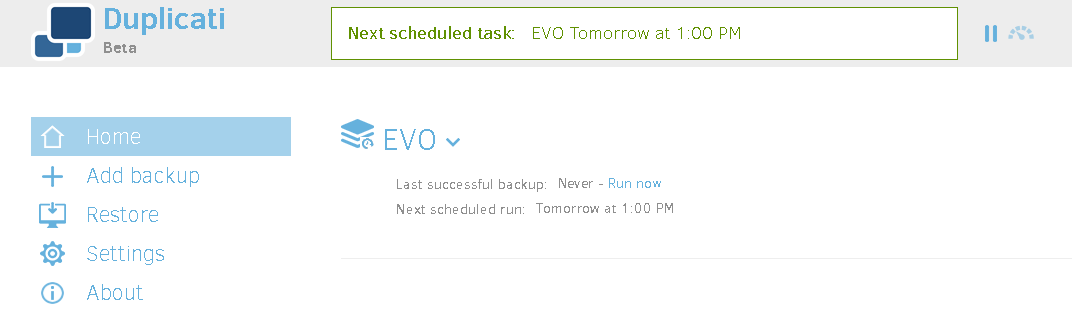
After you clicked save, ستظهر لك be taken back to the home screen and can make more back ups. You will أيضاً see data about your current back up as كما هو موضح أدناه.
في هذا الدليل, ستظهر لك learn how to create encrypted backups using an app called Duplicati.
Before we start, make sure you have downloaded التطبيق on الـ Seedbox الخاص بك.
Learn how to install apps from here
Now that Duplicati is successfully added to الـ Seedbox الخاص بك, it is time to create your first backup.
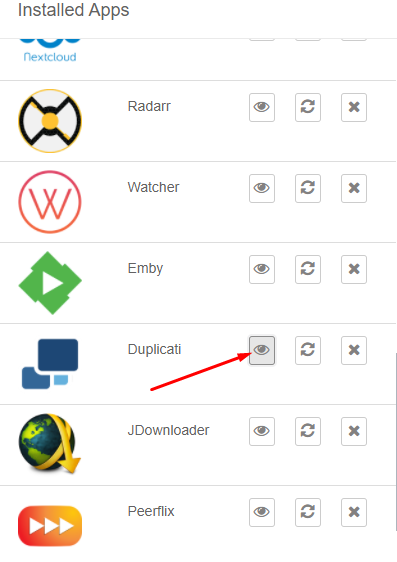
افتح the duplicati app from you evoseedbox dashboard
A Blank dashboard will appear like this:
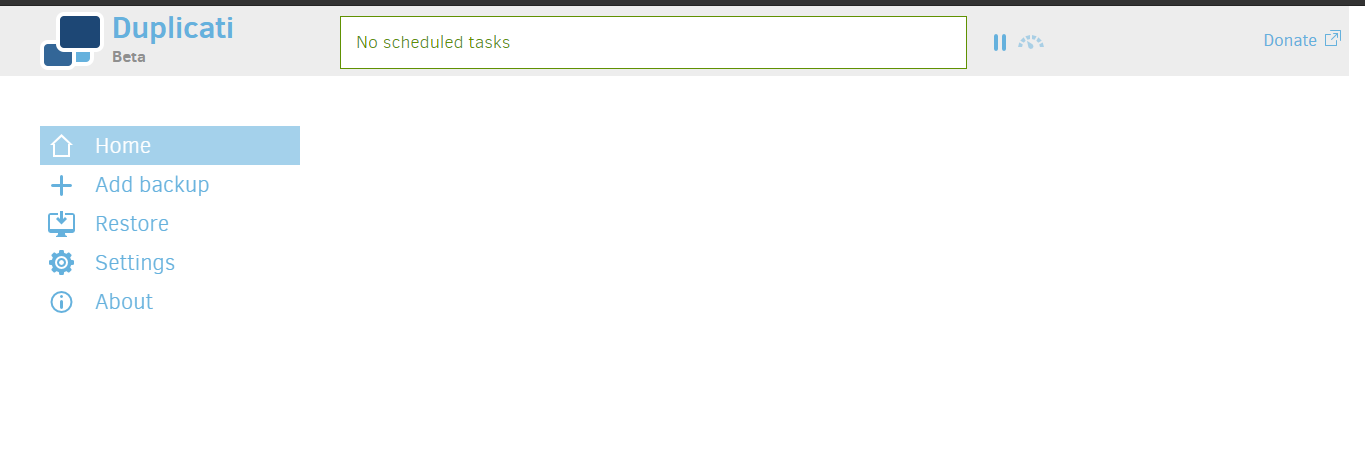
Creating first backup using Duplicati
#
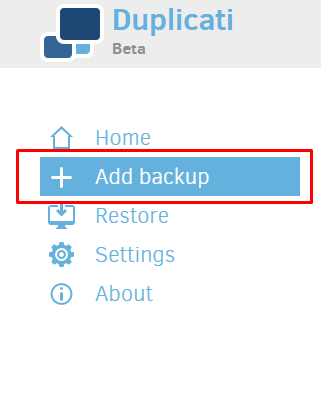
الخطوة 1: انقر على the Add backup زر
الخطوة 2: اختر تكوين a new backup and click on the next زر
الخطوة 3: Name you backup and generate your Passphase.
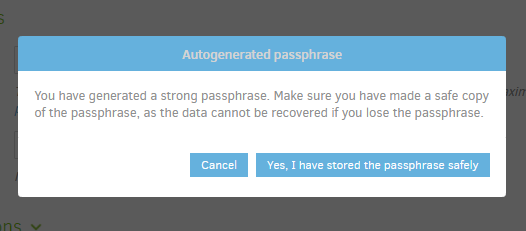
ملاحظة: keep you passphrase secure as it is the key to decrypt your backup.
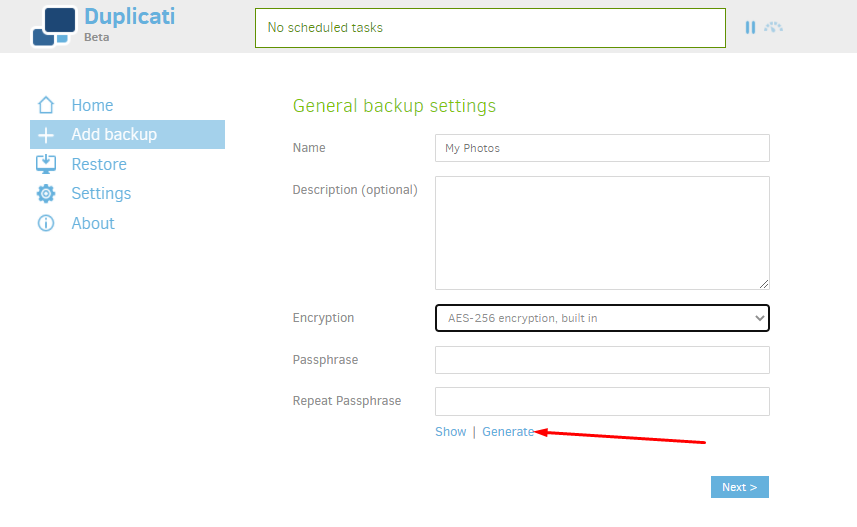
Once you click on generate, a passphrase will appear, note it down somewhere with you and click on the next زر.
Step 4: اختر backup destination. By default it is الـ Seedbox الخاص بك but yu can find many options in the drop-down menu.
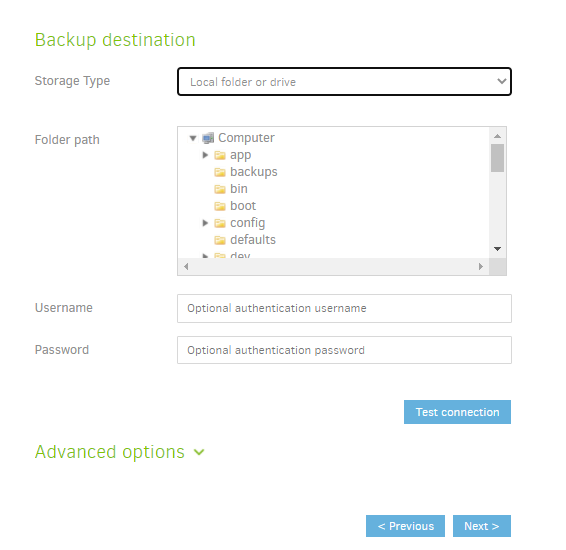
After filling in all the required details like path, اسم المستخدم and كلمة المرور (متاح في منطقة العميل dashboard) click on the test connection to check.
If successful, ستظهر لك see a pop-up like this:
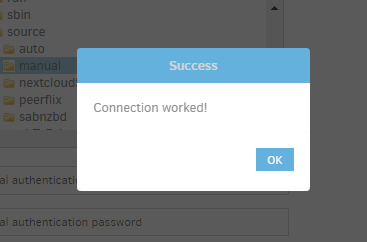
انقر على the next زر.
Step 5: Add files to be backed up. These files are fetched from الـ Seedbox الخاص بك.
يمكنك use the filter and exclude rule to set backups for particular files in a folder.
Once done, يمكنك click on the next زر.
Step 6: Schedule your automated backups
Step 7: Add your preference in the general options and click on حفظ.
Make sure your passphase is متاح with you.
Now يمكنك see that you backup has been create and visible on the home tab.