The seedbox control dashboard is the place from where يمكنك access الـ Seedbox الخاص بك. يمكنك add/ remove apps, use rutorrent , monitor الـ Seedbox الخاص بك.من خلال هذا المقال we’ll guide you how to use seedbox dashboard.
- يمكنك access your dashboard using the link and كلمة المرور provided in the Welcome to Evoseedbox email.
نافذة تسجيل الدخول موضحة أدناه:
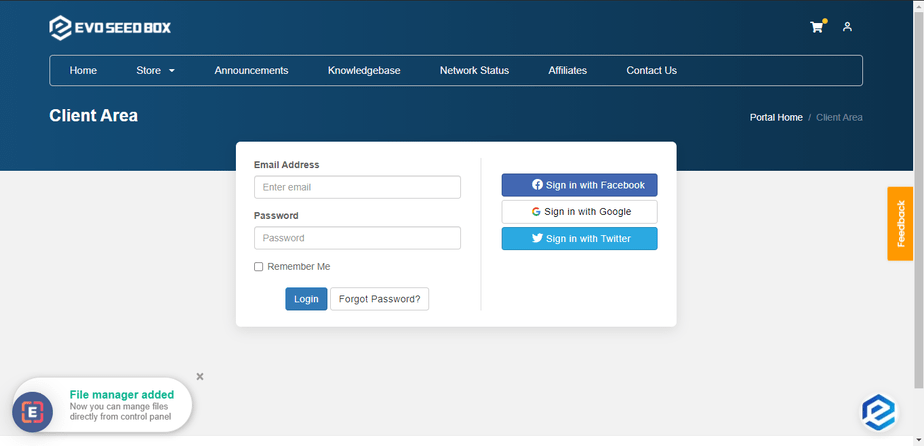
Enter your login بيانات الاعتماد as provided in the email and press on log-in
بعد نجاح login, ستظهر لك see the منطقة العميل where يمكنك see the overview of your account. Details like a number of services, product quotes, support tickets opened, and invoices provided in the منطقة العميل.
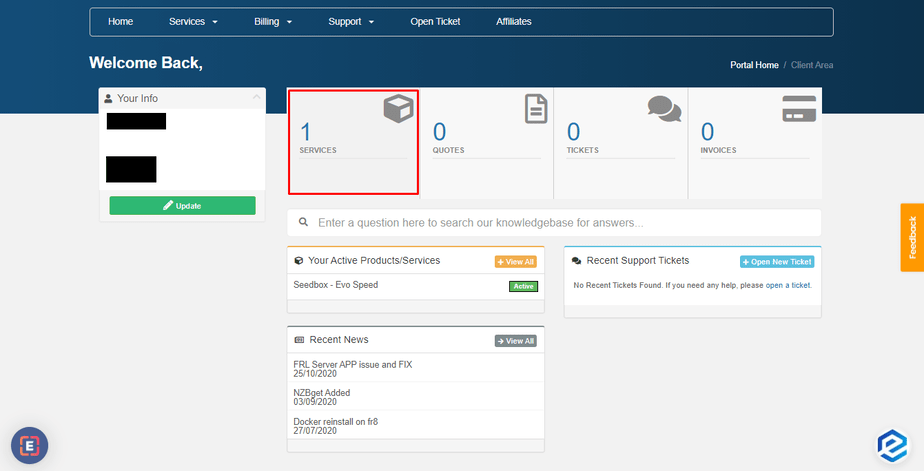
انقر على the services tab to open the currently متاح services and click on the service status to open the desired service.
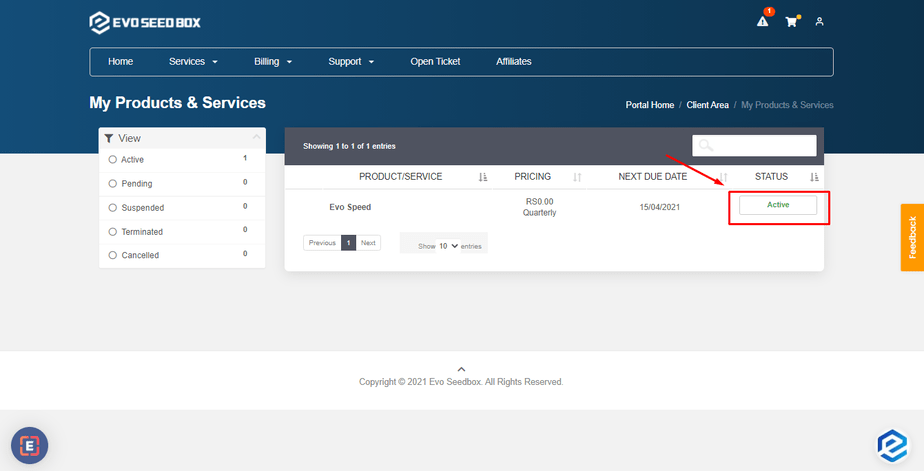
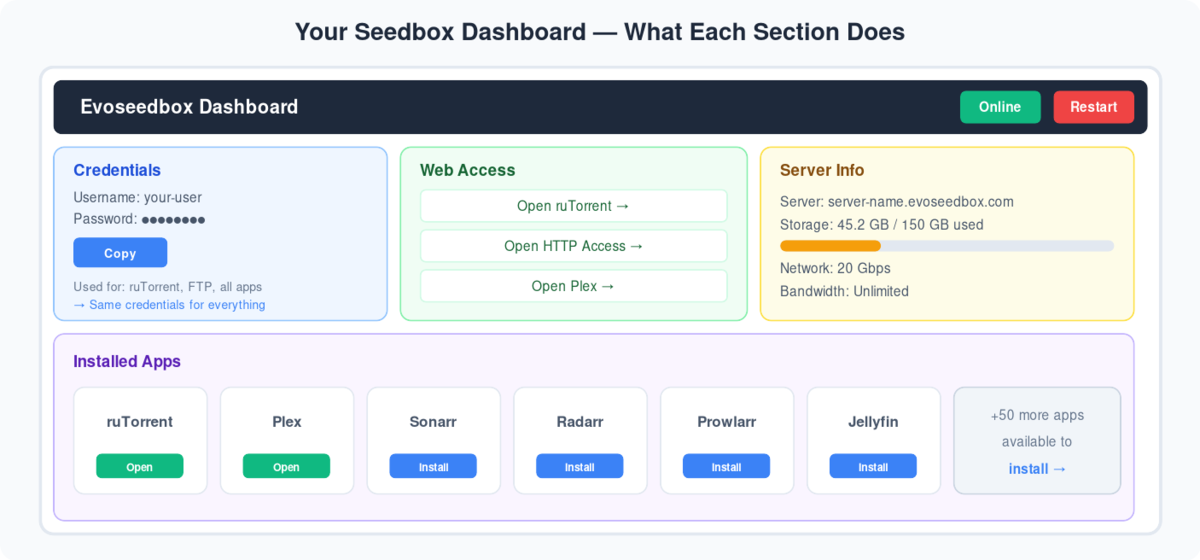
The next window that you see is the dashboard of الـ Seedbox الخاص بك where يمكنك look and access various details من plan to the HDD quota and other useful information
- رفع data limit details.

- Setting up Electorrent – Guide to setup electorrent على PC connected to rutorrent on the seedbox so that يمكنك manage your torrents without explicitly accessing rutorrent.

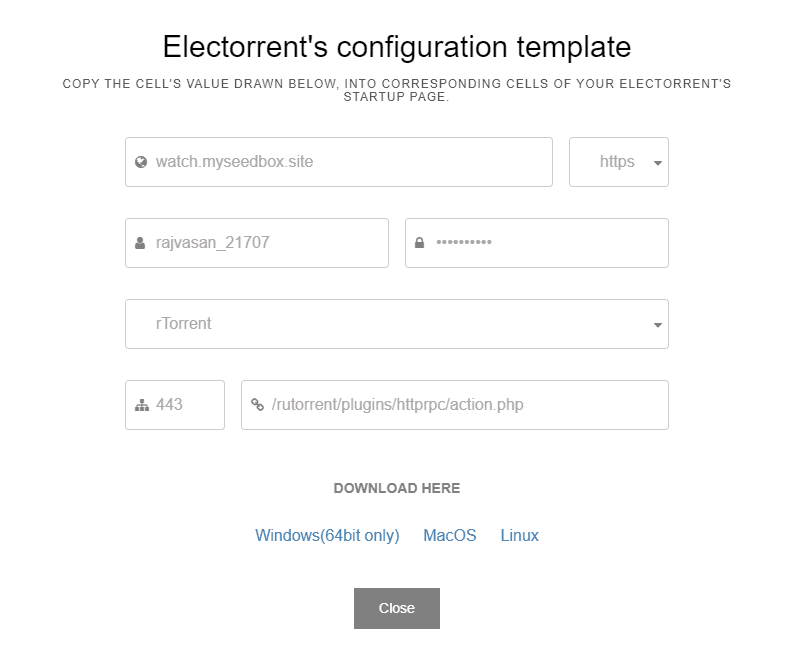
- Accessing your control panel.
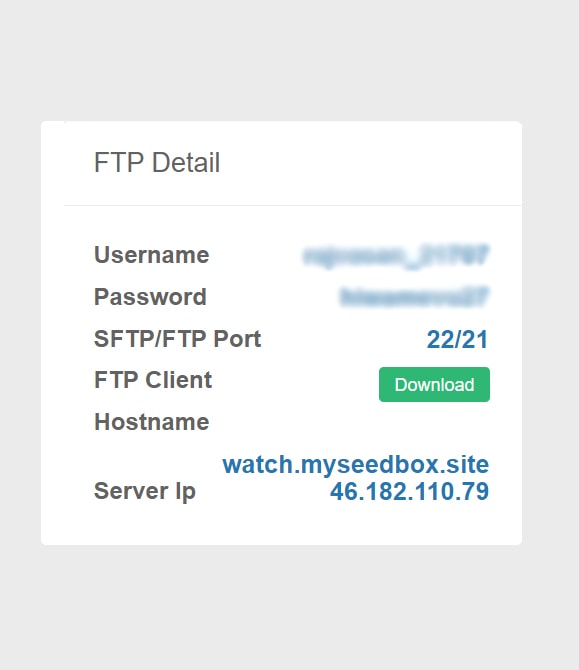
- FTP details
- Username
- Password
- SFTP/FTP port
- FTP client – يمكنك download LFTP client for seedbox access by clicking on the download زر.
- Hostname
Ru-torrent
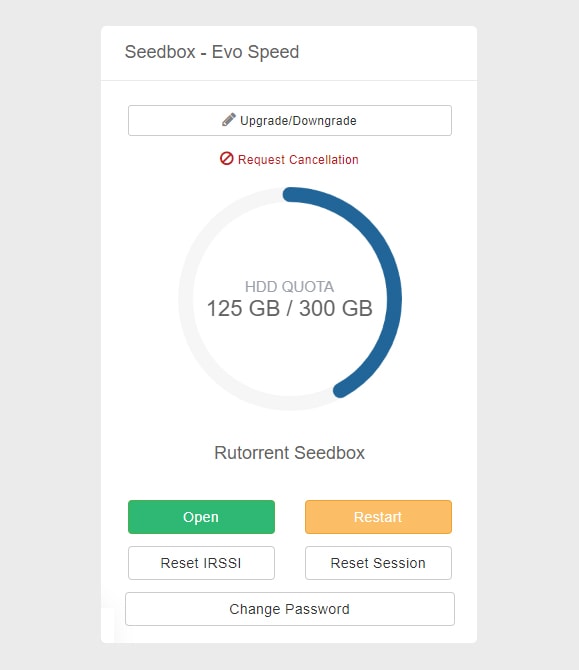
- Upgrade/Downgrade – Used for plan upgrade and downgrade.
- HDD Quota – Gives details about the current HDD usage.
- افتح/ إعادة تشغيل rutorrent
- إعادة ضبط IRSSI – Used for any error pertaining to torrent download
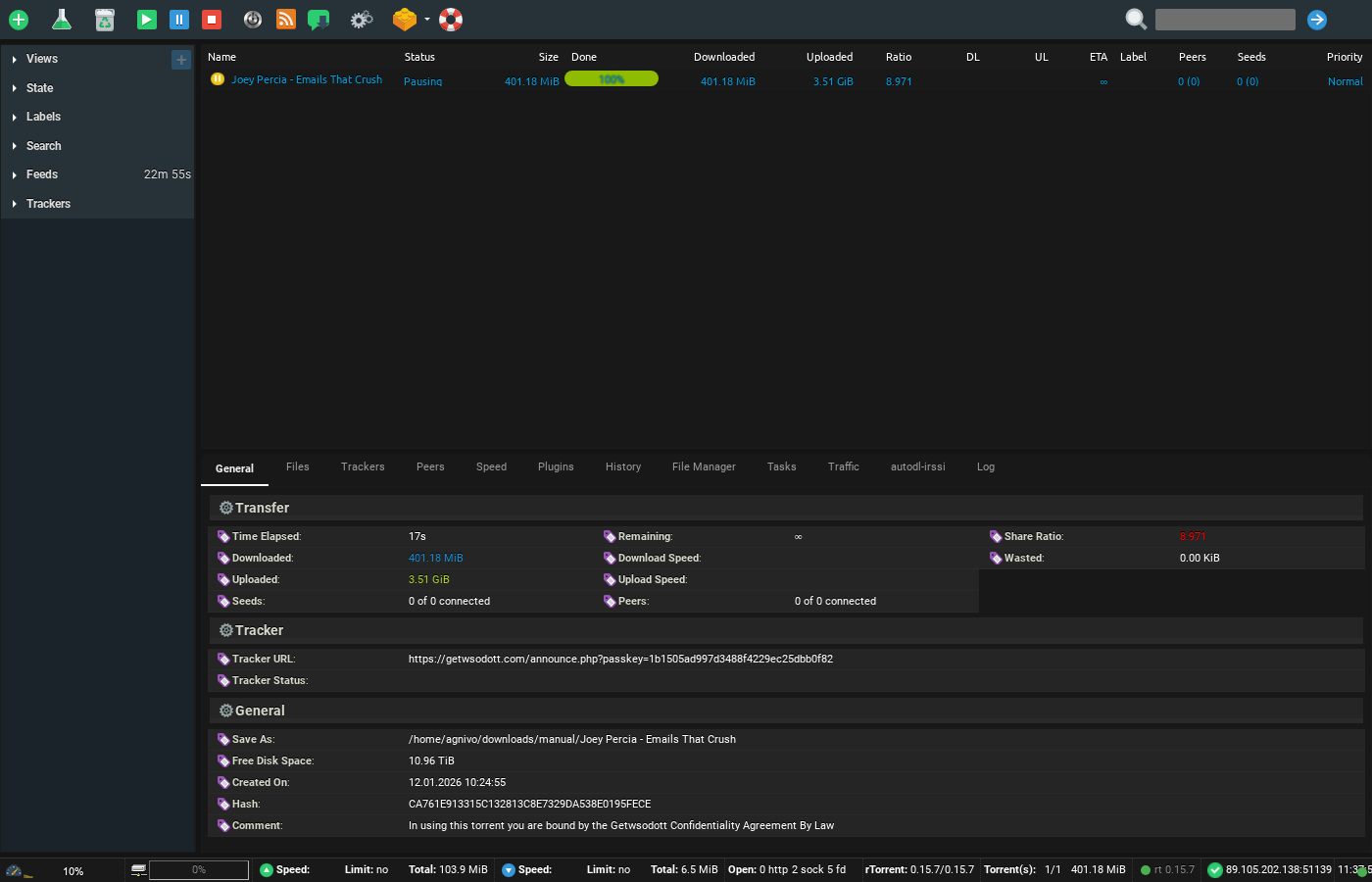
- إعادة ضبط Session – إعادة ضبطs rutorrent which clears currently added torrents
- Change Password – Used for resetting Rutorrent كلمة المرور.
- Web Access:It يوفر all the methods by which يمكنك access the الملفات على the seedbox مباشرة من جهازك.
- File Manager – افتحs file gator مدير الملفات
- Direct HTTP access – Provides direct browser-based HTTP access to الـ Seedbox الخاص بك.
- Direct FTP access – Provides FTP client-based access to الـ Seedbox الخاص بك. In our current plans, Filezilla and lftp(Winscp) are being offered.
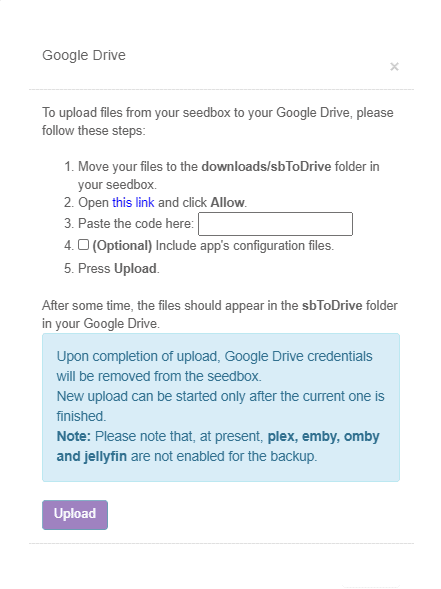
- Google Drive: This زر is used o setup google drive for uploading files from seedbox إلى google drive.
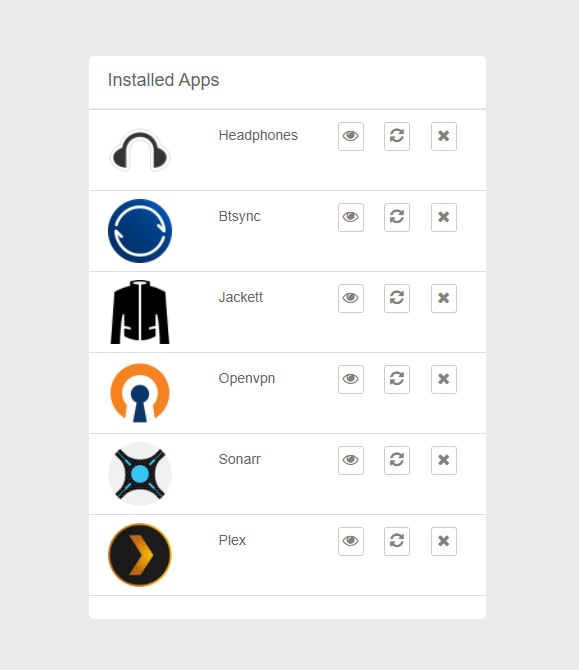
تثبيتed Apps: It lists and يوفر access to the installed apps.يمكنك أيضاً restart and remove التطبيقs from this section itself.
Help/Knowledge Base: افتحs the starters guide to Evoseedbox. It gets you along with the basics of rutorrent , Apps Tutorials, and common error fixes.

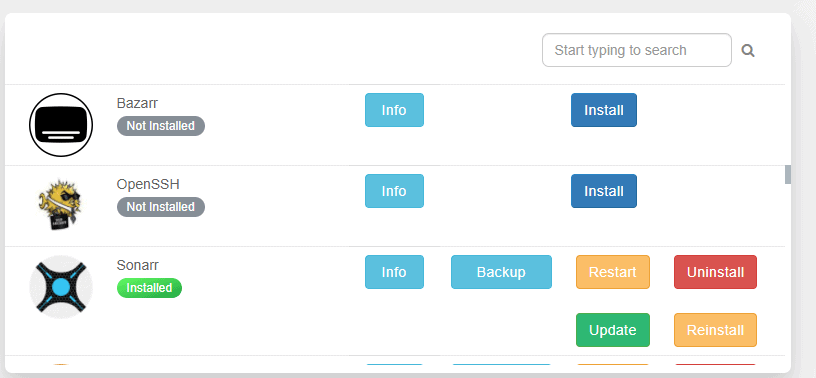
Apps Section: It يوفر all التطبيقs متاح في plan and يمكنك install any app with one-click.يمكنك أيضاً search for an using the search section. It أيضاً has options to install, reinstall, and uninstall التطبيق while keeping the config and removing the existing config.
يمكنك أيضاً update التطبيق from here just with one-click. إذا want to back-up the existing config يمكنك do so by clicking on the back-up option.
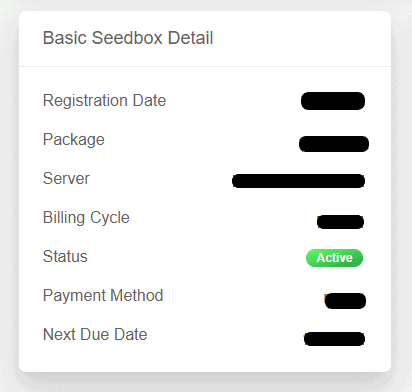
Basic Seedbox details:
- Registration Date
- Package
- Server
- Billing cycle
- Status
- Payment method
- Next due date
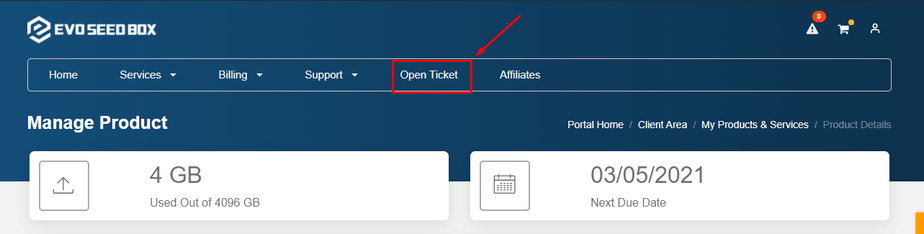
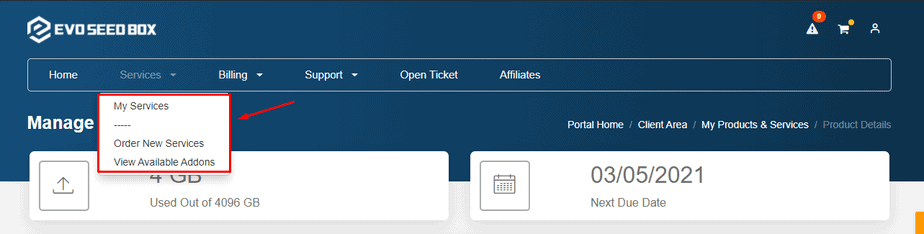
Services Tab: It lists all the services متاح and يمكنك أيضاً order new services from here.
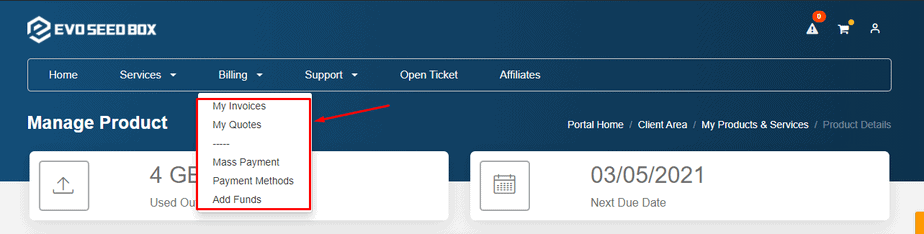
Billing Tab: It يوفر details of all the invoices, your quotes, mass payment and payment methods. يمكنك أيضاً add funds from here.
Support Tab : From this tab يمكنك see the status of all the tickets raised .See the latest announcements and refer to our knowledge base for guidance. يمكنك أيضاً see the network status and downloads.
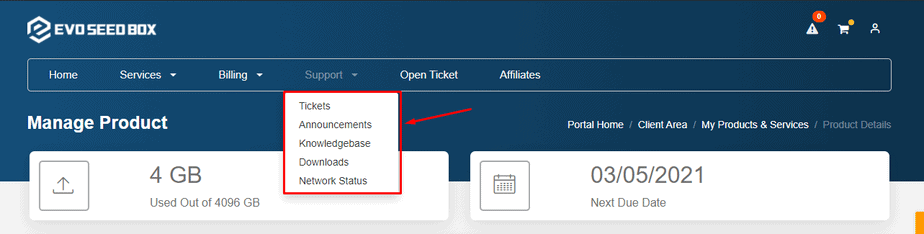
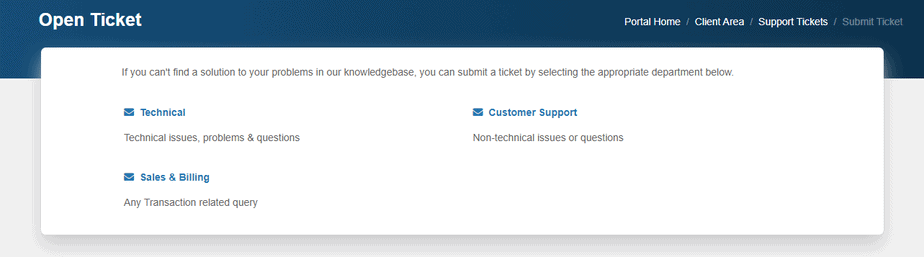
افتح Ticket: From here يمكنك raise a ticket if you have any technical issue or a billing related query or a general customer support query.